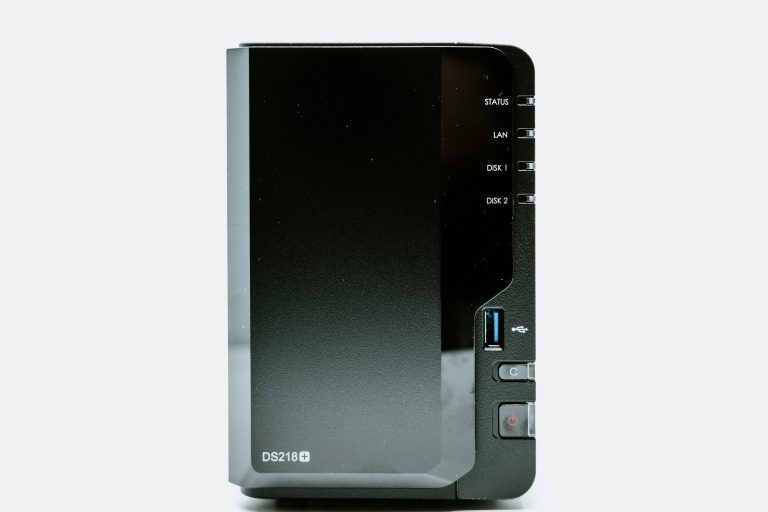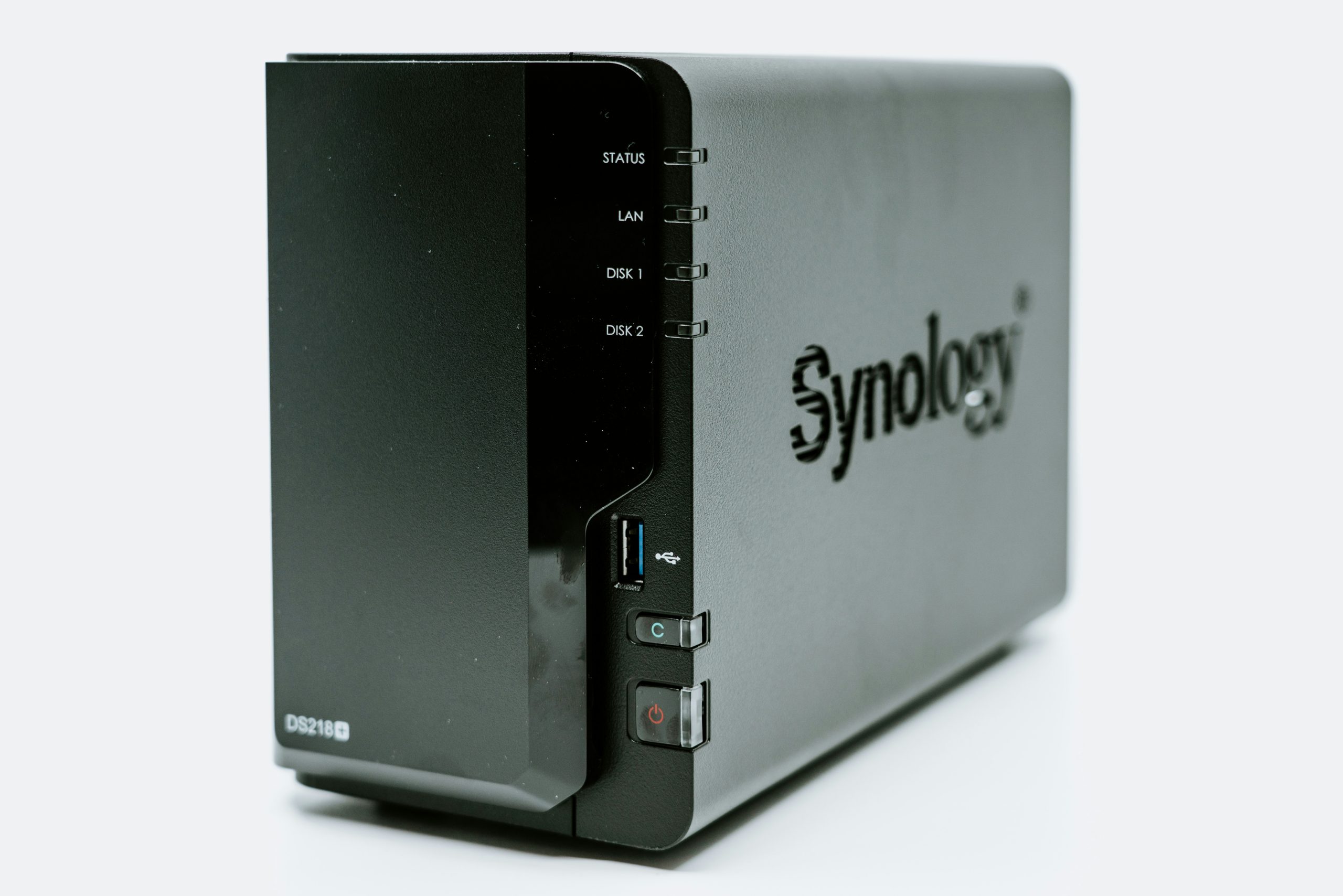
Synology vs TrueNAS: Which NAS Platform Is Right for You?
Choosing a centralized storage platform for your home network often comes down to a fundamental architectural and philosophical decision: do you want a polished, appliance-style turnkey NAS that sets up in minutes with zero maintenance, or an open-source, enterprise-grade storage powerhouse that gives you total control over hardware selection, ZFS data pooling, and application virtualization? The synology vs truenas comparison captures this exact choice for anyone building a modern homelab or family backup system.
Synology dominates the commercial consumer and small-business storage market with its renowned DiskStation Manager (DSM) operating system and purpose-built hardware appliances. On the other side of the landscape, TrueNAS (developed by iXsystems) provides a versatile, open-source storage operating system available in TrueNAS SCALE (built on Debian Linux) and TrueNAS CORE (built on FreeBSD), delivering enterprise-grade OpenZFS data protection to DIY homelabbers and system administrators.
In this in-depth head-to-head comparison, we evaluate both platforms across file system architecture, hardware costs, application ecosystems, backup strategies, and long-term expandability to help you choose the best solution for your storage needs.
Platform Overview: Synology DSM vs. TrueNAS SCALE
| Feature | Synology DSM | TrueNAS SCALE |
|---|---|---|
| Underlying Operating System | Custom Embedded Linux Kernel | Debian Linux |
| Primary Storage Engine | Btrfs + ext4 (with SHR/mdadm) | OpenZFS Enterprise Filesystem |
| Hardware Compatibility | Proprietary Synology Enclosures | Standard x86-64 PC / Server Hardware |
| Initial Setup Complexity | Very Low (15 minutes) | Moderate to High (Requires IT Knowledge) |
| Application Hosting | Synology Container Manager (Docker) | Docker Containers & Custom App Catalog |
| Storage Pool Expansion | Drive-by-drive expansion with SHR | VDEV expansion / Pool-level upgrades |
| Total Cost of Ownership | Higher hardware cost per drive bay | Lower cost when repurposing PC hardware |
Storage Architecture and File Systems: Synology vs TrueNAS
The fundamental technical divergence in the synology vs truenas debate centers on their respective storage engines, volume managers, and data integrity mechanisms.
Synology uses a hybrid storage framework combining standard Linux mdadm software RAID with the Btrfs filesystem. Synology’s most compelling innovation for home users is Synology Hybrid RAID (SHR). Unlike traditional RAID configurations that restrict storage capacity to the smallest drive in an array, SHR automatically partitions drives of mixed capacities, allowing you to combine dissimilar hard drive sizes without wasting storage space or sacrificing single-drive or dual-drive parity protection. When you install two 8TB drives and later add two 16TB drives, SHR creates nested RAID slices that maximize usable storage immediately.
TrueNAS is built entirely on OpenZFS, universally recognized as one of the most resilient storage systems in enterprise computing. As detailed in the comprehensive ZFS technical documentation, OpenZFS combines volume management and filesystem functionality with end-to-end 64-bit data checksumming, continuous self-healing scrub routines, and copy-on-write snapshots that completely eliminate silent data corruption (bit rot).
In a TrueNAS deployment, drives are grouped into Virtual Devices (VDEVs) utilizing RAIDZ1 (single parity), RAIDZ2 (dual parity), or striped mirrors. Because ZFS calculates cryptographic checksums on every read and write operation, any damaged block caused by media degradation is automatically detected and repaired on the fly using parity data. While ZFS historically required replacing all drives in a VDEV before unlocking extra capacity, modern OpenZFS versions now support in-place RAIDZ expansion, making storage expansion on TrueNAS significantly more flexible than in previous generations.
Hardware Options and Cost Considerations
Hardware flexibility represents another major deciding factor between these two ecosystems:
Turnkey Synology Hardware Solutions
Synology Flagship 4-Bay NAS
💰 Buy on Amazon → Synology DS923+ 4-Bay NAS
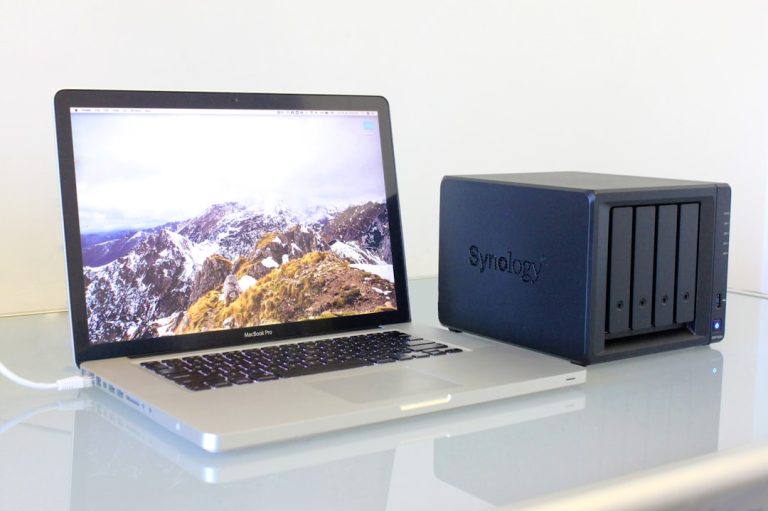
Synology hardware is engineered for quiet acoustic performance, compact physical dimensions, and exceptionally low electrical power consumption. Flagship models like the Synology DS923+ feature hot-swappable drive trays, dual M.2 NVMe SSD caching slots, PCIe expansion options for 10GbE network cards, and reliable AMD Ryzen processing power.
Synology Media Streaming 4-Bay NAS
💰 Buy on Amazon → Synology DS423+ 4-Bay NAS
For media enthusiasts who prioritize hardware video transcoding for streaming, the DS423+ integrates an Intel Celeron processor with Intel QuickSync GPU cores for smooth 4K transcoding in Plex and Jellyfin.
Synology Compact 2-Bay Network Storage
💰 Buy on Amazon → Synology DS224+
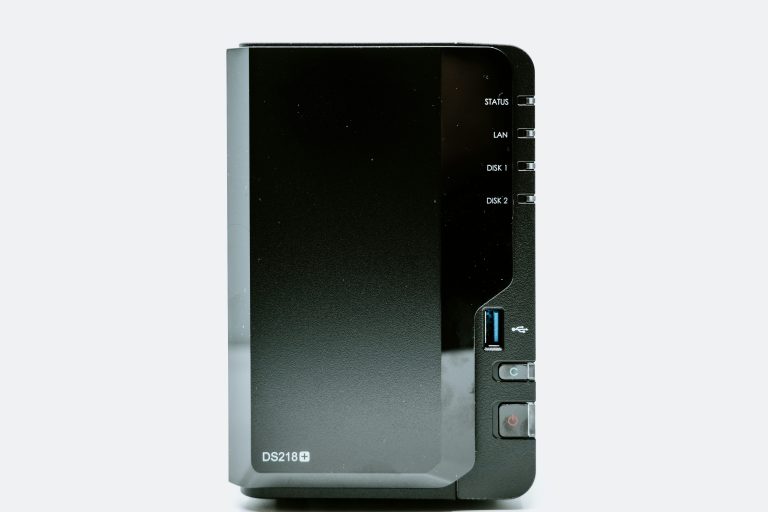
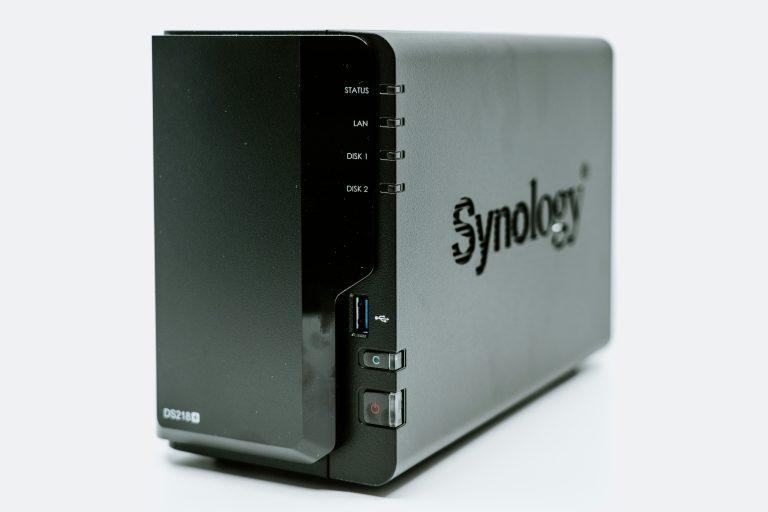
For simple document backups and dual-drive mirrored redundancy, the compact DS224+ provides a low-power, entry-level network storage foundation that sips only 15 watts under typical operation.
DIY TrueNAS Hardware Flexibility
High-Performance Mini PC Server Node
💰 Buy on Amazon → Intel NUC13 Mini PC
TrueNAS gives you complete freedom to install the operating system on virtually any x86-64 hardware, ranging from repurposed office desktop PCs to high-density custom server chassis with ECC memory support. Compact mini PCs like the Intel NUC13 or Beelink mini PC make outstanding ultra-compact TrueNAS nodes when paired with multi-bay external storage enclosures or high-speed NVMe flash arrays.
Energy-Efficient Mini PC Homelab Server
💰 Buy on Amazon → Beelink Mini PC (i5-1235U)
With DIY hardware, you can select custom components based on your exact compute requirements. If you need 64GB of ECC DDR5 RAM, high-bandwidth PCIe Gen 4 lanes, or an 8-core modern processor, you can assemble a custom build for a fraction of what commercial vendors charge for equivalent enterprise hardware.
Regardless of the platform you choose, populating your drive bays with dedicated NAS-rated hard drives featuring Conventional Magnetic Recording (CMR) technology ensures maximum durability under heavy continuous workloads.
Enterprise NAS Hard Drives
💰 Buy on Amazon → Western Digital WD Red Plus
High-Capacity Homelab Hard Drives
💰 Buy on Amazon → Seagate IronWolf Pro
Operating System Experience: DSM vs. TrueNAS SCALE
Synology DiskStation Manager (DSM)
Synology DSM delivers a clean, windowed desktop interface accessible through any modern web browser. First-party software applications such as Synology Photos, Synology Drive, and Hyper Backup integrate effortlessly with dedicated iOS and Android mobile apps. Family members can automatically synchronize smartphone photo libraries and manage secure personal cloud storage without requiring any technical knowledge. The administrative overhead is practically zero; background maintenance tasks, drive health checks, and OS security patches run quietly with minimal user intervention. You can explore the full DSM interface on Synology’s official software portal.
TrueNAS SCALE
TrueNAS SCALE offers a data-dense, highly configurable management portal designed specifically for system administrators, storage engineers, and homelab builders. It gives you comprehensive control over ZFS datasets, snapshot lifecycles, automated replication tasks, ACL permissions, and advanced network interface bonding. TrueNAS exposes raw telemetry, allowing you to monitor drive temperatures, ARC memory cache hit ratios, and per-disk IOPS in real time. While the initial setup requires deeper networking and storage knowledge, the administrative transparency and granular control are unparalleled. Discover deployment options on the TrueNAS SCALE product page.
Application Hosting and Media Server Capabilities
Both platforms serve as versatile application hosts for self-hosted services like Plex, Jellyfin, Home Assistant, and Nextcloud:
Synology Container Ecosystem
Synology features Container Manager for running standard Docker containers alongside an official Package Center. Application deployment is simple and accessible. Docker Compose files can be launched directly through the web UI, making it easy to run lightweight background microservices. However, hardware transcoding is limited to specific Intel-based models (such as the DS423+), while AMD-powered models like the DS923+ lack integrated GPUs for hardware video encoding.
TrueNAS SCALE App Catalog
TrueNAS SCALE leverages standard Docker containerization and a vibrant catalog of community applications. If you build your TrueNAS server with modern Intel processors featuring QuickSync or add a discrete graphics card, you get unmatched transcoding throughput capable of serving dozens of concurrent 4K media streams. Furthermore, TrueNAS SCALE makes it seamless to pass through PCIe devices, network interfaces, and GPUs directly to virtual machines or Docker containers.
Data Protection, Snapshots, and Backup Workflows
A network storage server is only as dependable as its recovery mechanisms. Both environments approach disaster recovery through distinct paradigms:
- Immutable Snapshots: TrueNAS leverages native ZFS snapshots with near-zero performance overhead, allowing you to roll back datasets to precise points in time within seconds if targeted by ransomware. Synology implements Btrfs snapshots through Snapshot Replication, providing user-accessible previous file versions.
- Offsite Cloud Synchronization: Synology Cloud Sync and Hyper Backup provide turnkey integrations with Amazon S3, Google Drive, Backblaze B2, and Synology C2 Storage. TrueNAS includes native Cloud Sync tasks and asynchronous ZFS send/receive replication to remote TrueNAS servers.
- Cold Backups and External Drives: Synology features dedicated USB Copy functionality, allowing physical hard drives plugged into the front USB port to receive automated nightly backups with full encryption. TrueNAS allows external pool imports and automated rsync tasks.
Long-Term Maintenance, Upgrades, and Total Cost of Ownership
When evaluating long-term ownership, consider how each ecosystem evolves over five to ten years of continuous operation:
- Hardware Longevity: Synology provides dependable DSM software updates for older appliances for up to seven years. However, when the internal motherboard or power supply eventually fails out of warranty, sourcing proprietary replacement parts can be expensive. TrueNAS hardware runs on standard off-the-shelf ATX, ITX, or server components that can be replaced or upgraded at any computer supply retailer.
- Energy Consumption: Synology appliances are heavily optimized for minimal power draw, typically consuming between 15W and 35W with drives spun up. Custom TrueNAS builds on consumer PC hardware often idle between 30W and 60W, though careful component selection with low-power mini PCs or Intel T-series processors can narrow this power gap significantly.
- Licensing and Subscription Models: Both Synology DSM and TrueNAS SCALE are free of ongoing software subscriptions. Synology includes licenses for two IP surveillance cameras in Surveillance Station (requiring paid license packs for additional cameras), whereas TrueNAS users can run completely free, unlimited open-source NVR platforms like Frigate or Scrypted in Docker.
For further insights into storage drive selections and RAID configurations, consult our detailed guide on NAS RAID explained and our roundup of the best NAS hard drives for Plex home servers. If comparing retail brands, check out our analysis of Synology vs QNAP.
Making the Decision: Which Platform Fits Your Needs?
When evaluating the synology vs truenas decision for your home:
Choose Synology if:
– You want a reliable, energy-efficient turnkey appliance that requires zero hardware assembly and minimal maintenance.
– You want polished mobile applications for automated family photo backups and seamless personal cloud sync.
– You want the convenience of mixing dissimilar hard drive capacities using Synology Hybrid RAID (SHR).
– You prefer an uncomplicated, appliance-style ownership model backed by official vendor hardware warranties.
– You value a plug-and-play setup that your non-technical family members can use with confidence.
Choose TrueNAS if:
– You demand enterprise-grade OpenZFS data integrity, self-healing scrub routines, and bit rot protection.
– You want to repurpose existing PC hardware or build a high-power custom server with high-core-count CPUs and ECC memory.
– You require multi-gigabit or 10GbE network throughput without paying commercial vendor hardware markups.
– You enjoy customizing datasets, managing snapshot replication schedules, and building a versatile homelab.
– You want unconstrained freedom to upgrade components, add HBA cards, and expand storage pools on your own terms.
Frequently Asked Questions
Is TrueNAS free to use?
Yes, both TrueNAS SCALE and TrueNAS CORE are completely free, open-source operating systems that can be downloaded and installed on standard PC hardware.
Can I mix different drive sizes in TrueNAS like Synology SHR?
While TrueNAS utilizes OpenZFS and prefers equal-sized drives within each VDEV for optimal capacity efficiency, modern OpenZFS supports RAIDZ expansion. However, Synology SHR remains more flexible for ad-hoc mixed drive upgrades.
Does Synology support ZFS?
No, standard Synology consumer and small-business DiskStations use Btrfs paired with Linux mdadm RAID. Synology reserves ZFS exclusively for its enterprise rackmount XS+/FS series running DSM UC.
Can I run Plex Media Server on both platforms?
Yes, Plex runs natively on both platforms. TrueNAS SCALE excels with custom builds using Intel QuickSync CPUs for transcoding, while Synology models equipped with Intel processors (like the DS423+) handle 4K transcoding smoothly.
Which platform is easier to back up offsite in a Synology vs TrueNAS setup?
Synology’s Hyper Backup makes offsite backups to cloud providers (Backblaze B2, C2 Storage, S3) remarkably simple. TrueNAS provides robust ZFS snapshot replication and built-in Cloud Sync tasks, but requires more manual setup.