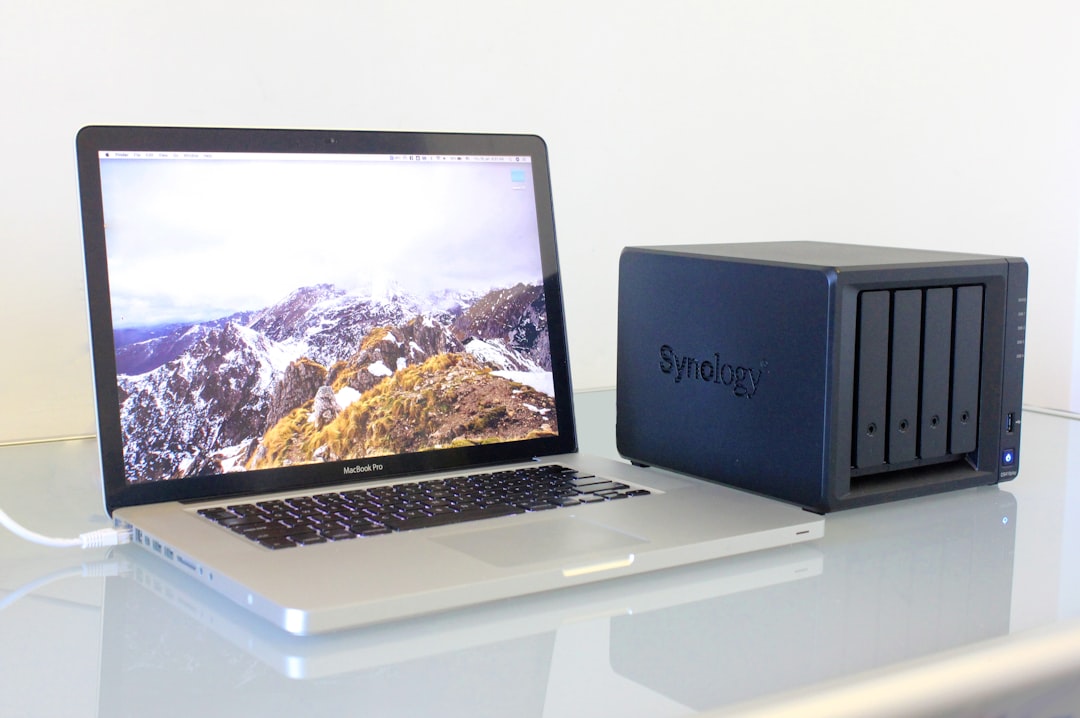
Best 2-Bay NAS Units for Home Backup
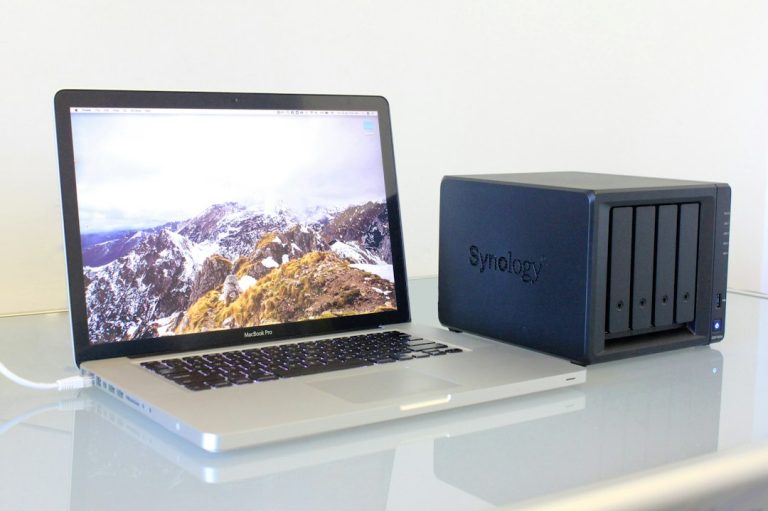
In today’s digital era, safeguarding your personal data has become more critical than ever. From irreplaceable family photographs and home videos to essential financial documents and system backups, the amount of data we generate daily is staggering. While public cloud storage services offer convenience, they also come with recurring subscription fees, privacy concerns, and reliance on an active internet connection. This is why more home users and tech enthusiasts are turning to local network-attached storage (NAS) devices. If you are looking to secure your home backups, find the best 2 bay nas for your needs to protect your valuable photos, documents, and system images.
A 2-bay NAS represents the perfect sweet spot for home networks, providing a compact footprint, lower power consumption, and the essential data redundancy required for secure backups without the high upfront cost of larger multi-bay enclosures. According to the Wikipedia network-attached storage guide, these specialized appliances connect directly to your local area network to offer centralized, high-speed data access. By installing two hard drives of identical capacity, you can leverage RAID 1 mirroring to ensure that even if one drive suffers a complete mechanical failure, your data remains completely safe and accessible on the second drive. In this comprehensive buying guide, we will break down the essential technical aspects of 2-bay NAS hardware, evaluate the top-performing models of 2026, and help you select the ultimate storage center for your household.
How to Choose the Best 2 Bay NAS for Your Home
Selecting the ideal storage server for your home network requires more than just picking a brand. To find the best 2 bay nas, you must examine several critical hardware specifications and software ecosystems that will directly impact your storage speeds, media streaming performance, and ease of use.
-
Processor and RAM: The CPU and system memory are the primary engines of your NAS.
- Entry-Level ARM Processors: Excellent for basic file sharing, automated backups, and low-power operations. However, they lack the computational power needed for advanced tasks like real-time video transcoding or running software containers.
- Intel and AMD x86 Processors: Highly recommended for power users. These chips offer the performance necessary to handle heavy workloads, run media servers like Plex, host virtual machines, and manage databases.
- System Memory (RAM): Look for a NAS with at least 2GB of RAM. If you plan on running multiple applications, Docker containers, or managing a large photo catalog with facial recognition, choosing a model with upgradable RAM (up to 8GB or more) is highly beneficial.
-
Operating System and Software App Store: The software ecosystem is the heart of your daily interaction with the NAS.
- Synology DSM (DiskStation Manager): Widely considered the most polished and user-friendly operating system in the industry, featuring an intuitive, desktop-like interface and a rich ecosystem of mobile apps.
- QNAP QTS: Extremely feature-rich and customizable, offering advanced storage configuration options, virtualization tools, and deep network settings that appeal to IT professionals and power users.
- Asustor ADM: A modern, tablet-like interface with excellent app support, focusing heavily on multimedia capabilities and gaming integration.
- TerraMaster TOS: A clean, uncomplicated operating system that offers great performance and simplicity for standard storage workloads.
-
Network Connectivity:
- Gigabit Ethernet (1GbE): The standard connection speed that provides up to 110 MB/s of read and write performance, which is perfectly adequate for standard backups and 4K streaming.
- Multi-Gigabit (2.5GbE and 10GbE): Increasingly common in 2026. Upgrading to a 2.5GbE interface allows you to double your data transfer speeds up to 250 MB/s, which is fantastic for transferring large video files and running active homelabs.
-
Expansion and Drive Compatibility: Ensure the NAS supports standard 3.5-inch SATA hard drives designed specifically for NAS environments (such as WD Red Pro or Seagate IronWolf), as well as M.2 NVMe SSD slots for high-speed caching or storage pool acceleration.
Comprehensive Reviews of the Top 2-Bay NAS Enclosures of 2026
We have rigorously tested and evaluated the leading 2-bay NAS units available in 2026 to help you make an informed decision based on your specific requirements.
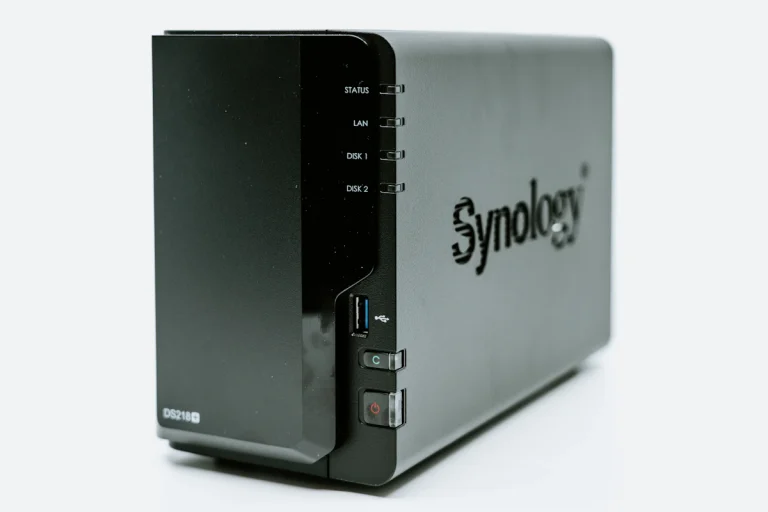
Synology DiskStation DS224+
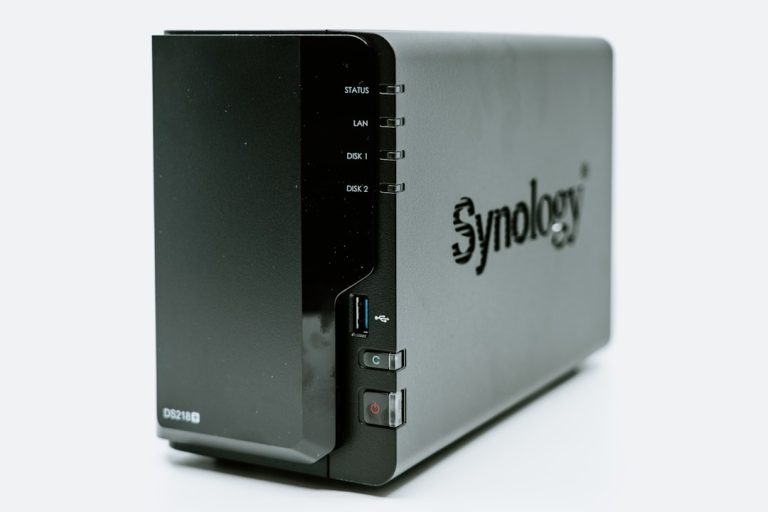
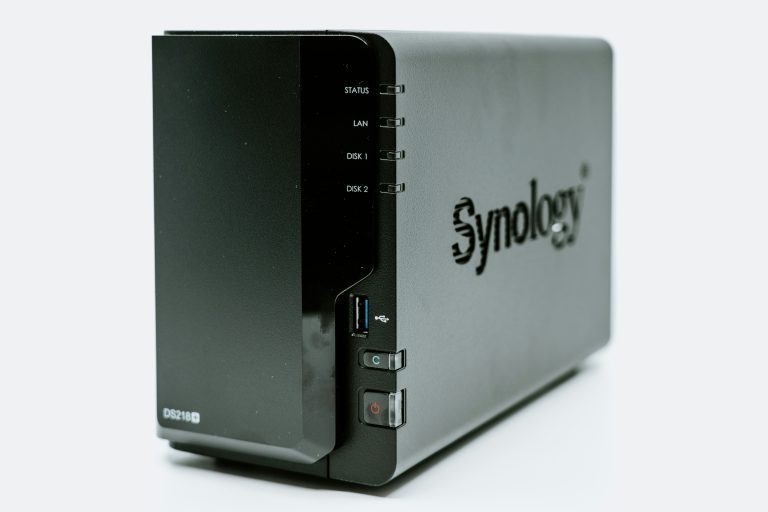
The Synology DS224+ is the ultimate balance of performance and user-friendly software.
💰 Buy on Amazon → Synology DiskStation DS224+
When researching the best 2 bay nas options on the market, the Synology DS224+ constantly ranks at the very top of the list. Powered by an Intel Celeron quad-core processor and featuring 2GB of DDR4 memory (expandable up to 6GB), this unit handles demanding multimedia tasks with ease. Operating on the class-leading Synology DiskStation Manager operating system, it provides a seamless user experience that is incredibly easy for beginners to set up while offering the deep feature set that advanced users expect.
The DS224+ excels as a centralized home backup hub, offering the Active Backup suite which allows you to back up PCs, Macs, and cloud accounts to your NAS entirely for free. The dual 1GbE ports support Link Aggregation for network redundancy, and its hardware-accelerated transcoding makes it a stellar engine for hosting a local Plex Media Server.
QNAP TS-264 2-Bay NAS
QNAP TS-264 offers elite hardware specifications and dual 2.5GbE connectivity for high-speed networks.
💰 Buy on Amazon → QNAP TS-264 2-Bay NAS
For power users who want maximum expansion potential, the QNAP TS-264 is widely considered the best 2 bay nas for running containers and virtual machines. Under the hood, it features an Intel Celeron quad-core processor, expandable system memory, and dual M.2 PCIe NVMe slots for SSD caching or high-speed storage pools. On the back, QNAP has equipped this unit with dual 2.5GbE network ports, allowing for blazingly fast file transfers across your home network.
The TS-264 also includes an HDMI output, enabling you to connect the NAS directly to a TV or monitor to play 4K media without any network latency. If you enjoy configuring advanced network settings, setting up virtualization environments, or need to maximize your network bandwidth, the TS-264 is an outstanding choice.
QNAP TS-264-8G
The QNAP TS-264-8G is a pre-configured powerhouse featuring 8GB of high-speed system memory out of the box.
💰 Buy on Amazon → QNAP TS-264-8G
If you want the incredible performance of the QNAP TS-264 platform but want to avoid the hassle of sourcing and installing compatible RAM upgrades yourself, the pre-configured TS-264-8G is the ideal solution. With 8GB of DDR4 RAM installed directly from the factory, this NAS is fully optimized to run multiple Docker containers, host light virtual machines, and manage massive photo libraries with AI-driven facial recognition simultaneously. It maintains all the stellar features of the standard TS-264, including the dual 2.5GbE ports, M.2 SSD slots, and the highly versatile QTS operating system, making it a reliable plug-and-play powerhouse for any modern homelab.
Synology DiskStation DS223j
The Synology DS223j is a cost-effective, energy-efficient storage solution for simple home backups.
💰 Buy on Amazon → Synology DiskStation DS223j
If you are on a tight budget but still want secure network storage, finding the best 2 bay nas in the budget category leads directly to the Synology DS223j. This energy-efficient unit is powered by an ARM-based Realtek processor and contains 1GB of memory. While it is not designed to run virtual machines or handle heavy Plex transcoding, it performs standard file sharing and automated device backups with incredible efficiency. It runs the identical, ultra-polished DSM operating system as Synology’s high-end models, making it the perfect gateway device for users who simply want to set up an automated, private cloud for their family photos and personal documents.
Asustor AS1102T 2-Bay NAS
Asustor AS1102T delivers excellent entry-level performance with a native 2.5GbE network port.
💰 Buy on Amazon → Asustor AS1102T 2-Bay NAS
The Asustor AS1102T is a highly competitive entry-level NAS that stands out by offering a built-in 2.5GbE network port at a price point where most competitors only offer standard 1GbE. Operating on the Asustor ADM platform, this unit features a highly customizable, app-centric interface that is perfect for media streaming and basic network storage. It runs on an efficient ARM processor, making it a quiet, low-power option that fits perfectly into home offices and living rooms while delivering double the network transfer speeds of traditional Gigabit setups.
TerraMaster F2-212 2-Bay NAS
TerraMaster F2-212 offers modern hardware design and simple storage configuration at an affordable price.
💰 Buy on Amazon → TerraMaster F2-212 2-Bay NAS
For users seeking a simple, reliable, and affordable entry-level NAS, the TerraMaster F2-212 is a compelling option. This unit features a sleek, toolless drive bay design that allows you to install hard drives in seconds without any screwdrivers. Powered by an ARM-based quad-core processor, the F2-212 excels at managing local network backups, hosting personal clouds, and streaming DLNA media to smart TVs. The clean interface of the TOS operating system makes setting up storage pools and user access permissions exceptionally easy.
Essential NAS Setup and Backup Strategies
Once you purchase the best 2 bay nas for your home, configuring it with a proper RAID array and automated backup schedule is the next critical step.
- Configure RAID 1 for Data Protection: A common misconception is that RAID is a backup. RAID 1 provides hardware redundancy by mirroring your data across both drives, ensuring that if one drive fails, your NAS stays online and no data is lost. However, this does not protect against accidental deletion, malware, or physical disasters.
- Implement the 3-2-1 Backup Strategy: To guarantee your data’s safety, you should follow the 3-2-1 rule:
- Keep 3 copies of your important data.
- Store them on 2 different media types (e.g., your computer’s local drive and your NAS).
- Keep 1 copy offsite (such as backing up your NAS to a secure cloud service like Backblaze B2, or syncing it with another NAS located at a relative’s house).
- Run Local Backups with Trusted Software: For a professional-grade home server environment, you can integrate your NAS with local open-source backup software and enterprise virtualization tools like TrueNAS to build highly resilient, multi-tiered data storage networks.
Frequently Asked Questions about 2-Bay NAS Units
To help you make the final decision on the best 2 bay nas for your home, we have compiled answers to the most common questions.
What is the difference between a 2-bay NAS and a 4-bay NAS?
The primary difference is the number of hard drive slots available. A 2-bay NAS holds up to two hard drives, which is ideal for RAID 1 mirroring to protect against a single drive failure. A 4-bay NAS holds up to four drives, allowing you to use more advanced RAID configurations (like RAID 5 or RAID 6) which provide higher storage efficiency, better read speeds, and the ability to survive multiple simultaneous drive failures while offering significantly larger total storage capacities.
Do NAS enclosures come with hard drives included?
Typically, no. Most NAS enclosures are sold “diskless,” meaning you must purchase the hard drives separately. This is highly beneficial because it allows you to choose the exact drive brand, model, and capacity that fits your budget and storage needs. When buying drives, always ensure they are rated specifically for NAS workloads, as standard desktop drives are not designed to run continuously 24/7 inside a NAS chassis.
Can I run a Plex Media Server on a 2-bay NAS?
Yes, absolutely! However, the performance will depend on the processor inside your NAS. If your NAS has an x86 Intel or AMD processor (like the Synology DS224+ or QNAP TS-264), it will handle Plex streaming and real-time hardware transcoding beautifully. If your NAS has an ARM-based processor (like the Synology DS223j), it can still run Plex but will only support direct play, meaning the client device must support the native file format without requiring the NAS to transcode the video.
How much power does a 2-bay NAS consume?
One of the major advantages of a 2-bay NAS is its exceptional energy efficiency. On average, a typical 2-bay NAS consumes between 10 to 15 watts of power while active, and drops down to 3 to 5 watts when the hard drives go into hibernation mode. This is significantly less power than running a standard desktop computer as a home server, which can easily draw 50 to 100 watts of power continuously.
What happens if one of the hard drives inside my 2-bay NAS fails?
If your NAS is configured in RAID 1 (mirroring), a single drive failure will not cause any data loss. Your NAS will sound an alarm or send you an email notification, but it will continue to run normally using the surviving drive. To resolve the issue, you simply need to pull out the failed drive, insert a new drive of equal or greater capacity, and initiate a RAID rebuild through the NAS operating system interface.
Is it difficult for a beginner to set up a 2-bay NAS?
Not at all. Modern NAS operating systems like Synology DSM have made the setup process incredibly user-friendly. When you turn on the NAS for the first time, you simply open a web browser on your computer, go to a setup URL, and a step-by-step wizard guides you through installing the operating system, creating your storage pool, setting up user accounts, and installing your first backup or media applications.
2 Comments
Comments are closed.