Building a Smart Home From Scratch
Every smart home journey starts the same way — you buy one device on impulse (a smart plug, a Hue bulb, a Ring doorbell), it works great, and suddenly you’re down a rabbit hole of protocols, hubs, apps, and conflicting advice. Three months later, you’ve got five different apps on your phone, devices that don’t talk to each other, and a partner who’s about one “just one more device” away from banning smart home gear entirely.
This guide covers the smart home from scratch in depth.
Building a smart home from scratch in 2026 doesn’t have to be this way. The technology has matured significantly, and if you follow a structured approach instead of buying random gadgets, you’ll end up with a system that actually works together. Here’s how to do it right from day one. Lifewire’s smart home guide echoes this advice — starting with a plan rather than a shopping list is the key differentiator between people who end up with working systems and those who give up.
Building a Smart Home From Scratch: The Foundation
Before buying anything, answer three questions:
- What do you want to automate? Lights, locks, thermostat, security cameras, irrigation, garage door, blinds — make a list of what matters to you, not what YouTube videos show off.
- Do you want local control? If your answer is “I don’t care,” Google Home or Amazon Alexa will work fine. If you want devices that work without internet, don’t send your data to the cloud, and don’t randomly stop working because the manufacturer’s server went down — you need a local-first approach.
- What’s your budget? A basic starter setup (hub + 5-10 devices) costs $300-600. A full whole-home system runs $1,500-4,000+. Neither requires a subscription if you choose wisely.
Choose Your Hub: This Decision Affects Everything
Your smart home hub is the brain of the system. It’s the most important purchase you’ll make, and it determines which devices you can use, how automations work, and whether you’re locked into one ecosystem.
Home Assistant (For Maximum Control)
💰 Buy on Amazon → Home Assistant Yellow
Home Assistant is open-source, runs locally, and supports over 2,000 device integrations. It’s the choice for people who want full control and are willing to invest time in setup. Our Home Assistant getting started guide covers installation basics. The official Home Assistant documentation is the best reference for supported devices and configuration details.
In 2026, the easiest entry point is the Home Assistant Green ($99) or Home Assistant Yellow ($149 with built-in Zigbee and Thread). Both are plug-and-play hardware that runs HA’s core software. For more power, a Raspberry Pi 5 or any mini PC works too.
The tradeoff: Home Assistant has a learning curve. Automations require YAML configuration (though the UI has improved dramatically), and troubleshooting sometimes means reading logs and forum posts. For a realistic look at the complexity, see our article on home automation complexity.
Hubitat Elevation (For Middle Ground)
💰 Buy on Amazon → Hubitat
Hubitat runs locally, supports Zigbee, Z-Wave, and some Wi-Fi devices, and has a simpler interface than Home Assistant. It’s popular with people who want local control without the complexity. The limitation: far fewer device integrations, no native Matter support (though it’s coming), and a smaller community.
SmartThings / Apple Home / Alexa (For Simplicity)
If you don’t care about local control, Samsung SmartThings, Apple Home, and Amazon Alexa are the easiest options. They work out of the box, have massive device ecosystems, and require zero technical knowledge. The downside: cloud dependency, data privacy concerns, and limited automation depth.
For hub recommendations across all options, see our best smart home hubs comparison.
Choose Your Protocol: Matter, Zigbee, or Wi-Fi?
Each protocol has tradeoffs. Here’s the quick version for 2026:
- Matter over Thread: The future. Works across ecosystems, low power, local-capable. But border router reliability and device firmware are still catching up. Best for new purchases where supported. Read our Matter 2026 reality check.
- Zigbee: The workhorse. Mature, reliable, huge device ecosystem, excellent with a dedicated coordinator. Best for sensors, buttons, and devices where Matter isn’t available yet. See our protocol comparison.
- Wi-Fi: Convenient but heavy. Every Wi-Fi device is another client on your router, and most Wi-Fi smart devices require cloud accounts. Best for devices where you don’t care about local control (smart speakers, displays).
The practical approach: start with whatever protocol your hub supports best, and add devices progressively. You don’t need to commit to one protocol for everything.
Room-by-Room Setup Plan
Living Room
Start here — it’s where you’ll see the most impact daily. Smart lights (Philips Hue or IKEA Tradfri), a smart TV integration, and motion-triggered lighting are the basics. If you have a home theater, add smart plugs for powered-on/standby automations.
Bedroom
Automated wake-up lighting (gradual brightness increase in the morning), smart blinds if budget allows, and a bedside button to trigger “goodnight” mode that locks doors, turns off lights, and arms security.
Kitchen
Motion-activated under-cabinet lighting is the single most useful smart home automation in any kitchen. Add smart plugs for appliances you sometimes forget to turn off (coffee maker, toaster oven).
Entryway
A smart lock (see our recommendations) and a video doorbell are the essentials. Automate your porch light based on sunset/sunrise and motion detection. If you have a garage, a smart garage door controller (MyQ or Ratgdo) is worth adding.
Outdoor
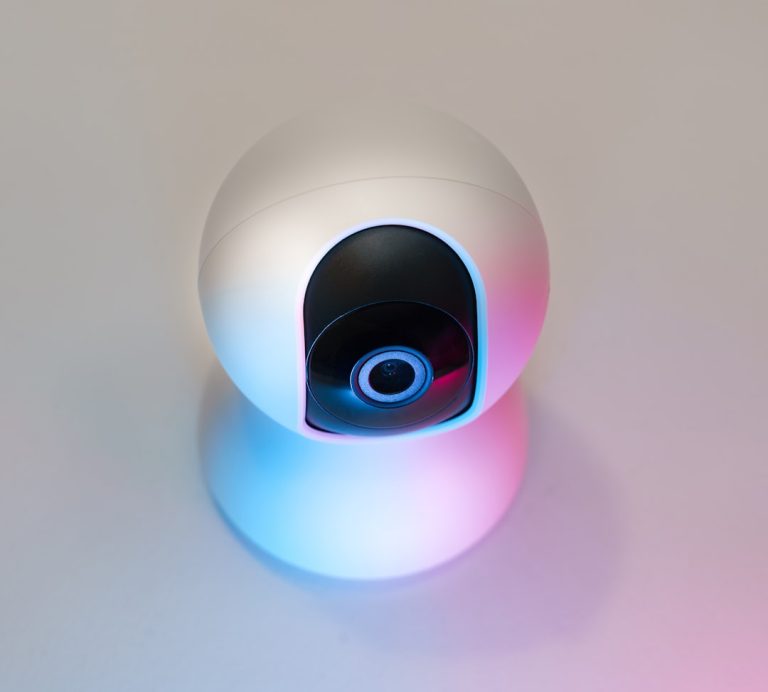
Smart irrigation controllers (Rachio or Orbit B-hyve), outdoor lighting automation, and security cameras if desired. Outdoor devices should use Zigbee or Wi-Fi with strong signal — Thread range can be limited outdoors.
Network Requirements: Don’t Skip This
Your smart home is only as reliable as your network. Every smart device is a network client. Before filling your house with connected gadgets, make sure your network can handle it. Tom’s Guide’s mesh WiFi reviews consistently recommend prioritizing network infrastructure before adding smart devices — a solid WiFi foundation prevents the most common smart home reliability complaints.
At minimum: a decent Wi-Fi router with good coverage. Ideally: a proper wired network with Ethernet backhaul to your access points. If you have lots of smart devices, consider putting IoT devices on a separate VLAN or guest network for security.
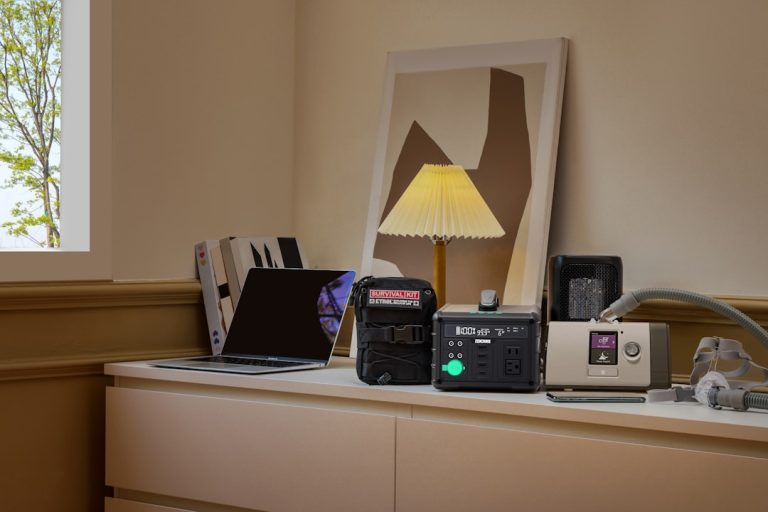
A UPS for your hub and network gear is also worth considering — see our best UPS for home network guide to keep your smart home running during power outages.
Common Beginner Mistakes
Buying too many devices at once. Start with 5-10 devices and get them working reliably before expanding. Adding 30 devices simultaneously guarantees chaos.
Ignoring WAF (Wife/Family Acceptance Factor). If automations are confusing, slow, or unreliable, your family will bypass them. Start with automations that are genuinely useful — motion lights, automatic locks — not gimmicky ones.
Not thinking about backup. What happens if your hub dies? Home Assistant has automatic backups (store them off-device). Hubitat has backup/restore. Make sure you know how to recover before you need to.
Choosing devices based on price alone. A $10 smart bulb from Temu that works for two weeks before bricking itself is not a deal. Stick with established brands — Philips Hue, IKEA, Aqara, Nanoleaf, Shelly. They cost more but actually work.
Budget Breakdown
Minimal Setup ($200-400)
- Hub: Home Assistant Green ($99) or Hubitat ($130)
- 5-10 smart bulbs ($50-150)
- 2-3 motion sensors ($30-60)
- 1-2 smart plugs ($30-50)
Comfortable Setup ($600-1,200)
- Hub: Home Assistant Yellow ($149) or mini PC ($250-400)
- Whole-house lighting: 15-25 bulbs/switches ($200-500)
- Smart lock: $150-250
- Video doorbell: $100-200
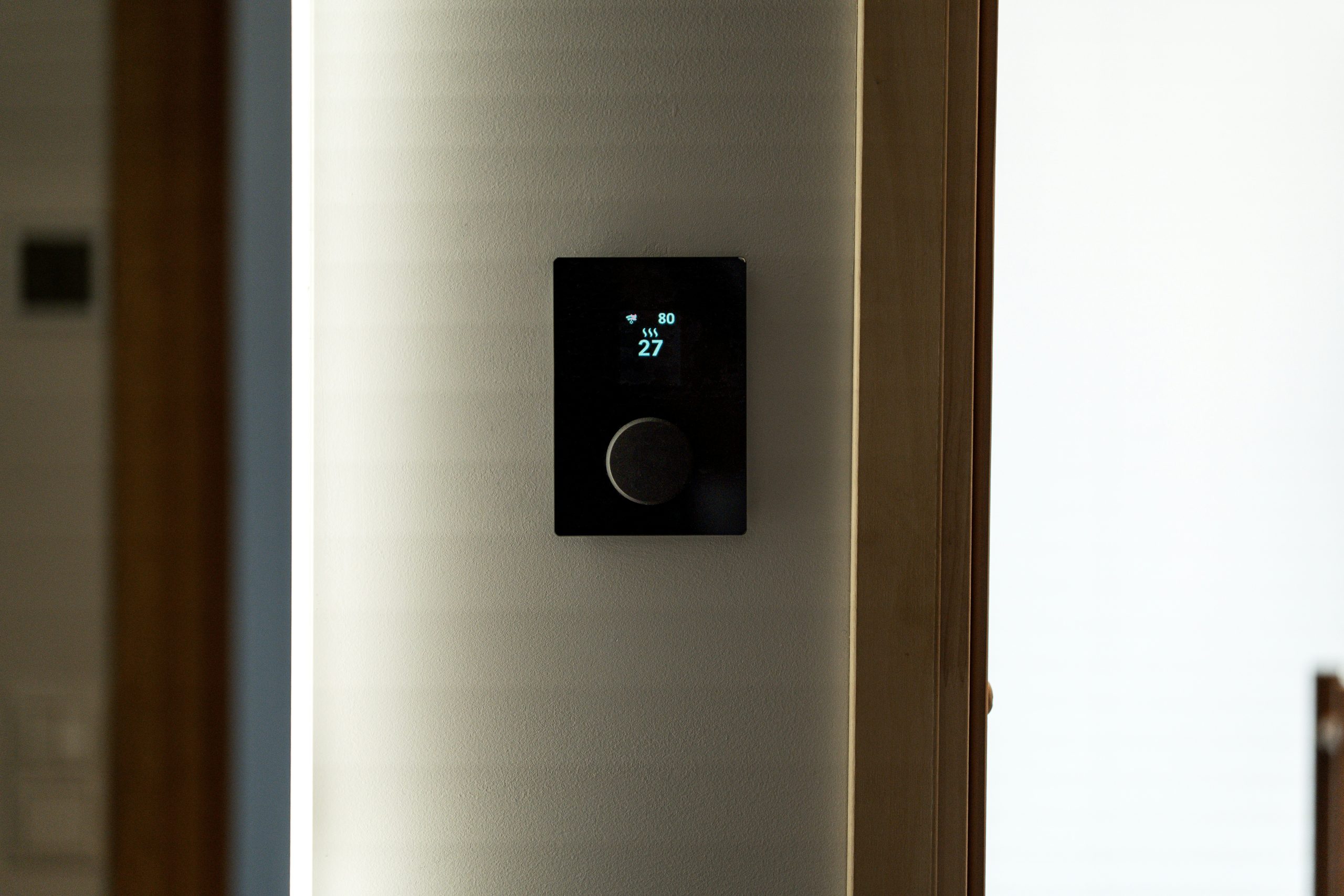
- Thermostat: $100-250
- Motion sensors (5-8): $50-120
Full Setup ($1,500-4,000+)
- All of the above plus security cameras, smart blinds, irrigation control, garage door, whole-home audio, and room-by-room automation. See our whole-home audio guide for multi-room music integration.
The Single Best Piece of Advice for a Smart Home From Scratch
Start with one room, get it working perfectly, then expand. The people who fail at smart homes are the ones who buy 40 devices, try to set everything up in a weekend, and give up when three things don’t work together. The people who succeed add one device at a time, learn how it works, integrate it properly, and build a system they actually understand.
Security Fundamentals You Shouldn’t Skip
Smart home security isn’t optional — every connected device is a potential attack vector. Start with these basics before adding any devices to your network:
Update your router firmware. Your router is the front door to your entire network. Running outdated firmware with known vulnerabilities exposes every device behind it. Check for updates monthly and enable automatic updates if your router supports them.
Use strong, unique passwords for each device. Smart locks, cameras, and hubs should never use default credentials. A password manager makes this manageable. Reusing passwords across devices means a single compromised device gives attackers access to your entire smart home.
Segment your network. Put IoT devices on a separate VLAN or guest network so a compromised smart bulb can’t reach your NAS, personal computers, or other sensitive devices. Our IoT VLAN guide covers how to set this up with common home routers.
Disable features you don’t use. Every open port, cloud integration, and remote access feature is a potential entry point. If you don’t need your smart plug accessible from the internet, don’t enable it. Local-only control is inherently more secure than cloud-connected devices.
## Frequently Asked Questions about Building a Smart Home
### What should I buy first when building a smart home from scratch?
Pick your hub or platform first, not your devices. The platform decision shapes everything else. Once you have chosen Apple Home, Home Assistant, SmartThings, or Google Home, buy the cheapest small device that works on it (a smart plug or bulb) to test the ecosystem before committing to bigger purchases.
### How much does building a smart home from scratch cost?
A starter setup runs about $150–$300: a hub-capable speaker or stick, two or three smart bulbs, and a smart plug or two. A more complete setup with thermostat, locks, and security cameras runs $700–$1,500. Whole-home automation reaches $3,000+ once you include lighting fixtures, motorized blinds, and audio.
### Do I need a separate hub for smart home devices?
It depends on the protocols you choose. Wi-Fi-only devices need no hub. Zigbee or Z-Wave devices need a coordinator (a SmartThings hub, Aqara hub, Home Assistant with a USB stick, or similar). Thread devices need an OpenThread Border Router. Matter over Wi-Fi works without a separate hub if you have a compatible controller.
### What is the best smart home platform for beginners?
Apple Home is the simplest if you are already in the Apple ecosystem. Google Home is similar for Android households. SmartThings is the easiest cross-platform option. Home Assistant is the most powerful but has a real learning curve — pick it if you enjoy tinkering.
### How do I avoid buying smart devices that get bricked later?
Stick to brands with multi-year track records (Philips, Lutron, Aqara, Shelly, IKEA), prefer local-control devices over cloud-only ones, and lean toward Matter or Zigbee over proprietary cloud protocols. Anything that requires a single-vendor cloud account is a risk if that company sells, pivots, or shuts down.
—
*If you’re into networking gear jokes and geeky merch, check out [Witty Design Finds](https://wittydesignfinds.etsy.com) on Etsy — some fun stuff for the home lab crowd.*
## More from Wiredhaus
– [Matter Smart Home 2026: What Actually Works](https://wiredhaus.com/matter-smart-home-2026-what-works/)
– [Smart Home Battery Backup Guide (2026)](https://wiredhaus.com/smart-home-battery-backup-why-a-dead-grid-shouldn-t-kill-your-automations/)
One Comment
Comments are closed.