How to Build a 10GbE Home Network: Cabling, Switches, and NICs
Upgrading to high-speed local storage, managing large multi-terabyte homelab backups, and editing raw 4K or 8K video directly from a shared network volume quickly exposes the painful bottlenecks of standard gigabit connections. A modern 10gbe home network delivers theoretical transfer speeds up to 1,250 MB/s, completely eliminating bandwidth limitations and making a centralized network storage pool perform like a local NVMe solid-state drive installed directly in your workstation.
Building out a high-speed multi-gigabit infrastructure once required enterprise data center hardware budgets, noisy commercial rackmount gear, and specialized fiber splicing tools. Today, affordable multi-gigabit managed switches, energy-efficient PCIe network interface cards, and high-performance copper cabling make building an ultra-fast 10gbe home network accessible and cost-effective for homelab administrators, creative professionals, and tech enthusiasts alike.
Whether your goal is to link a dedicated editing PC directly to a fast TrueNAS server, establish a high-bandwidth backbone between distribution switches, or future-proof your home with high-speed in-wall cabling, this step-by-step practical guide covers every stage of designing, hardware selection, and deployment.
Understanding 10-Gigabit Physical Media: Copper vs. SFP+
When planning the physical foundation of your 10gbe home network, your first major engineering decision is selecting the right physical transport medium established by 10 Gigabit Ethernet specifications:
10GBASE-T (RJ45 Twisted-Pair Copper)
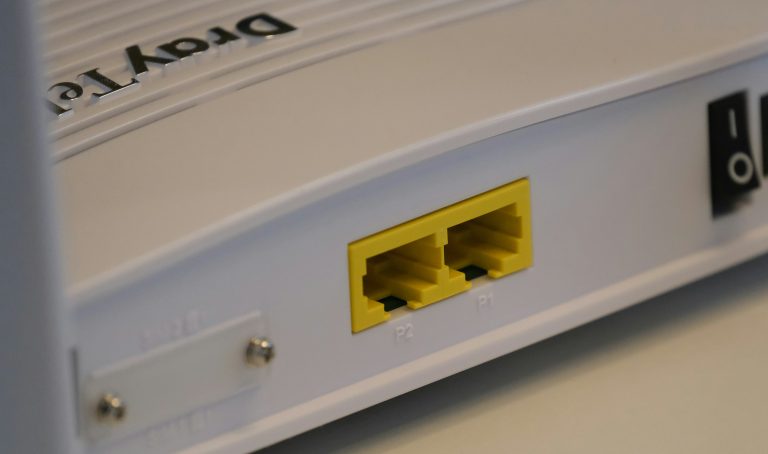
10GBASE-T uses familiar eight-conductor twisted-pair copper cables terminated with standard RJ45 modular connectors. It represents the easiest upgrade path for homes that already have structured in-wall Cat6 or Cat6A cabling installed. 10GBASE-T supports full 10-gigabit speeds over distances up to 100 meters on Cat6A. However, 10GBASE-T physical layer transceivers consume considerable power (approximately 2.5 to 3.5 watts per port) and generate noticeable heat, making active cooling essential in compact network enclosures.
SFP+ (Direct Attach Copper and Optical Fiber)
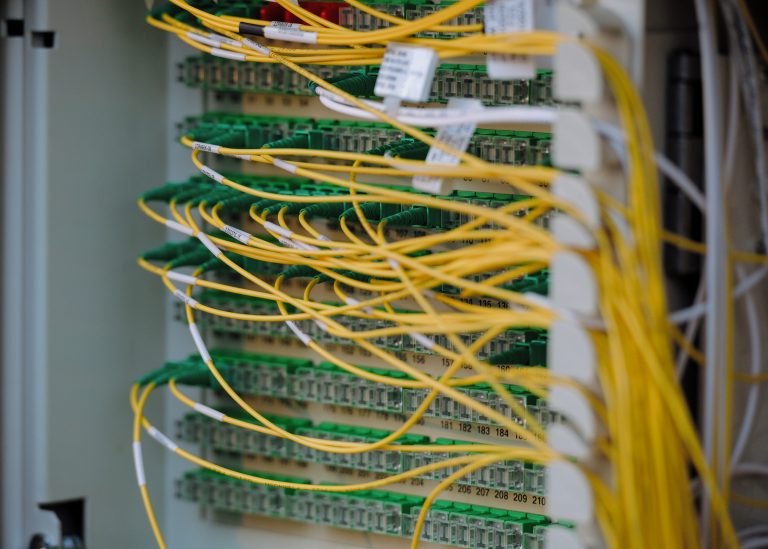
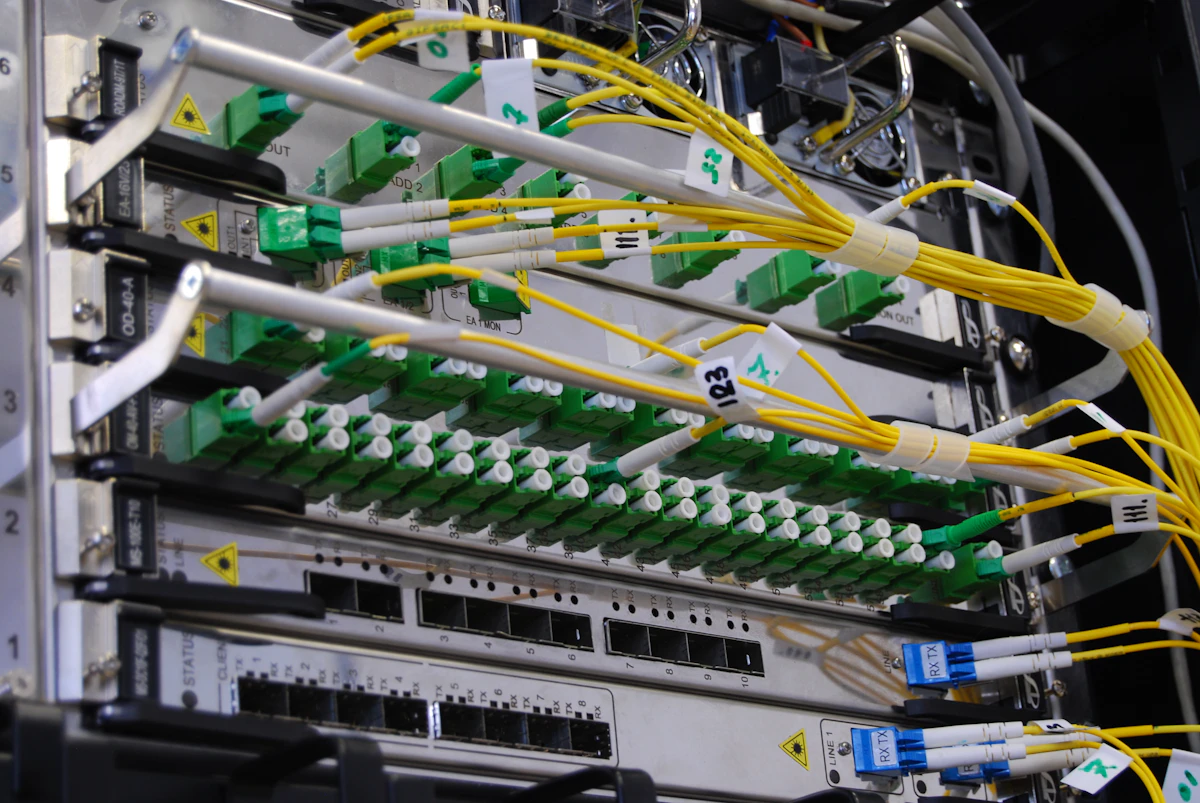
SFP+ utilizes small form-factor pluggable cages that accept modular transceivers and direct cables. For short runs inside a server rack (under 5 meters), passive Direct Attach Copper (DAC) twinaxial cables provide an unbeatable combination of affordability, ultra-low latency, and negligible power consumption (under 0.1 watt per connection). For long-distance inter-building runs or connections between distant floors, multi-mode or single-mode optical fiber transceivers deliver complete electrical isolation, zero electromagnetic interference, and whisper-quiet operation.
For equipment located within the same equipment cabinet or rack, SFP+ DAC cabling is universally preferred. For running connections through existing walls to distant desktop workstations, shielded Cat6A copper cabling provides the most practical and durable solution.
Essential Components for a 10GbE Home Network Setup
To deploy a fully functioning 10gbe home network infrastructure, you need three core hardware tiers:
1. High-Speed Network Interface Cards (NICs)
Enterprise Intel 10GBASE-T Network Adapter
💰 Buy on Amazon → Intel X550-T1
Your desktop workstations, virtualization hypervisors, and storage servers need dedicated PCIe network interface cards capable of handling multi-gigabit throughput. Network cards built around the Intel X550 silicon controller provide native 10GBASE-T RJ45 connectivity, multi-gigabit auto-negotiation (10G/5G/2.5G/1G), and comprehensive driver support across Windows, Linux, and FreeBSD through standard kernel drivers documented in the Linux ixgbe driver documentation.
High-Performance Desktop PCIe 10G Card
💰 Buy on Amazon → ASUS XG-C100C
For standard desktop PCs requiring high-speed multi-gigabit connectivity over existing copper lines, the ASUS XG-C100C provides a compact, bus-powered PCIe x4 solution supporting 10 Gbps transfer speeds with full backward compatibility for 2.5 Gbps and 5 Gbps intermediate network tiers.
2. Multi-Gigabit and 10GbE Network Switches
QNAP Hybrid 10GbE Managed Switch
💰 Buy on Amazon → QNAP QSW-M408-4C
A reliable network switch serves as the central switching core for your high-speed clients. Managed switches that combine both SFP+ cages and 10GBASE-T copper combo ports offer maximum flexibility, allowing you to connect local server racks via DAC cables while simultaneously serving in-wall RJ45 drops. The QNAP QSW-M408-4C features four 10GbE combo ports alongside eight gigabit ports, making it an exceptional hybrid distribution switch for home labs.
Netgear Multi-Gigabit Smart Managed Switch
💰 Buy on Amazon → Netgear MS510TXM
For larger residential networks requiring multiple multi-gigabit client connections alongside high-speed uplinks, the Netgear MS510TXM offers eight dedicated 2.5G/10G copper ports and dual 10G SFP+ fiber uplink cages with intuitive web management interfaces and robust VLAN isolation capabilities.
3. High-Quality Structured Cabling and Keystone Terminations
High-Bandwidth Shielded Cat6A Patch Cables
💰 Buy on Amazon → Cat6A Ethernet Cable
Achieving sustained 10-gigabit throughput over copper requires pristine physical cabling that prevents alien crosstalk and packet degradation. While unshielded Cat6 can support 10 Gbps over short distances up to 35 meters under ideal conditions, installing shielded Cat6A cable guarantees full 10-gigabit performance up to 100 meters without signal attenuation.
Toolless Shielded Cat6A Keystone Jacks
💰 Buy on Amazon → Cable Matters Cat6A Shielded Keystone Jacks
When terminating structured in-wall cables, utilize metal-shielded keystone jacks housed in a grounded patch panel to ensure proper electrical continuity, drain wire grounding, and maximum shielding effectiveness against nearby high-voltage electrical lines.
Step-by-Step Installation of Your 10GbE Home Network
Follow these practical engineering steps to deploy your high-performance multi-gigabit infrastructure:
- Install PCIe Network Cards: Power down your workstation and storage server, open the cases, and seat your 10GbE PCIe card into an open PCIe x4, x8, or x16 slot. Verify in your motherboard manual that the selected slot connects directly to CPU lanes or a high-bandwidth chipset bus to prevent bandwidth throttling.
- Install Operating System Drivers: On Windows, install the latest manufacturer drivers for your network controller. On Linux and FreeBSD distributions such as TrueNAS, native kernel modules like the FreeBSD ixgbe driver automatically initialize the hardware upon boot.
- Connect Physical Media: For rack-mounted devices, connect direct-attach SFP+ DAC cables between your network switch and server network ports. For desktop runs, plug shielded Cat6A patch cables into your wall keystone jacks and switch RJ45 ports.
- Configure Static Storage Subnets (Optional): If your core internet router only operates at gigabit speeds, you do not need to replace it. Configure a separate, non-routed private subnet (such as
10.10.10.0/24) exclusively on your 10GbE adapters to handle high-speed SMB, NFS, or iSCSI file storage traffic directly across the switch. - Tune Jumbo Frames (Optional): Setting the maximum transmission unit (MTU) to 9000 (Jumbo Frames) can reduce CPU interrupt overhead during sustained multi-gigabyte transfers across your 10gbe home network. If enabled, ensure every device along the path (client NIC, switch ports, and NAS interface) is configured with matching MTU settings to prevent packet fragmentation.
- Validate Throughput with iPerf3: Verify real-world bandwidth by starting an iPerf3 server on your NAS (
iperf3 -s) and initiating a multi-stream test from your client machine (iperf3 -c <server_ip> -P 4). A properly configured link should report sustained throughput between 9.4 and 9.6 Gbps.
For in-depth cabling guidance and patch panel wiring instructions, check out our comprehensive tutorials on how to punch down and wire a network patch panel and how to terminate Cat6A Ethernet cables. For additional network adapter comparisons, consult our guide to the best 10GbE network cards for home servers.
Practical Tips for Thermal and Power Management
Because 10GBASE-T transceivers draw substantial current, managing operating temperatures is critical for long-term hardware reliability:
– Prioritize DAC Cables for Short Distances: Use passive SFP+ DAC cables inside equipment racks. DAC cables draw under 0.1W per port compared to 2.5W to 3.0W for RJ45 transceivers, drastically reducing thermal buildup.
– Maintain Adequate Rack Ventilation: Ensure your network switches have at least one rack unit of breathing space or active ventilation when operating high-density 10GBASE-T ports.
– Check Workstation Fan Profiles: Ensure low-profile PCIe network cards installed in compact desktop cases receive steady airflow from case intake fans to prevent thermal throttling under sustained file transfers.
– Monitor Ambient Temperatures: Keep your network distribution closet under 85°F (30°C) to prevent thermal throttling on high-density switching silicon and ensure uninterrupted packet forwarding.
Performance Optimization and Storage Bottlenecks
Once the physical links on your 10gbe home network are active, achieving maximum transfer speeds requires addressing storage and protocol bottlenecks:
– Storage Subsystem Limits: A single mechanical hard drive reads and writes at approximately 150 to 250 MB/s, which only consumes a fraction of a 10-gigabit pipeline. To fully saturate 1,100 MB/s transfers, your destination storage pool must utilize an array of multiple striped disks, a fast NVMe SSD pool, or large RAM caching buffers.
– SMB Multichannel and Direct RDMA: For advanced Windows and Linux environments, enabling SMB Multichannel or Remote Direct Memory Access (RDMA) allows network packets to bypass CPU memory copies, delivering lower latency and higher sequential throughput for video rendering projects.
– PCIe Slot Lane Bandwidth: Always confirm that your PCIe network card is installed in a slot providing at least PCIe 3.0 x4 electrical connectivity (providing up to 3.94 GB/s of bus bandwidth), ensuring the motherboard slot does not choke the network card.
– Operating System Receive Side Scaling: In Windows and Linux network driver properties, enable Receive Side Scaling (RSS) to distribute packet processing across multiple CPU cores, preventing a single CPU thread from bottlenecking multi-gigabit throughput.
Frequently Asked Questions
What cable is required for a 10GbE home network?
Cat6A is the gold standard for copper installations, supporting 10 Gbps up to 100 meters. Standard Cat6 can handle 10 Gbps for short runs under 35 meters under low-interference conditions. For in-rack connections, SFP+ DAC cables are preferred.
Will a 10GbE network make my internet faster?
No, a 10GbE local network only accelerates traffic within your home network (such as NAS backups and local file transfers). Your internet speed remains limited by your ISP plan and modem connection.
Do I need a 10GbE router to build a 10GbE network?
No, you only need a 10GbE switch connecting your high-speed devices. Your existing gigabit router can continue managing DHCP and internet traffic while your workstation and NAS communicate directly across the switch.
What real-world transfer speeds can I expect?
A fully saturated 10GbE link transfers data at approximately 1,100 to 1,200 MB/s. To achieve these speeds, your storage drives must also be capable of fast sustained reads and writes, such as NVMe SSDs or multi-drive RAID arrays.
Are Jumbo Frames required for 10GbE networking?
Jumbo frames (MTU 9000) are not strictly necessary with modern CPUs, but they can reduce CPU overhead during heavy continuous file transfers between a workstation and a NAS.