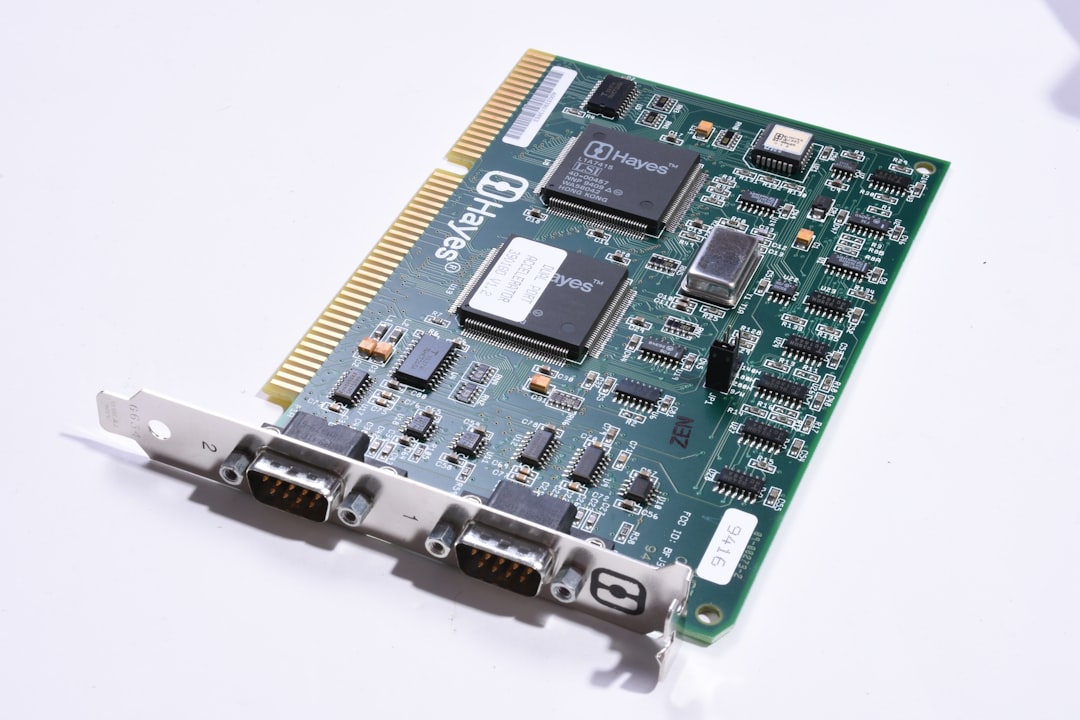
Best 10GbE Network Cards for Home Servers in 2026
Upgrading your server with a high-quality 10gbe network card is the single most effective way to eliminate bottlenecks, accelerate backup speeds, and future-proof your home storage infrastructure. As gigabit internet connections become more common and high-resolution media collections grow, standard gigabit network interfaces struggle to keep pace with the massive volume of data moving across modern local networks. Whether you are running a high-capacity media server, hosting multiple virtual machines, or backing up several workstations simultaneously, a high-speed network adapter unlocks the full transfer performance of your solid-state and mechanical storage arrays, enabling near-instantaneous file access.
Transitioning your home laboratory or storage environment to ten-gigabit speeds requires careful planning and hardware selection to ensure reliable data throughput. Unlike consumer devices that are built for intermittent web surfing, a local server network interface must handle sustained, high-bandwidth traffic without overheating or dropping packets. By selecting a proven, enterprise-grade adapter and pairing it with a high-performance network switch, you can achieve seamless data transfers that rival the speed of local solid-state drives. To learn how to select a compatible computing node to host your network cards, consult our detailed guide on the best mini pcs for home servers and homelabs in 2026.
Why Your Home Server Needs a 10GbE Network Card
Installing a 10gbe network card unlocks massive data transfer speeds that completely redefine how you interact with your digital storage. In a standard gigabit network environment, the maximum theoretical transfer speed is capped at roughly 125 megabytes per second. While this is sufficient for streaming high-definition media or transferring small documents, it acts as a severe bottleneck when moving large multi-gigabyte media projects or running automated system backups. By upgrading to ten-gigabit speeds, your maximum theoretical bandwidth increases to 1,250 megabytes per second, allowing you to transfer files ten times faster and fully saturate the write limits of modern storage arrays.
Another key advantage of a high-speed network adapter is its ability to support multi-user workloads without experiencing latency spikes or performance degradation. If multiple family members are streaming video, backing up their computers, and accessing shared files simultaneously, a standard network port can become congested, leading to dropped packets and interrupted services. A high-bandwidth link provides ample headroom to handle these concurrent streams effortlessly, ensuring that your server remains responsive under heavy utilization. To explore how high-speed switching hardware supports these ultra-fast network cards, read our analysis of the best poe switches for home networks in 2026.
Finally, a dedicated high-speed adapter is critical if you plan to boot your workstations over the network using iSCSI or host active database files on your storage array. Operating systems and application databases require high input/output operations per second (IOPS) and extremely low latency to function smoothly. A ten-gigabit network connection provides the necessary bandwidth and rapid response times to run virtualized disks over the network with performance that is indistinguishable from locally installed storage drives.
SFP+ vs RJ45 Copper: Choosing the Right Interface
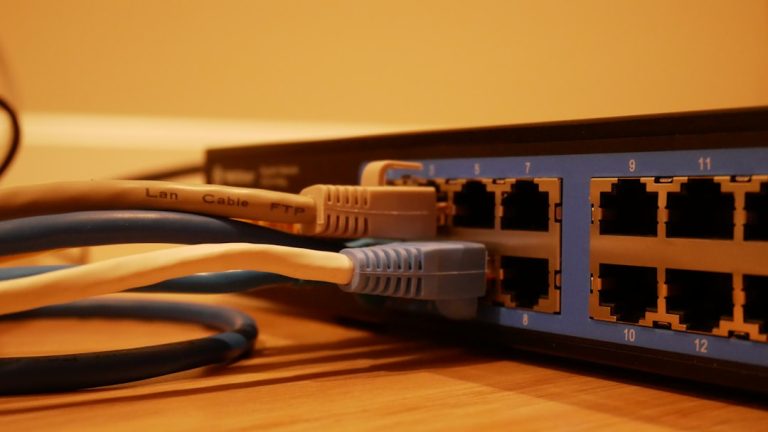
When evaluating a 10gbe network card, you must choose between copper RJ45 and fiber SFP+ physical interfaces. Both connection types offer identical transfer speeds, but they differ significantly in terms of power consumption, cabling cost, heat generation, and hardware compatibility.
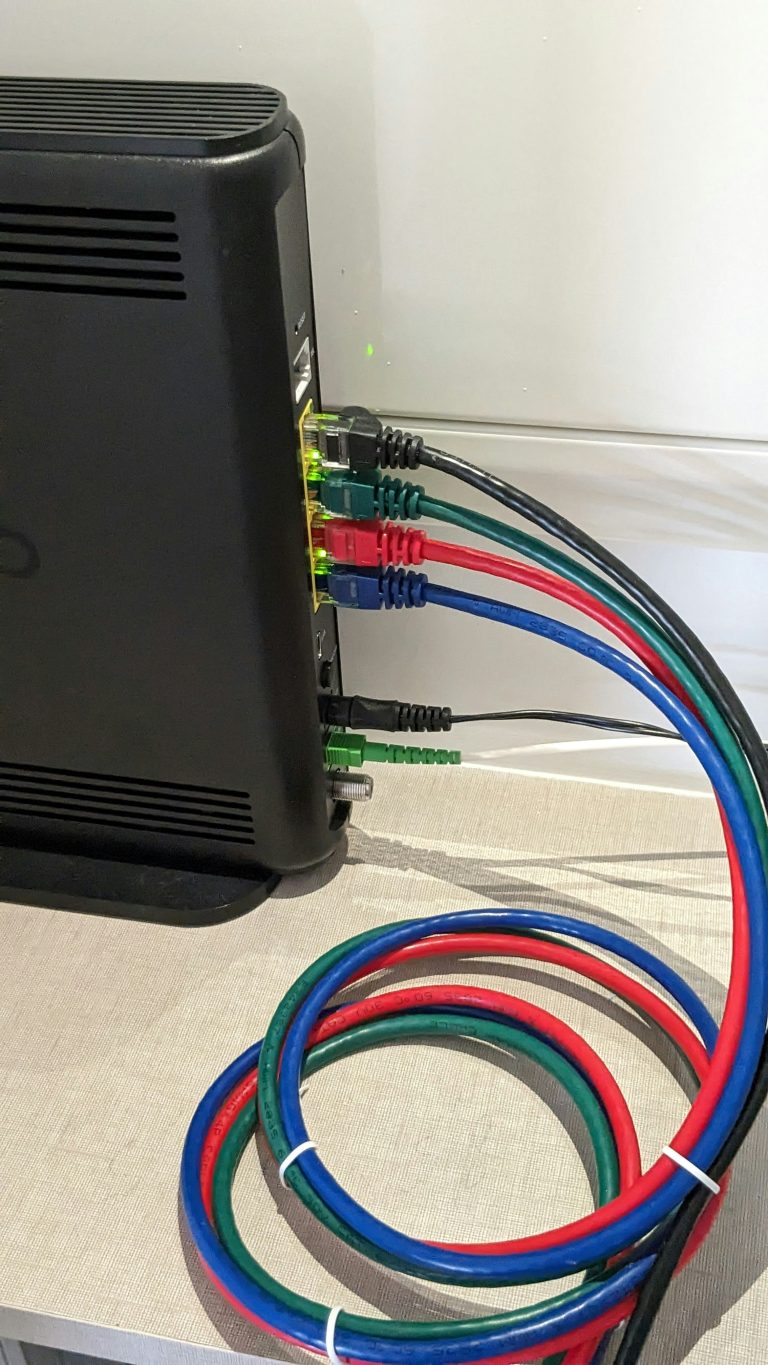
- RJ45 Copper (10GBASE-T): This connection type utilizes standard Ethernet cabling (Cat6 or Cat6A) and familiar RJ45 connectors. It is highly convenient because it can easily integrate into existing in-wall copper cabling networks and supports backward compatibility with gigabit speeds. However, 10GBASE-T hardware consumes more power and generates substantial heat, which can be a concern in compact, poorly ventilated server cases.
- SFP+ (Small Form-factor Pluggable): This connection type is the industry standard for enterprise networking. Instead of integrated ports, SFP+ cards feature open slots that accept optical transceivers or Direct Attach Copper (DAC) cables. SFP+ hardware is highly energy-efficient, runs exceptionally cool, and offers near-zero latency, making it the preferred choice for high-density home labs. To learn how to select the right cabling and transceiver accessories for these ports, refer to our comprehensive guide on the best sfp+ transceivers and dac cables.
For most home server deployments where the server is physically located close to the network switch, SFP+ using a short DAC cable is the most cost-effective and energy-efficient solution. If your server is in a different room and must connect via existing in-wall cabling, RJ45 copper is the practical choice, provided you select a network card with robust passive or active cooling.
Top 10GbE Network Cards for Home Servers in 2026
Finding the right 10gbe network card requires balancing cost, thermal performance, and compatibility with your server’s operating system. The following reviewed models represent the top network adapters for home server use on the market today.
ASUS XG-C100C 10G PCI Express Network Adapter
💰 Buy on Amazon → ASUS XG-C100C 10G Network Card
The ASUS XG-C100C is an exceptionally popular, budget-friendly 10G RJ45 network card designed for desktop PCs and entry-level home servers. It is powered by a high-performance Marvell Aquantia controller, which is widely recognized for its robust performance and multi-gigabit compatibility, supporting 10G, 5G, 2.5G, and 1G connection speeds over standard copper cabling.
The XG-C100C features a striking red aluminum heatsink that provides excellent passive cooling, keeping the controller chip within safe operating temperatures without generating any fan noise. This makes it an ideal choice for home servers located in quiet office environments or living areas. The card utilizes a PCIe 3.0 x4 interface, ensuring that it has more than enough bandwidth to saturate the ten-gigabit link.
While the ASUS XG-C100C is an outstanding plug-and-play choice for Windows-based servers and standard Linux distributions, users running specialized open-source storage platforms should verify driver availability. TrueNAS and pfSense occasionally require manual driver installation or specific firmware updates to ensure absolute stability with Aquantia-based chipsets. For more information on the history of high-speed Ethernet standards, you can consult the Wikipedia 10 Gigabit Ethernet history.
Intel X550-T1 Converged Network Adapter
💰 Buy on Amazon → Intel X550-T1 10Gb Network Adapter
The Intel X550-T1 is a premium, enterprise-grade RJ45 network card that is widely regarded as the gold standard for compatibility and reliability. Powered by Intel’s highly optimized silicon, this adapter is natively supported by virtually every major operating system, virtualization hypervisor, and network-attached storage platform without requiring any manual driver installation. You can check the detailed chip specifications and driver downloads on the official Intel Ark database.
One of the greatest strengths of the Intel X550-T1 is its native support for advanced virtualization features, such as SR-IOV (Single Root I/O Virtualization) and virtual machine device queues (VMDq). These technologies allow your server to allocate dedicated physical network resources directly to individual virtual machines, minimizing processing overhead and ensuring maximum throughput.
Additionally, the Intel X550-T1 consumes less power and runs substantially cooler than older Intel 10G copper cards, making it highly suitable for continuous, 24/7 home server operations. Whether you are running complex docker environments or high-throughput virtualization platforms, this card provides the rock-solid stability and predictable performance that IT professionals expect.
Chelsio T520-CR Dual-Port 10GbE SFP+ Server Adapter
💰 Buy on Amazon → Chelsio T520-CR Dual-Port SFP+ Card
For users who prioritize the low power consumption, near-zero latency, and cool operating temperatures of SFP+ fiber interfaces, the Chelsio T520-CR is a phenomenal dual-port network adapter. Chelsio is an industry leader in high-performance storage networking, and the T520-CR is engineered specifically for demanding server environments that require maximum uptime.
The Chelsio T520-CR features dual SFP+ ports, allowing you to run two independent ten-gigabit connections to your network switch. This enables powerful network configurations such as Link Aggregation (LACP) for doubling your overall bandwidth, or failover configurations to ensure uninterrupted network connectivity if a cable or switch port fails.
What makes the Chelsio T520-CR particularly outstanding for home server builders is its legendary compatibility with FreeBSD-based operating systems, including TrueNAS Core. FreeBSD contains native, highly optimized drivers for Chelsio hardware, ensuring that the card operates with maximum efficiency and zero configuration right out of the box. You can explore the software integrations and hardware specs on the official TrueNAS website.
Operating System and Driver Compatibility
A reliable 10gbe network card should support advanced network offloading features to offload processing tasks from your main CPU, but the physical card is only as good as its software driver support. Before buying any network adapter, you must ensure that it is fully compatible with your chosen server operating system.
Linux and Open-Source Platforms
Standard Linux distributions, such as Debian, Ubuntu, and Proxmox VE, have exceptionally broad network driver support. Intel-based cards (such as the X520, X540, and X550 series) are supported natively by the Linux kernel, ensuring a seamless plug-and-play installation. Aquantia-based cards also enjoy excellent support in modern Linux kernels, making them highly reliable choices for virtualization hosts and application servers. You can view open-source driver projects and contribution guidelines on GitHub.
TrueNAS and FreeBSD Support
TrueNAS Core and TrueNAS SCALE require extremely reliable network interfaces to prevent file transfer dropouts and data pool corruption. ZFS is highly sensitive to network interruptions, meaning a flaky network card can cause active write operations to fail or trigger system lockups. For ZFS-based storage pools, Intel and Chelsio cards are highly recommended due to their highly stable, mature driver code. Avoid utilizing cheap, unbranded network cards that rely on generic Realtek or ASMedia chipsets, as they often struggle under the sustained high-bandwidth write workloads of TrueNAS.
Unraid Compatibility
Unraid utilizes a highly stable Linux kernel that natively includes drivers for a massive variety of enterprise and consumer network hardware. Intel, Chelsio, Mellanox, and Aquantia cards are all widely supported, making setup incredibly simple. When configuring Unraid, you can easily bridge multiple network ports, assign dedicated interfaces to specific docker containers, or run local VPN services to secure your remote storage dashboard. To learn how to secure your storage dashboard from external threats, refer to our tutorial on how to access your NAS remotely: VPN, Tailscale, and Cloudflare Tunnels.
Crucial Installation and Performance Tuning Tips
Simply plugging your network card into a PCIe slot is often not enough to achieve full ten-gigabit transfer speeds. To get the absolute best performance from your high-speed network adapter, follow these essential hardware installation and software tuning guidelines:
- PCIe Slot Selection: Ensure that you install your network card into a PCIe slot that has sufficient physical lanes and electrical bandwidth. A PCIe 3.0 x4 card installed in a slot that is electrically limited to x1 will experience physical bandwidth bottlenecks, limiting your transfer speeds.
- Enable Jumbo Frames (MTU 9000): By default, standard network devices use a Maximum Transmission Unit (MTU) of 1500 bytes. Enabling Jumbo Frames (MTU 9000) allows your network card to pack more data into each individual packet, substantially reducing CPU processing overhead and improving transfer speeds. Ensure that Jumbo Frames are enabled on the server, the client computer, and the network switch.
- Optimize Receive Side Scaling (RSS): RSS allows your network card to distribute incoming network traffic processing across multiple CPU cores, preventing a single core from becoming a bottleneck during massive, high-speed file transfers.
- Utilize High-Quality Cabling: For copper RJ45 connections, always use high-quality Cat6 (for runs up to 55 meters) or Cat6A (for runs up to 100 meters) shielded cabling. For SFP+ connections, use high-quality Direct Attach Copper (DAC) cables or optical transceivers to ensure clean signal transmission.
- Upgrade Your Switches: Connecting a ten-gigabit server to a gigabit switch will limit your speeds to gigabit. To unlock the full potential of your high-speed cards, connect them to a compatible multi-gigabit or ten-gigabit switch. For budget-friendly switching options, read our guide on the best 2.5GbE switches for home networks in 2026.
By implementing these basic networking and system configuration adjustments, you can eliminate physical and software bottlenecks, allowing your network storage arrays to achieve their maximum transfer speeds.
Frequently Asked Questions
Which 10gbe network card is best for a low-power home server?
For a low-power home server, an SFP+ network card is the absolute best option. SFP+ network cards run cooler and consume significantly less electricity than their RJ45 copper counterparts, typically drawing only 1 to 2 watts of power. Popular SFP+ cards like the Intel X520-DA2 or Chelsio T520-CR are highly efficient and natively supported by almost all server operating systems, making them highly suitable for 24/7 continuous operation. For details on compatible server operating systems, consult the Unraid website or the Synology website.
Do I need to upgrade my home cables to use a ten-gigabit card?
Not necessarily. If your home is already wired with high-quality Cat6 copper cabling, you can run ten-gigabit speeds over distances of up to 55 meters (approximately 180 feet) without any issues. For longer runs up to 100 meters, you will need to upgrade to Cat6A shielded cabling to prevent signal degradation and electromagnetic interference. If your server is located in the same rack or cabinet as your switch, using a cost-effective SFP+ Direct Attach Copper (DAC) cable is the easiest and most reliable solution.
Will a 10GbE network card make my internet speed faster?
No, upgrading your local home network adapter will not speed up your physical internet connection. Your internet download and upload speeds are entirely limited by the service plan you purchase from your internet service provider (ISP). However, upgrading your local server network interface will substantially speed up file transfers, backups, and media streaming between devices located inside your own home network.
What is the difference between SFP+ and RJ45 network cards?
SFP+ cards feature open cages that accept optical transceivers or Direct Attach Copper (DAC) cables, offering extremely low power draw, low operating temperatures, and near-zero latency. RJ45 copper cards utilize standard Ethernet cables and RJ45 connectors, offering excellent convenience and backward compatibility with standard gigabit ports, but they consume more power and generate significant heat.
Can I install a PCIe network card into a mini PC?
Most ultra-small-form-factor mini PCs do not have standard PCIe expansion slots, meaning you cannot install a physical desktop PCIe network card. However, you can add high-speed network interfaces to a mini PC by utilizing a Thunderbolt-to-10GbE adapter or a USB-to-2.5GbE adapter. If you are shopping for a new mini PC to act as a home server, look for models that include built-in dual 2.5GbE network ports to gain fast network connectivity without external adapters.