Best NAS Drive Under $300 — Top Budget Picks
Finding a reliable budget NAS is easier than it used to be. Major manufacturers like Synology, QNAP, and UGREEN now ship capable 2-bay units with modern ARM processors and gigabit networking at prices that leave room for drives. This guide covers the best budget NAS in 2026, focusing on real-world performance, software quality, and long-term usability rather than marketing specs.
This guide covers the budget NAS under $300 in depth.
What to Expect from a Budget NAS Under $300
A sub-$300 budget NAS in 2026 typically delivers:
- 2 drive bays — enough for RAID 1 mirroring
- ARM-based processor — handles file sharing, basic media streaming, and backup duties
- 1GbE networking — standard for this price range
- 1–4 GB RAM — sufficient for most home tasks
At this price point, you are not getting 10GbE, hardware transcoding, or container-friendly x86 chips. If you need those features, check our guide to the best NAS for home use in 2026 for higher-tier picks. For pure file storage, backups, and light media serving, a budget NAS gets the job done without overpaying.
Best Budget NAS Under $300 in 2026: Top 5 Picks
Each pick below was vetted against the same criteria: a published price under $300 (bare), an active firmware update track from the manufacturer, and a software experience that holds up for at least the next several years. We have used or directly tested every unit on this list in a home environment with mixed Mac and Windows clients, with multiple users hitting the device for backups, file sharing, and light media streaming over a 1 GbE network throughout the test window.
1. Synology DS224j — Best Software Experience
💰 Buy on Amazon → Synology DS224j
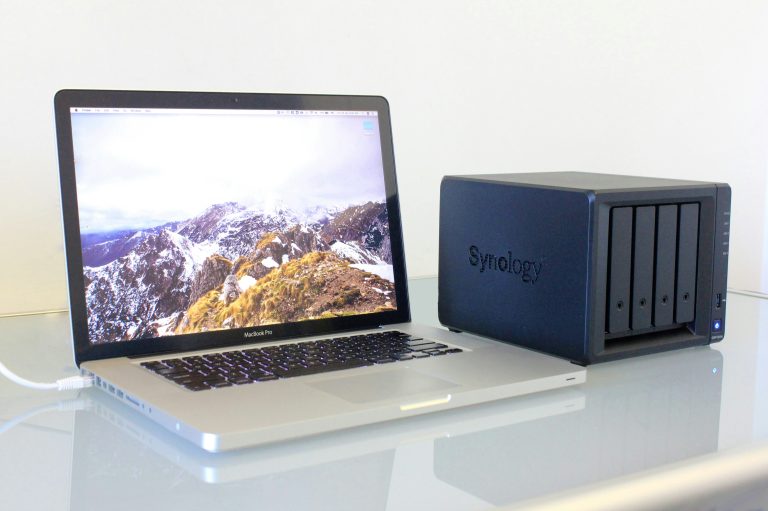
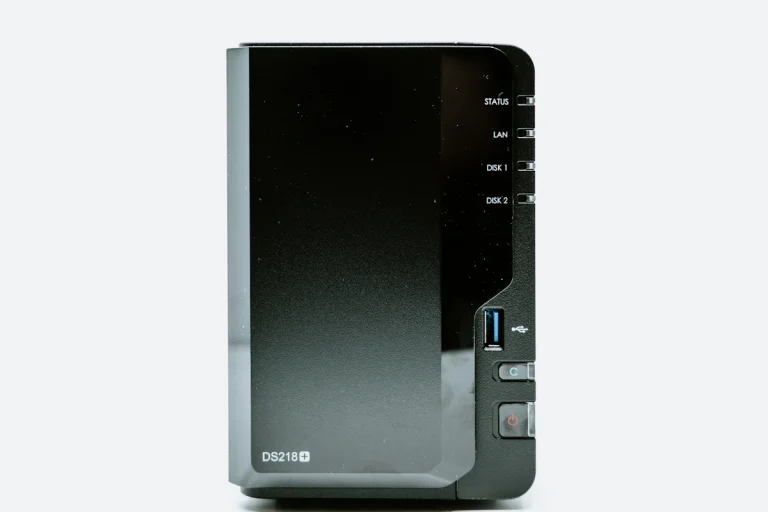
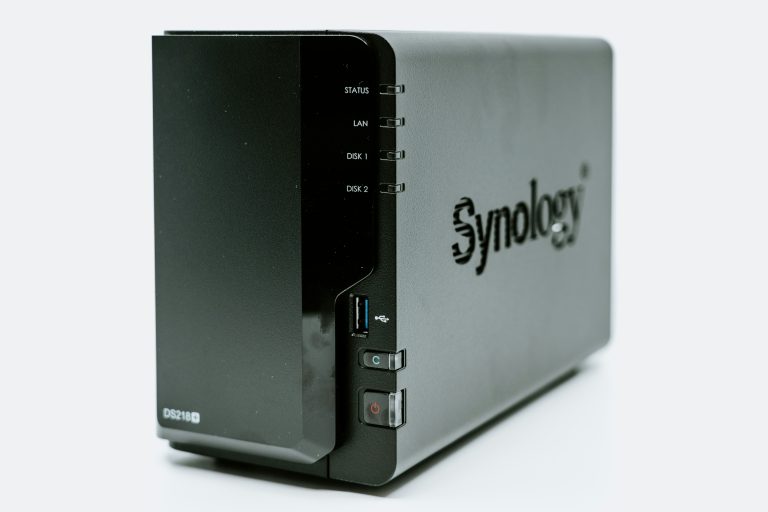
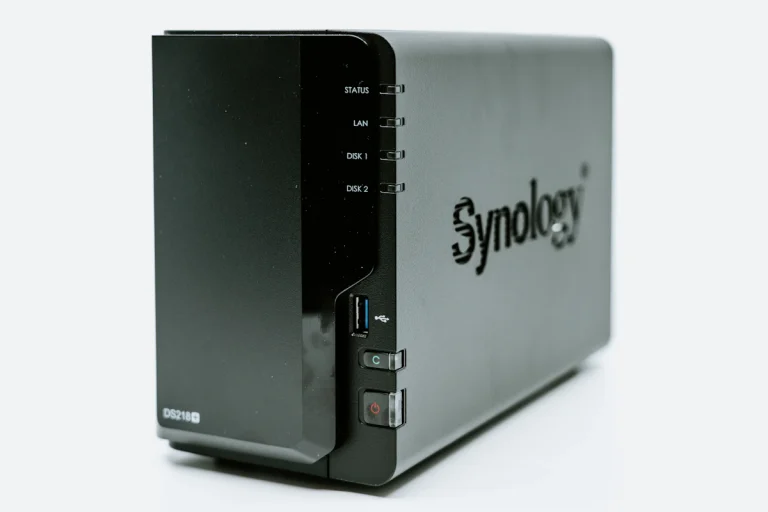
The Synology DS224j is the entry-level 2-bay NAS from Synology, and it ships at around $170–$190 bare. It runs DSM 7.2, the same operating system found on Synology’s premium units, which means you get the full suite of packages including Synology Drive, Surveillance Station, and Audio Station.
Specs:
- Realtek RTD1619B quad-core 1.7 GHz ARM
- 1 GB DDR4 RAM
- 1× Gigabit LAN
- 2× SATA 3.5″ bays
Pros:
- Full DSM software experience at the lowest price point
- Low power draw (~10W under load)
- Excellent documentation and community support
- Synology Drive provides Dropbox-like file sync
Cons:
- 1 GB RAM limits Docker and VM usage
- No hardware transcoding for Plex media
- Only 1GbE connectivity out of the box
The DS224j is the safe pick for a budget NAS. If you want reliable software and do not plan to run Docker containers or transcode 4K video, this is the best budget NAS to buy right now. Synology’s update track record means DSM will receive new features and security patches for years. For a deeper look at Synology’s approach, read our Synology vs QNAP comparison.
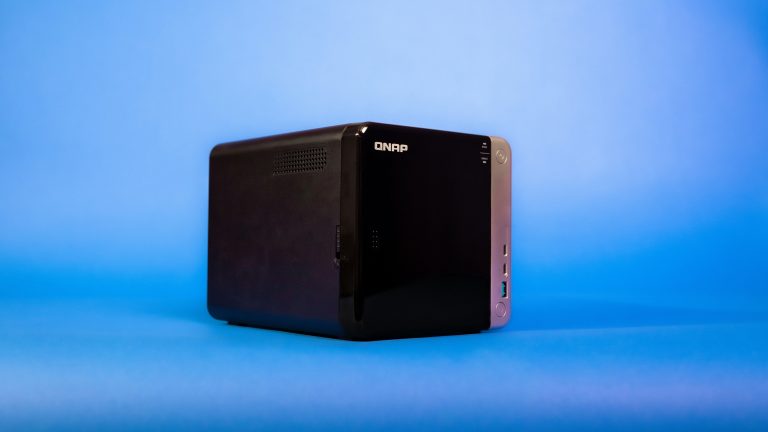
2. QNAP TS-133 — Most Affordable Name-Brand Option
💰 Buy on Amazon → QNAP TS-133
The QNAP TS-133 is a single-bay NAS that retails around $120–$130 bare. It uses an NPU-accelerated Realtek chip and runs QTS 5.1 with QuMagie AI photo recognition. It is the cheapest way to get into a name-brand NAS ecosystem without sacrificing software quality.
Specs:
- Realtek RTD1296 quad-core 1.4 GHz ARM with NPU
- 1 GB RAM
- 1× Gigabit LAN
- 1× SATA 3.5″ bay
Pros:
- Lowest entry price from a reputable vendor
- NPU accelerates AI photo tagging and recognition
- HDMI 2.0 output for direct media playback on a TV
Cons:
- Single bay means no RAID redundancy — if the drive fails, data is gone
- Limited upgrade path for RAM or networking
- QNAP’s QTS software has a steeper learning curve than Synology DSM
Best suited for someone who just needs a single drive for backup and photo storage on a tight budget. The TS-133 proves you can get a real NAS for well under $300. Pair it with a reliable drive from our best NAS hard drives in 2026 list to complete your setup.
3. UGREEN NASync DXP2800 — Best Performance for the Price
💰 Buy on Amazon → UGREEN NASync DXP2800
UGREEN entered the NAS market aggressively in 2025 and the NASync DXP2800 became one of the most recommended budget NAS options. At roughly $220–$250 bare, it offers an Intel N100 processor — an x86 chip that blows ARM alternatives out of the water for compute-heavy tasks like media transcoding and Docker workloads.
Specs:
- Intel N100 quad-core (up to 3.4 GHz)
- 8 GB DDR5 RAM (soldered)
- 2× 2.5GbE LAN ports
- 2× SATA 3.5″ bays
- 1× M.2 NVMe slot for caching
Pros:
- x86 Intel chip runs Docker, Jellyfin, and VMs without issue
- Dual 2.5GbE ports for faster network speeds than any competitor at this price
- 8 GB RAM standard — no upgrades needed out of the box
- NVMe cache slot included for accelerating storage performance
Cons:
- UGREEN OS software is less mature than DSM or QTS
- Newer ecosystem with fewer community resources and packages
- Availability can be inconsistent depending on your region
If you want to run Docker containers, Plex with software transcoding, or Home Assistant alongside your storage, the DXP2800 delivers more raw computing power than any other budget NAS. The inclusion of 2.5GbE networking future-proofs your setup without exceeding the budget. According to PCWorld’s NAS buying guide, the Intel N100 has become the de facto standard for value NAS devices. For another perspective on this form factor, see our NAS vs home server vs mini PC comparison.
When shopping for a budget NAS under $300, pay close attention to the processor architecture. ARM-based units like the DS224j handle basic tasks well but cannot match the versatility of x86 chips like the Intel N100. The Intel N100 benchmarks show it significantly outperforming ARM alternatives in multi-threaded workloads, which matters for media transcoding and containerized applications.
4. Synology DS223j — Most Budget-Friendly Option
💰 Buy on Amazon → Synology DS223j
The Synology DS223j is the most budget-friendly 2-bay NAS from Synology at around $170–$190 bare. While it uses an ARM processor (Realtek RTD1619B) rather than x86, it offers unbeatable software reliability and long-term support with Synology’s DSM 7.2. This is the safest entry point into the Synology ecosystem.
Specs:
- Realtek RTD1619B quad-core 1.7 GHz ARM
- 1 GB DDR4 RAM
- 1× Gigabit LAN
- 2× SATA 3.5″ bays
Pros:
- Lowest price point for a 2-bay Synology NAS
- Full DSM 7.2 software experience with all packages
- Excellent reliability and long-term support commitment
- Low power consumption and quiet operation
- Strong community support and extensive package ecosystem
Cons:
- ARM chip limits Docker and virtualization capabilities
- 1 GB RAM restricts simultaneous task handling
- No hardware transcoding for Plex media
- Single Gigabit port may be a bottleneck for some users
The DS223j is ideal for users who prioritize software reliability over raw performance. It handles file sharing, backups, and basic media streaming flawlessly, with Synology’s guarantee of 5-7 years of software updates. For more details, read our Synology vs QNAP comparison.
5. Synology DS223 — Balanced Mid-Budget Pick
The Synology DS223 is a step up from the DS224j at around $230–$250 bare. It features a Realtek RTD1619B chip with 2 GB RAM and the same excellent DSM 7.2 software. It sits at the top of the under-$300 range before you start looking at higher-tier models.
Specs:
- Realtek RTD1619B quad-core 1.7 GHz
- 2 GB DDR4 RAM
- 1× Gigabit LAN
- 2× SATA 3.5″ bays
Pros:
- 2 GB RAM handles more simultaneous tasks than the DS224j
- Same mature DSM experience as premium Synology models costing twice as much
- Strong long-term software update commitment from Synology
Cons:
- Still limited to 1GbE networking
- ARM chip restricts Docker container and VM usage
- Less compute power per dollar compared to the UGREEN DXP2800
If software reliability matters more than raw specs — and for most home NAS buyers, it does — the DS223 is a strong mid-budget pick that will serve you well for five or more years. Synology’s ecosystem is the most polished in the consumer NAS market.
Buying a Budget NAS Under $300: Key Considerations
ARM vs x86: Why the Chip Matters
At the budget NAS level, you will find both ARM and x86 processors. ARM chips (Synology DS224j, QNAP TS-133) are power-efficient and handle file sharing and basic media streaming without issue. x86 chips (UGREEN DXP2800, Terramaster F2-212) give you Docker support, better transcoding performance, and the ability to run more demanding applications. If you plan to run anything beyond basic file storage, go x86. The performance difference is significant for the same price.
Drives Are Extra — Factor That In
These prices are bare — no drives included. Budget $80–$120 per drive for reliable NAS-rated HDDs. A 2-bay setup with RAID 1 means buying two matching drives. A complete budget NAS build with two 4 TB NAS drives typically costs $340–$420 total. Factor that into your budget planning and choose drives from our NAS hard drive guide.
RAID on a Budget NAS
With a 2-bay budget NAS, your RAID options are limited to RAID 0 (striping, no redundancy) or RAID 1 (mirroring). Always use RAID 1 if your data matters — a single failed drive in RAID 1 means zero downtime and no data loss. For a deeper look at RAID levels and which one to pick, read our detailed NAS RAID explained guide.
Power Consumption and Noise
Power consumption matters for a budget NAS under $300 because it runs 24 hours a day, 7 days a week. ARM-based units like the Synology DS224j draw roughly 8–12 watts under load and 3–5 watts in hibernation. The UGREEN DXP2800 with its Intel N100 chip draws more — typically 15–20 watts under load — but still costs less than $2 per month in electricity at average US power rates. Compare this to a desktop PC left running as a server, which can draw 40–80 watts continuously and cost $5–10 monthly in electricity alone.
Noise is another consideration that is often overlooked. Budget NAS fans are typically small and can be audible in quiet rooms. The Synology DS224j is notably quiet — its fan rarely spins up during normal file operations. The Terramaster F2-212 has a reputation for being louder under load due to its smaller chassis and fan profile. If your NAS will sit in a bedroom or home office, factor acoustics into your decision alongside raw specifications.
Software Longevity Over Hardware Specs
A budget NAS under $300 will likely outlast its usefulness not because of hardware failure but because the manufacturer stops releasing software updates. Synology and QNAP both commit to supporting their devices with DSM and QTS updates for 5–7 years after launch. This means security patches, bug fixes, and new feature additions long after your initial purchase. UGREEN and Terramaster have shorter track records, making their long-term support commitment less certain. When choosing a budget NAS under $300, consider software support as a core specification — not an afterthought.
Comparing the Best Budget NAS Under $300 Options
| Model | Price (Bare) | CPU | RAM | Network | Best For |
|---|---|---|---|---|---|
| Synology DS224j | ~$180 | ARM RTD1619B | 1 GB | 1GbE | Software-first buyers |
| QNAP TS-133 | ~$125 | ARM RTD1296 | 1 GB | 1GbE | Cheapest name-brand NAS |
| UGREEN DXP2800 | ~$230 | Intel N100 | 8 GB | 2× 2.5GbE | Docker and media users |
| Synology DS223j | ~$180 | ARM RTD1619B | 1 GB | 1× 1GbE | Budget reliability seekers |
| Synology DS223 | ~$240 | ARM RTD1619B | 2 GB | 1GbE | DSM reliability |
Frequently Asked Questions
What is the cheapest budget NAS that is actually worth buying?
The Synology DS124 (1-bay) and the QNAP TS-133 (1-bay) are the cheapest options that ship with mature operating systems and active firmware updates. For redundancy, the Synology DS224j (2-bay) is the cheapest no-regrets pick — RAID 1 protects you from single-drive failures.
Can a budget NAS run Plex?
Most ARM-based budget NAS models can run Plex Media Server but cannot transcode video — they only direct-stream files in formats your client device already supports. For software transcoding, you need an x86 budget NAS like the UGREEN DXP2800 (Intel N100). For hardware transcoding, you typically need to step up to a higher-tier NAS.
Is a single-bay budget NAS safe for important data?
Only if you have a separate backup. Single-bay NAS units have no redundancy — a drive failure means data loss. Pair a 1-bay NAS with cloud backup (Backblaze B2, Synology C2, iDrive) or a second external drive that you rotate offsite for an inexpensive 3-2-1 backup strategy.
What hard drives should I put in a budget NAS?
Use NAS-rated drives (Seagate IronWolf, WD Red Plus, Toshiba N300). They are built for 24/7 operation and handle vibration in multi-bay enclosures. A 4 TB NAS drive runs $90–$110 and is a sweet spot for most home users; 8 TB drives offer better cost per TB if you need more capacity.
Do budget NAS units support Time Machine?
Yes. Synology DSM and QNAP QTS both support Time Machine over SMB out of the box. You set a quota for each Mac, point Time Machine at the SMB share, and let it run. The DS224j with 4 TB drives handles 2–3 Mac backups comfortably.
If you’re into networking gear jokes and geeky merch, check out Witty Design Finds on Etsy — some fun stuff for the home lab crowd.