Mesh WiFi vs Access Points: Which Is Better?
If you’re trying to eliminate WiFi dead zones in your house, you’ve probably encountered two options: a mesh WiFi system or dedicated wireless access points. Both promise whole-home coverage. Both are marketed as “professional” solutions. But they’re fundamentally different approaches, and choosing the wrong one means either wasting money or living with frustrating performance.
This guide covers the mesh vs access points in depth.
We’ve tested both approaches across dozens of homes, and the answer isn’t as simple as “mesh for easy, APs for performance.” Let’s break it down properly.
What Is a Mesh WiFi System?
A mesh WiFi system (Eero, TP-Link Deco, Google Nest WiFi, Netgear Orbi) is an all-in-one solution where multiple router-like nodes work together to blanket your home in WiFi. One node connects to your modem and acts as the main router. Additional nodes connect wirelessly (or sometimes wired) to extend coverage. Tom’s Guide regularly tests mesh systems and their benchmarks provide a good reference point for comparing real-world performance across brands.
Popular Mesh Systems
💰 Buy on Amazon → Netgear Orbi 970
The appeal is obvious: everything is handled by one app, one brand, one management interface. You plug in the nodes, follow the setup wizard, and you’re done. The system handles band steering, channel selection, and node-to-node backhaul automatically.
Popular mesh systems in 2026 include the Eero Pro 7, TP-Link Deco BE85, and Netgear Orbi 970. For full recommendations, see our best mesh WiFi systems guide.
What Are Dedicated Access Points?
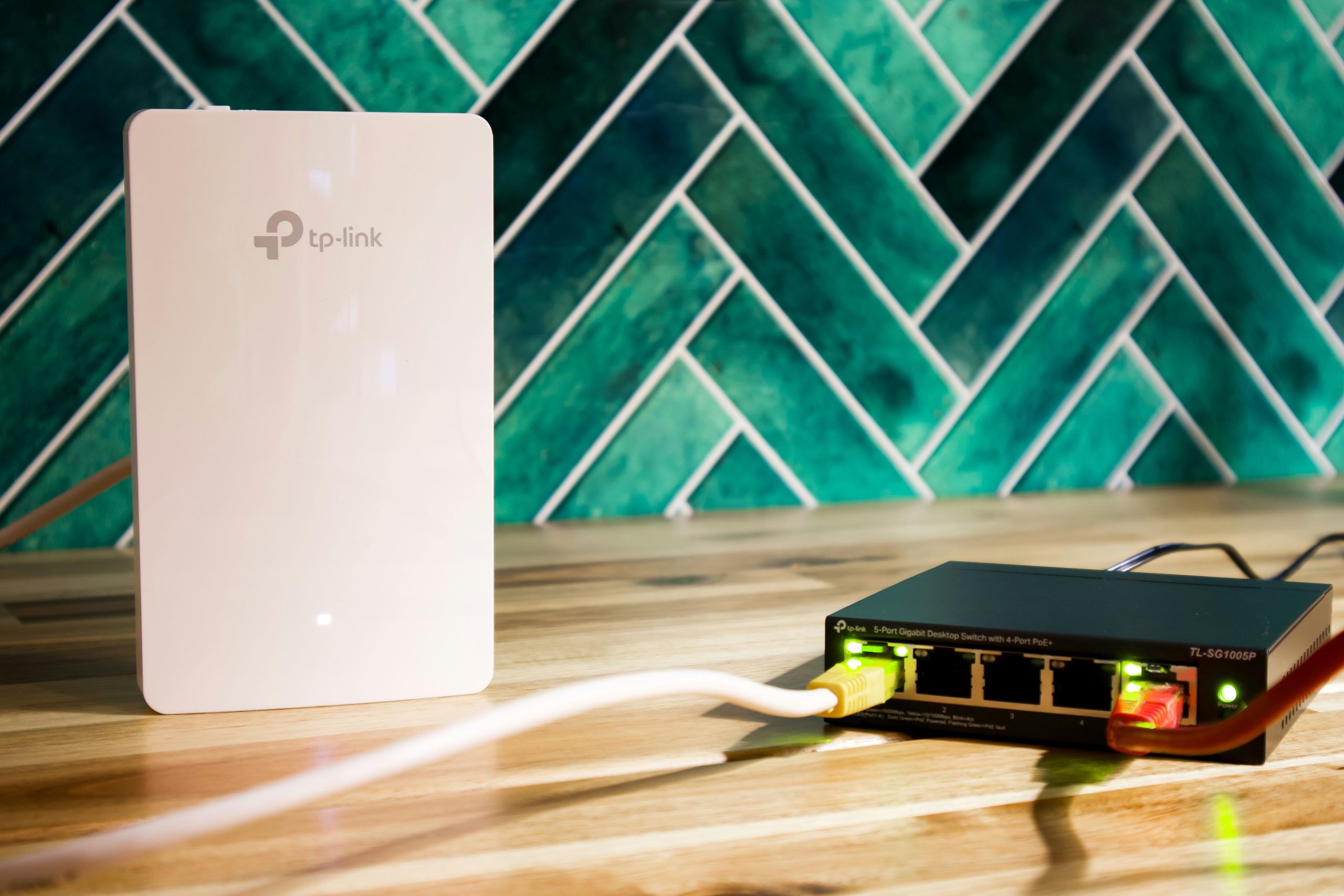
Dedicated wireless access points (APs) are professional-grade WiFi devices from brands like Ubiquiti (UniFi), TP-Link (Omada), and Netgear Insight. They don’t include a router — they’re pure WiFi radios that connect to an existing router or firewall via Ethernet cable. PCWorld’s AP buying guide provides a solid overview of the differences between consumer and pro-grade wireless gear.
Popular Access Point Brands
💰 Buy on Amazon → Netgear Insight
APs are managed through a central controller (hardware or software) that handles configuration, firmware updates, and roaming across all access points. UniFi and Omada systems offer this at remarkably affordable prices.
We covered the best options in our best WiFi access points for home guide.
Mesh vs Access Points: The Real Differences
Performance
This is where the biggest misconception lives. People assume APs always beat mesh because they’re “professional” gear. In reality more nuanced.
Wired backhaul changes everything. If you connect your mesh nodes via Ethernet cable (or run Ethernet to each AP), the performance difference between mesh and APs shrinks dramatically. A wired Eero Pro 7 node delivers nearly identical WiFi performance to a wired UniFi U7 Pro access point. The bottleneck becomes the WiFi radio, not the backhaul.
Wireless backhaul is where mesh struggles. When mesh nodes connect to each other over WiFi, they halve their bandwidth at each hop. A 3-node wireless mesh means the third node gets roughly 25% of the main router’s bandwidth. This is fine for web browsing and streaming, but terrible for file transfers, gaming, or any bandwidth-intensive work.
APs assume wired backhaul. Professional APs are designed to be wired. They don’t do wireless backhaul (with rare exceptions). This means you need Ethernet runs to each AP location — which requires either pre-existing wiring or running cables. See our home network wiring guide for how to do this.
Management and Features
Mesh systems excel at simplicity. The Eero, Deco, and Nest apps are designed for non-technical users. Parental controls, device prioritization, guest networks, and basic port forwarding are all accessible in plain English. You don’t need to understand VLANs, SSIDs, or DHCP to make changes.
APs give you professional control. UniFi and Omada controllers offer VLAN support, per-device bandwidth limits, advanced firewall rules, RADIUS authentication, captive portals, and detailed traffic analytics. According to SmallNetBuilder’s analysis, the management gap between consumer mesh and pro APs has narrowed, but pro APs still offer deeper control for users who need it.
APs have better roaming. When you walk between rooms with your phone, AP systems with 802.11k/v/r support (which both UniFi and Omada implement) handle client roaming far better than most mesh systems. Your phone transitions between APs without dropping connection. Mesh roaming has improved, but it’s still not as smooth as a properly configured AP system.
Cost Comparison
- 3-node mesh system (Eero Pro 7): $550-600
- 3-node mesh system (TP-Link Deco BE85): $500-550
- 3 APs (UniFi U7 Pro) + PoE switch + controller: $500-650 (depends on switch choice)
- 3 APs (TP-Link Omada EAP653) + PoE switch + controller: $300-450
When you factor in the PoE switch that APs require, the cost difference is smaller than most people expect. See our best PoE switches guide for switch recommendations.
Mesh vs Access Points: When to Choose Mesh
- You can’t run Ethernet cables. This is the number one reason to choose mesh. If your home doesn’t have Ethernet to multiple rooms and you’re not willing/able to run it, mesh with wireless backhaul is your only practical option for whole-home coverage.
- Simple is more important than maximum performance. If you want plug-and-play setup, an app that your non-technical family members can use, and don’t care about VLANs or advanced features — mesh is the right call.
- Your home is small to medium (under 3,000 sq ft). For most homes in this size range, a 2-3 node mesh system provides excellent coverage. Running Ethernet to 3 locations for APs isn’t worth the effort for the marginal performance gain.
- You want built-in router features. Mesh systems include routing, DNS, DHCP, and firewall — they replace your ISP router. APs require a separate router or firewall.
Mesh vs Access Points: When to Choose APs
- You have Ethernet to multiple rooms. If your home is wired (or you’re willing to wire it), APs with wired backhaul deliver the best possible WiFi performance. Period.
- You want VLANs or network segmentation. Putting IoT devices on a separate VLAN, isolating guest WiFi, or segmenting work devices from family devices requires AP-level VLAN support. Most mesh systems don’t offer this. For IoT VLAN setup details, see our guide to IoT VLAN configuration.
- You have a large home (3,000+ sq ft) or multiple floors. APs with proper placement deliver more consistent coverage across large spaces than wireless mesh, which degrades with each hop.
- You already have a good router/firewall. If you’re running pfSense, OPNsense, or a dedicated firewall — see our comparison — adding APs to it is more natural than replacing it with a mesh system.
- You want long-term upgradeability. AP systems let you replace individual APs as WiFi standards evolve. With mesh, you’re usually replacing the whole system.
The Hybrid Option: Mesh With Wired Backhaul
Here’s the secret most people miss: many mesh systems support wired backhaul. You can run Ethernet between Eero nodes, and they’ll use the wired connection instead of wireless. This gives you the management simplicity of mesh with the performance of wired APs.
Eero, Deco, and Orbi all support wired backhaul. If you have Ethernet runs available, this is often the sweet spot — mesh management with AP-like performance. You lose the advanced features (VLANs, RADIUS) but gain simplicity.
The downside: you still can’t mix and match brands. An Eero node won’t talk to a Deco node. You’re locked into one ecosystem. With APs from UniFi or Omada, you can add different models (indoor, outdoor, wall-plate) as needed.
WiFi 7: Does It Change the Equation?
WiFi 7 (802.11be) brings wider channels (320MHz), Multi-Link Operation (MLO), and 4K QAM to both mesh systems and APs. The technology benefits both approaches equally — it’s a radio improvement, not an architecture improvement.
If you’re buying new in 2026, get WiFi 7 hardware regardless of whether you choose mesh or APs. The performance improvement over WiFi 6/6E is noticeable in real-world use. For WiFi 7 router options, see our best WiFi routers guide.
Mesh vs Access Points: The Verdict
No Ethernet in your walls? Buy a mesh system. It’s not a compromise — it’s the right tool for the job. Eero Pro 7 or TP-Link Deco BE85 with 2-3 nodes will give you excellent whole-home coverage. Don’t let forum elitists convince you that mesh is inferior when you literally can’t run cables.
Have Ethernet to your key rooms? Access points deliver better performance, better roaming, and more features. A UniFi or Omada system with 2-3 APs costs about the same as a good mesh system and will outperform it in every metric that matters — as long as you have the wired backhaul.
Have Ethernet but want simplicity? Run a mesh system with wired backhaul. You get 90% of AP performance with mesh management. It’s the compromise most people should actually make.
The worst choice is buying a 3-node wireless mesh for a 5,000 sq ft home and wondering why the third node is slow. The second worst choice is buying three UniFi APs and realizing you have no Ethernet to connect them to. Match your infrastructure to your home’s wiring reality.
Real-World Throughput in Mixed Mesh and AP Setups
Throughput numbers from product pages rarely match what you actually see in a typical home. A WiFi 7 mesh advertised at 21 Gbps is reporting the sum of all radios across all bands — your single client device sees a fraction of that. Realistic per-client speeds on a strong WiFi 7 connection are 1–2 Gbps to a wired source. Drop one wall and that falls to 700–900 Mbps. Two walls, and you are often back to gigabit Ethernet equivalent or below.
Access points fare similarly, but with a key advantage: you can place them where coverage is needed. A ceiling-mounted AP in the center of the home delivers a clean signal to every room with minimal wall penetration. Mesh systems satellite where you can plug them in, which is rarely the optimal location for radio coverage. This is why a 2-AP setup often outperforms a 3-node mesh in real-world testing — the placement is simply better.
The other underappreciated factor is roaming behavior. Modern phones and laptops decide when to roam between APs or mesh nodes based on signal strength and load. Cheap mesh systems often have aggressive but inconsistent roaming logic that causes a phone to stick to a distant node. Quality APs (UniFi, Omada, Aruba Instant On) implement 802.11k/v/r consistently, which produces noticeably smoother roaming for streaming and voice calls.
Frequently Asked Questions about Mesh vs Access Points
Is mesh WiFi or access points better for a 2,000 sq ft home?
For most 2,000 sq ft homes without pre-existing Ethernet, a quality mesh system (eero, Orbi, Deco) is the better choice — easier setup, fewer cables, good coverage. Access points become the better choice once you have Ethernet runs to ceiling or wall mounts and want VLAN-level control over the network.
Can I mix mesh WiFi and access points in one network?
Generally no — they do not roam well together. The exception is using a mesh kit’s primary node as a router and replacing satellites with wired access points using the same SSID, but this only works smoothly if both speak the same roaming standards (802.11k/v/r) and even then, behavior is inconsistent.
Do access points need a separate router?
Yes. Access points only handle the Wi-Fi radio side. You need a separate router or firewall (UniFi Dream Machine, MikroTik, pfSense, OPNsense, or even a basic ISP-supplied gateway with the wireless turned off) to handle DHCP, NAT, and routing.
Is wireless backhaul reliable for a mesh WiFi system?
For 2–3 nodes in a typical home, yes — modern WiFi 6E and WiFi 7 mesh systems use a dedicated backhaul radio that performs well. For larger setups (4+ nodes) or homes with thick walls, wired backhaul over Ethernet is materially more reliable and faster.
How many access points do I need for whole-home coverage?
A rough rule: one AP per 1,500–2,000 sq ft on a single floor with normal construction. Two-story homes typically need at least 2 APs (one per floor). Open layouts can stretch a single AP further; older homes with plaster, brick, or foil insulation often need an extra AP per floor.
If you’re into networking gear jokes and geeky merch, check out Witty Design Finds on Etsy — some fun stuff for the home lab crowd.