Dual ISP Failover for Home Networks
Your internet goes down. Your work calls drop. Your smart home goes
dark. Your security cameras stop recording. And you’re on hold with your
ISP for 45 minutes, only to be told an outage in your area will be
resolved “within 4 hours.”
That’s the moment you start thinking about a backup internet
connection. And it’s the moment dual ISP failover goes from a networking
hobbyist project to something you wish you’d set up months ago.
What Dual ISP Failover
Actually Means
Dual ISP failover is exactly what it sounds like: two internet
connections, with automatic failover. Your primary connection handles
everything day to day. When it drops, your router detects the failure
within seconds and routes all traffic through the backup connection.
When the primary comes back, traffic shifts back.
The concept is simple. The implementation depends heavily on your
router.
Why You’d Want a Second ISP
Not everyone needs dual ISP failover. But if any of these scenarios
apply to you, it’s worth serious consideration.
You work from home. A single internet outage can
mean a missed meeting, lost productivity, or an incomplete deadline. If
your income depends on a reliable connection, a backup isn’t
optional.
You run servers or services at home. Home Assistant,
Plex, security cameras, Pi-hole — if your home runs services that you or
others depend on, they need connectivity even when your primary ISP has
a bad day.
Your primary ISP is unreliable. Cable and DSL
providers have different failure modes. Cable goes out during storms and
construction. DSL is slower but sometimes more resilient. Having a
different technology as backup means both are unlikely to fail
simultaneously.
You want to separate traffic. Some people use a
second ISP for work traffic and keep personal traffic on the primary.
This provides isolation that a single connection can’t offer.
5G home internet makes it cheap. T-Mobile and
Verizon’s 5G home internet plans run $50-60/month with no contract and
free equipment. That’s a reasonable price for a backup connection that
requires almost no setup.
Choosing Your Backup
Connection
Your backup ISP should use different infrastructure than your
primary. That’s the whole point.
Best pairings: – Cable + 5G home internet (different
infrastructure, different failure modes) – Fiber + 5G home internet
(same logic) – DSL + cable (older but still effective — different
last-mile technology) – Starlink + anything terrestrial (satellite is
independent of local infrastructure)
Avoid: – Two connections from the same ISP (if their
node goes down, both fail) – Two cable providers sharing the same poles
and lines (rare in residential areas but possible)
5G Home Internet: The
Best Backup Option
T-Mobile and Verizon 5G home internet have made dual ISP setups
dramatically more accessible.
Pros: – $50-60/month with no contract – Free
equipment (gateway device included) – No technician visit required —
plug it in and activate – Different infrastructure from cable/fiber –
Speed is usually 100-300Mbps, which is enough for most backup use
cases
Cons: – Speed varies by location and signal strength
– Latency is higher than cable or fiber (40-60ms vs. 5-15ms) – Data caps
on some plans (check before committing) – Not available everywhere
For most homes, 5G home internet is the easiest and cheapest way to
add a second ISP. Check coverage at your address before ordering —
T-Mobile’s coverage map is surprisingly transparent about what speeds to
expect.
Routers That Support Dual
WAN
This is where most people get stuck. Your average consumer router
from Best Buy doesn’t support two internet connections. You need a
router with dual WAN capability.
pfSense and OPNsense (Best
Option)
Both pfSense and OPNsense support dual WAN with automatic failover
out of the box. If you’re already running one of these as your firewall,
adding a second WAN interface is straightforward.
Hardware requirements: You need a firewall appliance
with at least three network ports — one for each WAN and one for your
LAN. The Protectli FW4B (four ports) or FW6B (six ports) work well. So
does any mini PC with multiple NICs.
Setup steps: 1. Connect your primary ISP to WAN
(OPT1 in pfSense) 2. Connect your backup ISP to OPT2 (or OPT3) 3.
Configure both WAN interfaces with their respective DHCP or static
settings 4. Set up a gateway group with your primary as tier 1 and
backup as tier 2 5. Configure firewall rules to allow traffic through
the gateway group
Failover time is typically 5-20 seconds, depending on how
aggressively you configure the monitoring thresholds.
Firewalla (Easier Setup)
Firewalla Gold and Purple models support dual WAN. The setup is
simpler than pfSense/OPNsense — you connect both modems, assign them in
the app, and it handles failover automatically.
Pros: Easier setup, mobile app management, good for
non-technical users Cons: Less granular control than
pfSense/OPNsense, costs more for comparable features, cloud-dependent
for some features
Ubiquiti UniFi
UniFi gateways (UXG-Pro, USG) support dual WAN, but the failover
behavior is less configurable than pfSense. It works, but you have fewer
options for monitoring thresholds, failback behavior, and load balancing
rules.
Consumer Routers
A handful of consumer routers support dual WAN, but they’re rare and
usually expensive: – ASUS ROG Rapture GT-AXE11000 —
supports USB tethering as a second WAN – Netgear Nighthawk
XR1000 — limited dual WAN support – Peplink Balance
series — purpose-built for dual WAN, but enterprise pricing
($400-2,000)
For most home users, pfSense or OPNsense is the best choice. It’s
free software, the failover is reliable, and you control every aspect of
the configuration.
Configuring Failover on
pfSense
Here’s the practical setup process for the most common scenario.
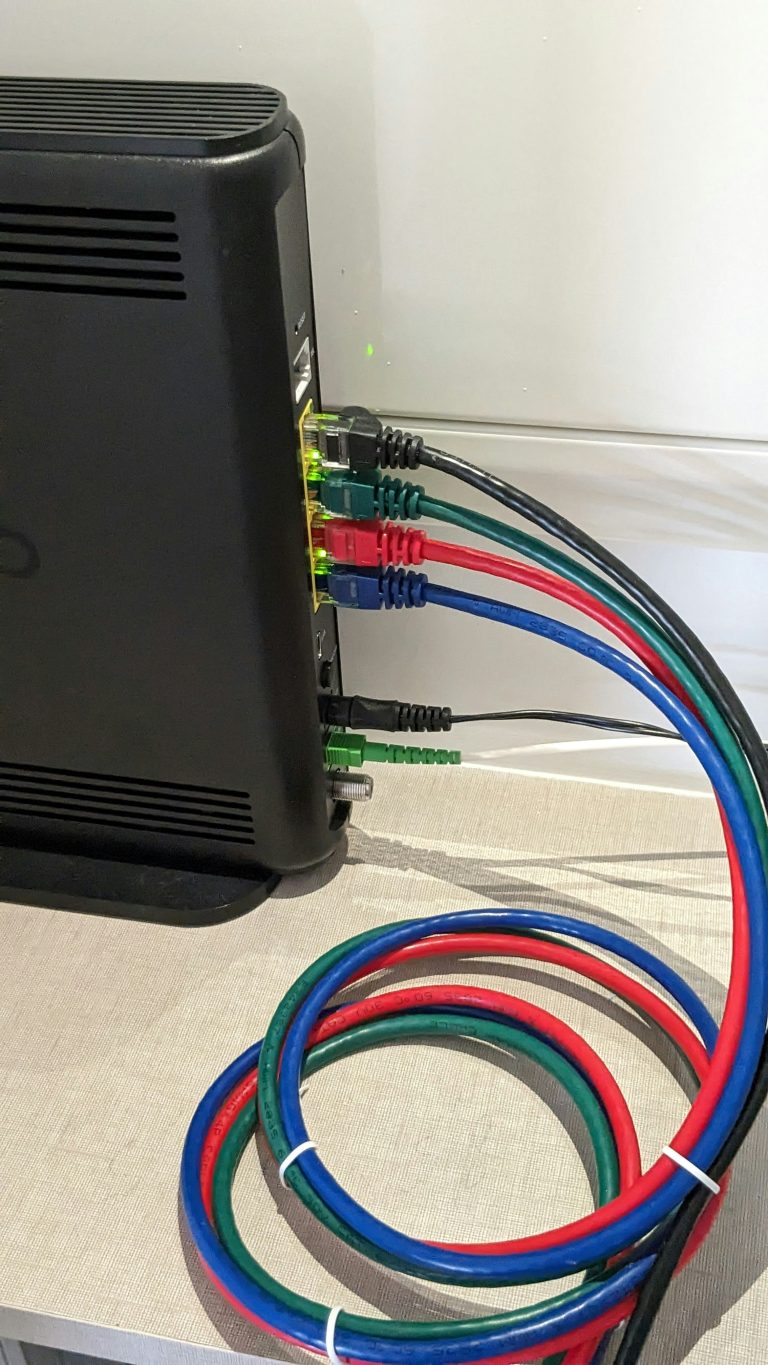
Step 1: Connect Both ISPs
Connect your primary internet (cable, fiber, DSL) to the first WAN
port. Connect your backup (5G gateway, DSL, Starlink) to the second WAN
port.
Step 2: Configure WAN
Interfaces
In pfSense, go to Interfaces > Assignments and
make sure both WAN ports are assigned. Then configure each one:
Primary WAN: Usually DHCP. Your cable modem or ONT
assigns an address automatically.
Backup WAN: Depends on the backup. 5G gateways
usually act as DHCP servers and hand out addresses on their LAN port.
Set the backup WAN to DHCP.
Step 3: Set Up Gateway
Monitoring
Go to System > Routing > Gateways. Each WAN
interface should have a gateway entry. Configure the monitoring
settings:
- Primary gateway: Monitor an IP address (usually
your ISP’s gateway or a public IP like 8.8.8.8). Set the weight to 1
(highest priority). - Backup gateway: Monitor the same or different IP.
Set the weight to a higher number (lower priority).
pfSense will ping the monitoring IP regularly. If the primary gateway
stops responding (default: 3 consecutive failures), it fails over to the
backup.
Step 4: Create a Gateway
Group
Go to System > Routing > Gateway Groups.
Create a new group:
- Group name: failover
- Gateway priority: Primary = tier 1, Backup = tier
2 - Trigger level: Set to “member down” for faster
failover
Step 5: Update Firewall Rules
Your LAN firewall rules need to point to the gateway group instead of
a single gateway. Edit the default LAN rule and change the gateway from
“default” to your failover group.
Step 6: Test It
Unplug your primary internet connection and watch traffic shift to
the backup. Plug it back in and verify failback. The entire process
should take 5-20 seconds.
OPNsense Setup
The OPNsense process is nearly identical to pfSense, with minor UI
differences:
- Interfaces > Assignments — assign both WAN
ports - Services > Multi-WAN — configure gateway
monitoring and failover - Firewall > Rules — update LAN rules to use the
gateway group
OPNsense’s Multi-WAN plugin provides a slightly cleaner interface for
this specific task.
Load Balancing vs Failover
You have two choices for how to use two internet connections.
Failover: Primary handles everything. Backup kicks
in only when primary fails. This is simpler and ensures consistent
behavior — your public IP doesn’t change, and all traffic goes through
one path.
Load balancing: Traffic is distributed across both
connections simultaneously. This gives you more total bandwidth but
introduces complexity — connections from the same device might go
through different ISPs, which can cause issues with some services
(banking websites, VPN connections, some games).
For home use, failover is the better choice. Load balancing makes
sense if you regularly saturate your primary connection and want to use
both at full speed. But the complexity isn’t worth it for most
households.
DNS and VPN Considerations
DNS Failover
When your connection fails over, your DNS resolver might become
unreachable if it was running on a device accessible only through the
primary WAN. Use public DNS servers (Cloudflare 1.1.1.1 or Google
8.8.8.8) to avoid this problem.
If you run Pi-hole or AdGuard Home locally, make sure it’s accessible
on the LAN regardless of which WAN is active. This usually works
automatically, but verify it after setup.
VPN During Failover
If you run a VPN server (WireGuard, Tailscale, OpenVPN) for remote
access to your home network, it needs to be reachable from the backup
connection too.
WireGuard and Tailscale handle this well — they’ll
reconnect automatically when the connection changes. WireGuard might
need a configuration update if you’re using static endpoint addresses
instead of DNS names.
Dynamic DNS is essential if you have a residential
IP that changes. Services like Cloudflare DDNS, DuckDNS, or No-IP can
update your DNS record when your IP changes during failover. Configure
DDNS updates for both WAN interfaces.
Cost Summary
Here’s what a typical dual ISP failover setup costs:
If you already run pfSense/OPNsense: – Backup ISP
(5G home internet): $50-60/month – Network cable for the backup
connection: $5-10 – One-time cost: under $20
If you need router hardware: – Protectli FW4B or
similar: $230-350 – 5G home internet: $50-60/month – Cables: $10 –
One-time cost: $240-360 + monthly ISP fee
Compare that to the cost of one missed work day or one failed product
demo, and it pays for itself quickly.
Conclusion
Dual ISP failover isn’t exotic networking. With 5G home internet
making second connections cheap and easy to get, and pfSense/OPNsense
handling the routing for free, there’s no technical or financial reason
to stay single-homed if your internet reliability matters.
Set it up, test it once a month by pulling the primary cable, and
forget about it until the day your neighborhood node goes down and your
household doesn’t even notice.
Frequently Asked Questions
How fast is the failover?
With properly configured monitoring, pfSense and OPNsense fail over
in 5-20 seconds. Existing connections (video calls, downloads) will drop
and need to re-establish. New connections will use the backup
immediately.
Can I use failover with
Starlink?
Yes. Starlink makes an excellent backup because it’s completely
independent of terrestrial infrastructure. The failover works the same
way — just connect Starlink’s ethernet adapter to your second WAN
port.
Does failover work with mesh
WiFi?
Yes. Your mesh nodes are connected to your router (wired or
wirelessly), and they don’t care which WAN is active. Failover happens
at the router level, below the WiFi layer.
Will my public IP
change during failover?
Yes. Your primary ISP gives you one IP and your backup gives you
another. Services that depend on your IP (self-hosted websites, some VPN
configurations) need to account for this. Dynamic DNS and Tailscale both
handle it gracefully.