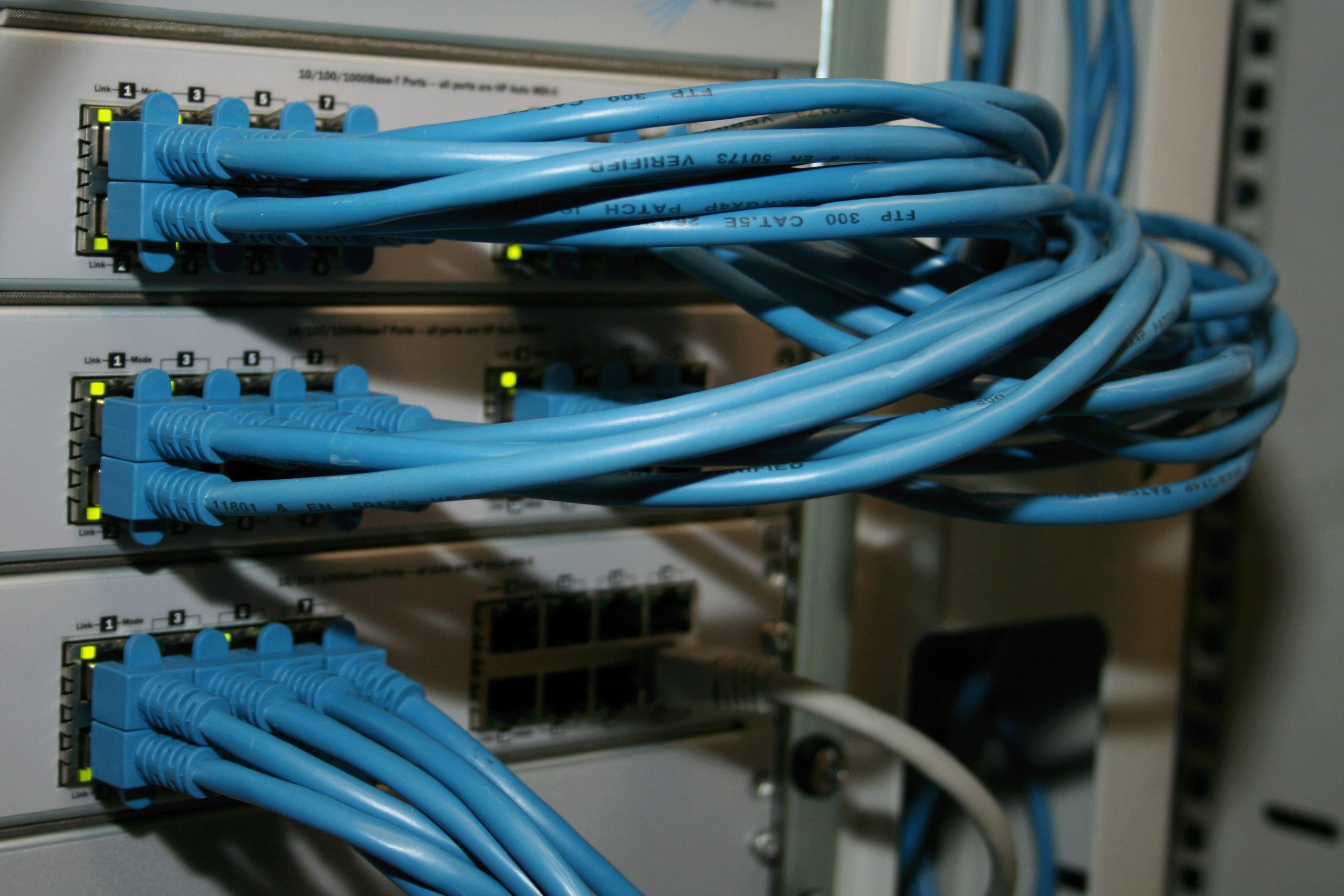
Best Cheap 10GbE Switches for Home
The 10GbE home network used to be a luxury for enthusiasts with six-figure budgets. Now, cheap 10GbE switches for home networks are hitting the market at prices that make them genuinely viable for home labs, content creators, and anyone running a NAS with 10GbE ports. The YuanLey YS100-0602T recently dropped as a budget option, and it’s not the only player. But cheap 10GbE switches for home networks come with real trade-offs that nobody talks about in the product listing.
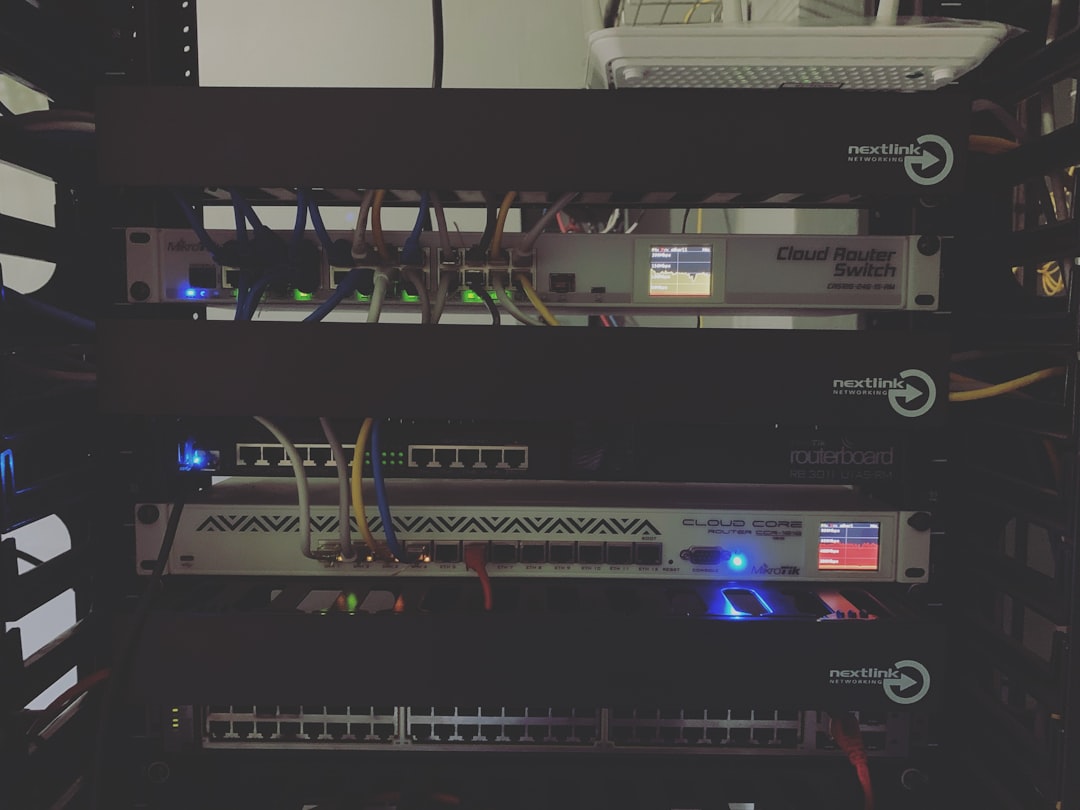
## Why 10GbE Switches Are Finally Affordable for Home Networks
Three things drove 10GbE prices into home-user territory. First, the 10GBASE-T PHY chips that were $50 each in 2020 now cost under $10. Second, Chinese manufacturers like YuanLey, Moker, and Techo entered the market with bare-bones designs that strip out everything except the switching fabric. Third, the NBase-T standard means you can run 2.5G or 5G on the same ports when you don’t have full 10G copper runs, which made the switches more practical for homes where Cat6 cabling isn’t guaranteed to hit 10G over 100 meters.
For home networks running Plex servers, NAS arrays, or multi-gig ISP connections, 10GbE on the local network eliminates the bottleneck between your storage and your devices. A 4-bay Synology NAS with 10GbE can push 1,000+ MB/s reads. Your old 1GbE switch was choking that down to 125 MB/s. Check our [10GbE home network guide](https://wiredhaus.com/10gbe-home-network-2026) for a full setup walkthrough.
## Cheap 10GbE Switches for Home Networks: What to Know Before Buying
Not all budget 10GbE switches are built the same. The differences matter more than you’d think at this price point.
### Unmanaged vs Managed at the Budget End
Unmanaged switches are plug-and-play. No configuration interface, no VLAN support, no link aggregation. They work, and they’re simple. Managed 10GbE switches at the budget end typically use web-based interfaces with limited feature sets. You get basic VLAN tagging, port mirroring, and sometimes LACP link aggregation. The trade-off is usually reliability — cheap managed switches have firmware that ranges from functional to frustrating. Budget managed switches also tend to have slower switching fabrics than their unmanaged counterparts at the same price point, because you’re paying for the management processor instead of the switching ASIC.
For a home network, unmanaged is fine if you just need speed between devices. If you need VLANs to isolate IoT traffic from your NAS, you’ll want managed. Our [IoT VLAN setup guide](https://wiredhaus.com/iot-vlan-setup-home-network) covers VLAN configuration in detail. But don’t expect enterprise features at $80.
### Port Count and Power Consumption
8-port 10GbE unmanaged switches are the sweet spot for home users. They’re affordable and small enough to mount on a wall or shelf. But watch the power consumption — some budget switches pull 20W+ under load, which adds up over a year. The YuanLey YS100-0602T draws around 12W, which is reasonable. Compare that to an enterprise Cisco SG350-10X at 15W for half the ports, and the value becomes clear.
When shopping for cheap 10GbE switches for home networks, power consumption matters because these devices run 24/7. A 20W switch costs roughly $18/year in electricity at average US rates. A 12W switch costs about $11/year. Doesn’t sound like much, but over five years the difference pays for half the switch.
### 10GBASE-T vs SFP+ Ports
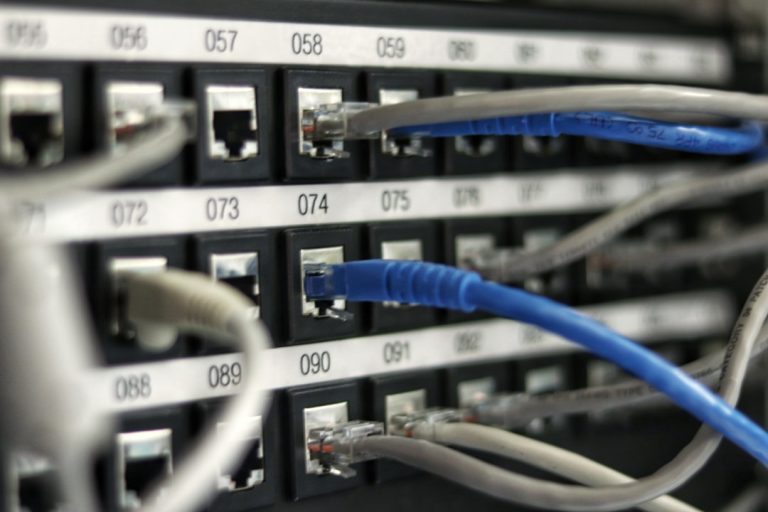
Most budget switches use 10GBASE-T copper ports, which connect directly via RJ45 to your devices. SFP+ switches use modular optical transceivers that require separate SFP+ modules and fiber or DAC cables. Copper is simpler and cheaper for short runs. SFP+ is better if you’re running switches in different rooms connected by fiber. Read our [network switch buying guide](https://wiredhaus.com/best-network-switches-home-2026) for more on port types.
Some hybrid switches offer a mix of both. If you plan to expand your network with fiber runs later, a couple of SFP+ uplink ports are worth having. Hybrid switches give you the flexibility of copper for immediate device connections and SFP+ for future backbone expansion without needing a second switch.
## Top Budget 10GbE Switches for Home Networks
### YuanLey YS100-0602T
The newest entry in the budget 10GbE space. Eight 10GBASE-T ports, unmanaged, fanless aluminum chassis. Rated for 12W power draw. The [ServeTheHome review](https://www.servethehome.com/the-complete-cheap-10gbe-switch-buyers-guide-netgear-ubiquiti-qnap-mikrotik-qct/) noted acceptable switching performance but pointed out the usual budget concerns: no documentation, unknown long-term reliability, and limited warranty support.
This switch makes sense if you want the cheapest possible 10GbE connection between a NAS and a couple of workstations. Don’t put mission-critical infrastructure on it. Available on [Amazon](https://amzn.to/4mqHDTL).
### Moker Link 8-Port 10GbE Switch
A step up from the ultra-budget options. Still unmanaged, but with slightly better build quality and more consistent thermal performance. Runs warmer than the YuanLey but has better heat dissipation. Available on [Amazon](https://amzn.to/3ObuCAR) for around $90-110, depending on the week.
If the YuanLey feels too sketchy and you want something with marginally better quality control, this is the alternative.
### TRENDnet TEG-310S
TRENDnet has been making network gear for home users for years, and their 8-port 10GbE switch is one of the few budget options from a recognizable brand. You get basic QoS support, a metal chassis, and an actual warranty. It costs more — typically $150-180 — but you’re paying for the brand name, documentation, and RMA process if something goes wrong. Available on [Amazon](https://amzn.to/3QjIA49).
For users who want 10GbE without buying from an unknown Chinese manufacturer, the TRENDnet is the safe choice.
### TP-Link TL-SG108-M2
Not a 10GbE switch — this is an 8-port 2.5GbE unmanaged switch. I’m including it because for many home networks, 2.5G is the practical sweet spot. You get eight ports of multi-gig speed for under $50, with much lower power consumption than any 10GbE option, and Cat5e cable supports 2.5G at up to 100 meters. Available on [Amazon](https://amzn.to/422O3Po).
If your NAS only has 2.5GbE ports and you don’t need 10G local transfers, save your money and buy this instead. It hits 2.5G speeds with a fraction of the power draw and heat.
## Cabling Considerations for 10GbE Home Networks
10GBASE-T over copper is demanding on your cabling. Here’s what you need to know before buying a 10GbE switch.
### Cat6 vs Cat6A vs Cat8
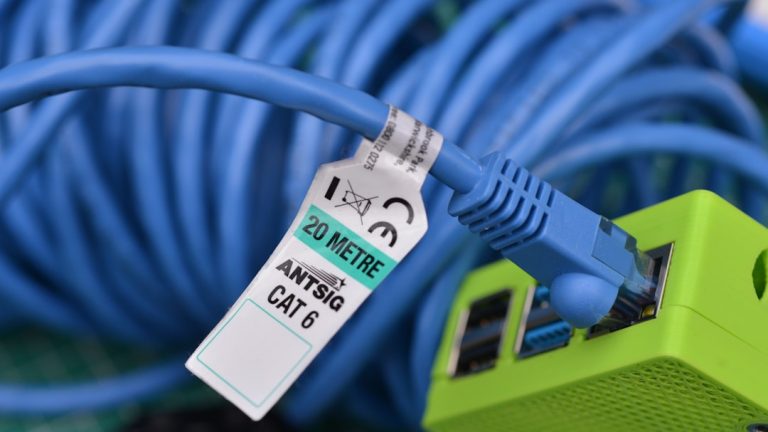
Cat6 can carry 10GbE, but only up to 55 meters in ideal conditions. For most homes, that’s fine — you’re not running 55-meter cable runs between rooms. But if you have longer runs, Cat6 is a risk. Check out our [cat6 vs cat6a vs cat8 guide](https://wiredhaus.com/cat6-vs-cat6a-vs-cat8-home-network-2026) for a detailed cabling comparison.
Cat6A is the safe choice for 10GBASE-T. It carries 10G to the full 100-meter spec. The cable is thicker and harder to route, but you won’t have speed issues. For new builds or retrofits where you’re pulling cable through walls, use Cat6A and don’t think about it again.
Cat8 is overkill. It’s designed for data center runs under 30 meters at 25G/40G speeds. In a house, you don’t need it, and the cable is stiff and expensive. Skip it. The [IEEE 802.3an standard](https://standards.ieee.org/ieee/802.3an/4402/) defines the 10GBASE-T specification for reference.
### Direct Attach Cables vs Copper
For short runs between a switch and a server rack in the same room, Direct Attach Cables (DACs) using SFP+ ports can be cheaper than long 10GBASE-T copper runs. A 1-meter DAC costs $8-15. A 1-meter Cat6A cable costs $3-5. But DACs require SFP+ ports on both ends, and most budget 10GbE switches only have copper RJ45 ports.
## Common Problems with Budget 10GbE Switches
Nobody writes about the problems you’ll actually encounter with cheap 10GbE switches. Here’s what to expect.
### Heat and Throttling
10GBASE-T PHY chips run hot. Budget switches with small heatsinks or fanless designs in enclosed spaces will thermal throttle under sustained load. If you’re transferring large files between a NAS and a PC at sustained 10G speeds for hours, some of these switches will slow down to protect themselves. Per [SmallNetBuilder’s testing methodology](https://www.smallnetbuilder.com/tools/charts/), sustained throughput testing reveals real-world performance that spec sheets don’t show.
Mount the switch in a well-ventilated area. Don’t put it in a closet with no airflow. If it feels hot to the touch, it’s probably throttling.
### Port Negotiation Issues
Some budget switches struggle with auto-negotiation between 10G, 5G, 2.5G, and 1G devices. You might plug in a 2.5GbE device and watch it negotiate at 1G instead. Power cycling the switch usually fixes it, but it’s annoying when it happens mid-transfer.
### No jumbo frames or MTU control
Unmanaged switches typically don’t support jumbo frames. If your NAS is configured for 9000 MTU and your switch doesn’t pass those frames, you’ll see performance degradation or dropped packets. Stick with the default 1500 MTU on all devices unless you know your switch supports jumbo frames.
### Long-term Reliability
The biggest unknown with budget 10GbE switches from Chinese manufacturers is longevity. Enterprise switches from Cisco, Juniper, or Arista are designed to run 24/7 for 5-10 years. Budget switches have no track record. Some will last for years. Some will die after six months. There’s no way to know in advance.
## When to Buy a Budget 10GbE Switch
Buy one when:
– You have a NAS with 10GbE ports that’s bottlenecked by your 1GbE switch
– You’re running local media servers or editing large video files across your network
– You have multi-gig ISP speeds and want to take full advantage of them internally
– You’re building a home lab that needs 10G between servers
Don’t buy one when:
– Your fastest devices only have 2.5GbE or 1GbE ports
– You only transfer files occasionally
– You need managed features like VLANs — buy a managed switch instead
– You want something you can forget about for five years — spend more
Cheap 10GbE switches for home networks are a great tool for the right use case. Matching the switch to your actual needs prevents overspending on features you won’t use.
## What About Used Enterprise 10GbE Switches?
The used market is full of enterprise 10GbE switches from decommissioned racks. Cisco Nexus, Dell PowerConnect, and Arista switches with SFP+ ports regularly sell for $50-150 on [eBay](https://www.ebay.com). They’re built like tanks, have full management features, and will last forever. For a detailed comparison of managed vs unmanaged options, the [Cisco switch comparison page](https://www.cisco.com/c/en/us/support/docs/smb/switches/Cisco-Business-Switching/kmgmt-3081-Cisco-Business-Switch-Comparison.html) and [Arista’s 10GbE switch portfolio](https://www.arista.com/en/products/10gbE-desktop-switches) are useful references.
The catch: most are SFP+ only, meaning you need SFP+ modules and DACs or fiber cables for every connection. Each SFP+ module costs $5-15. Each DAC costs $8-20. By the time you equip 8 ports, you’ve spent as much as a new budget copper switch. But you get enterprise reliability and full management. If you’re buying cheap 10GbE switches for home networks primarily for reliability, the used enterprise route is hard to beat.
If you’re comfortable with SFP+ and don’t mind buying used gear, this route offers better value than any new budget option. Just factor in the total cost including modules and cables before committing.
## Frequently Asked Questions About 10GbE Home Networking
### Do I need Cat6A for 10GbE?
Cat6A guarantees 10GbE at 100 meters. Cat6 supports 10GbE up to 55 meters in favorable conditions. For most home runs under 40 meters, Cat6 works fine. For longer runs or new installations, use Cat6A.
### Can I mix 10GbE and 1GbE devices on the same switch?
Yes. Most 10GbE switches auto-negotiate down to 1GbE for devices that don’t support faster speeds. The switch handles the speed mismatch between ports automatically.
### What’s the difference between 10GBASE-T and SFP+?
10GBASE-T uses standard RJ45 copper cables and is hot-pluggable. SFP+ uses modular transceivers with fiber or DAC cables. 10GBASE-T is more convenient for direct device connections. SFP+ is more power-efficient and common in enterprise environments.
### How much power does a budget 10GbE switch use?
Most 8-port budget 10GbE switches draw 10-20W under load. The YuanLey YS100-0602T is around 12W. Compare this to 2.5GbE switches at 3-5W, or 1GbE switches at under 3W.
### Are budget 10GbE switches reliable enough for daily use?
For non-critical home use, they’re generally fine. The main risk is early failure — some units die within months. Buying from a brand with a warranty (TRENDnet, TP-Link) provides some protection. Buying from unknown Chinese manufacturers is a gamble.
### Can I use a 10GbE switch as an upgrade from my existing 1GbE setup?
Yes. Replace your 1GbE switch with the 10GbE unit and connect all devices. Devices with 1GbE NICs will still negotiate at 1G. Devices with 2.5G or 10G NICs will run at their maximum speed.
### Do I need special cooling for a budget 10GbE switch?
Most budget 10GbE switches are fanless and rely on passive cooling. Keep them in a well-ventilated area. Avoid enclosed cabinets or stacking other heat-generating equipment directly on top of them. If the chassis feels too hot to hold, add a small fan or relocate the switch.
### What’s the best budget 10GbE switch for a home NAS setup?
The YuanLey YS100-0602T offers the lowest price for 8-port 10GBASE-T, but carries reliability uncertainty. The TRENDnet TEG-310S costs more but comes with better warranty support. If your NAS has 2.5GbE ports instead of 10G, the TP-Link TL-SG108-M2 at $50 is the more practical choice.