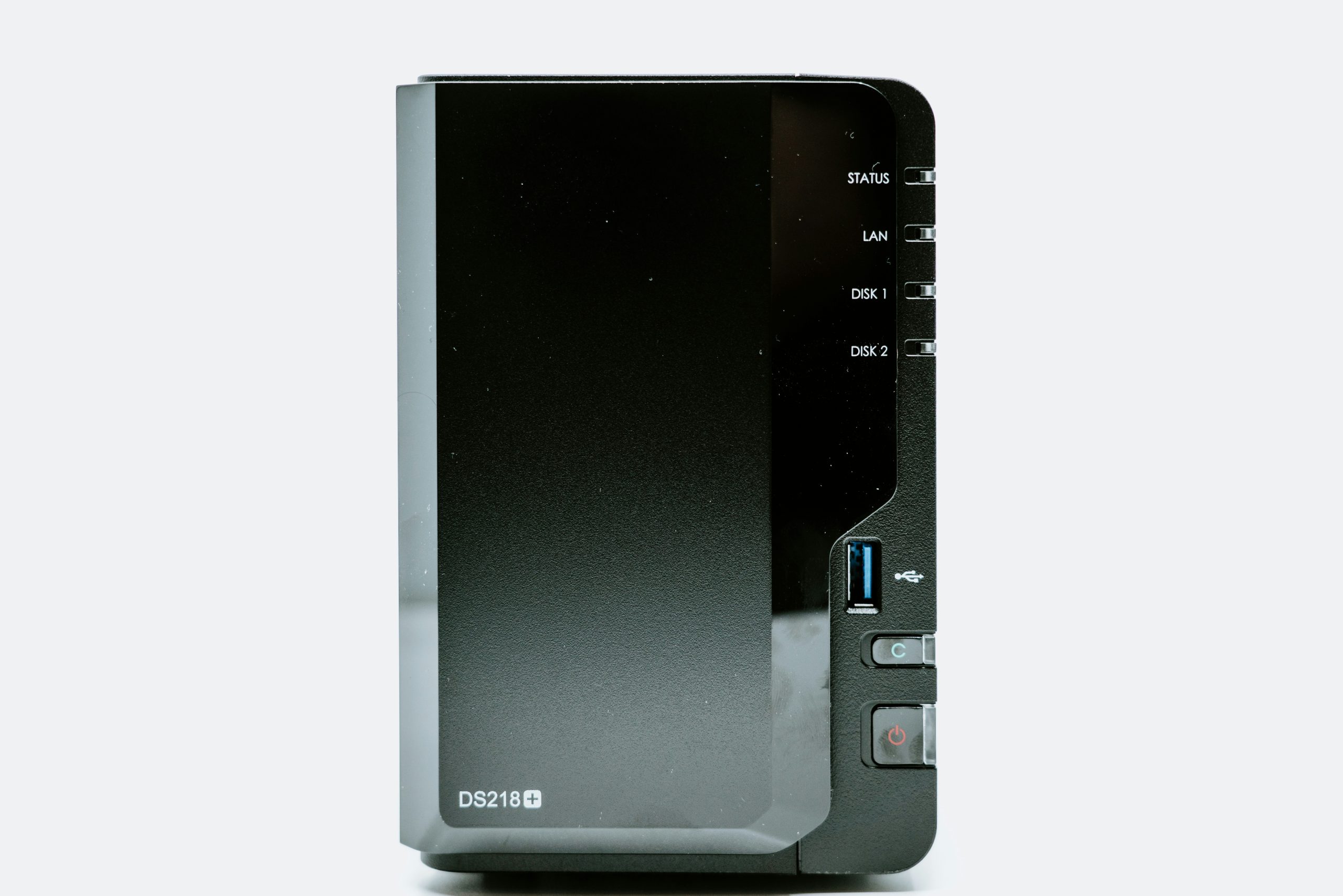
Synology vs QNAP: Which NAS Brand Should You Buy?
Synology vs QNAP 2026: Which NAS Brand Should You Buy?
The Synology vs QNAP 2026 debate is the most common question new NAS buyers ask — and the the real answer is that both are excellent, but they serve different users. This guide breaks down exactly who should buy which. (See also: best NAS for home use)
The Short Answer
Buy Synology if: you want the best software experience, easy setup, and a polished ecosystem that just works.
Buy QNAP if: you want more raw hardware for the money, PCIe expandability, and deeper home lab capabilities.
Software: DSM vs QTS
This is where the real difference lives.
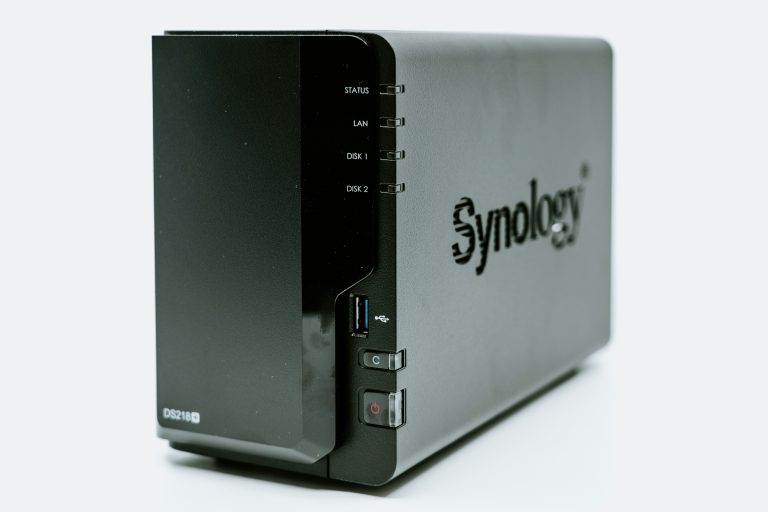
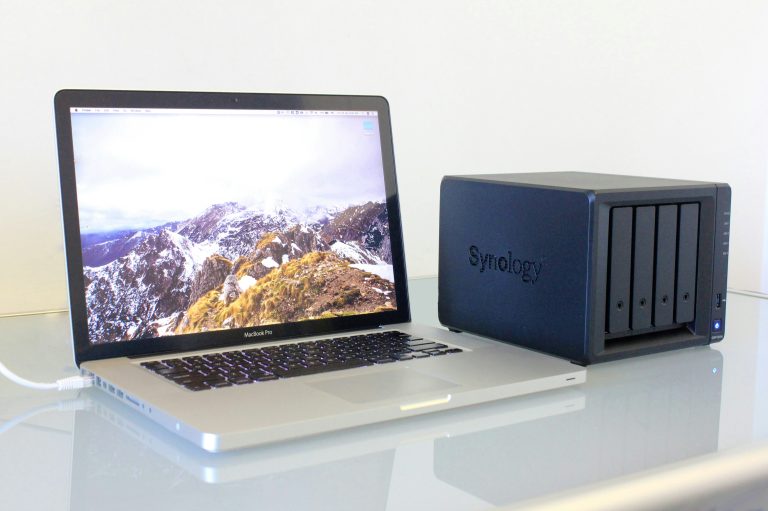
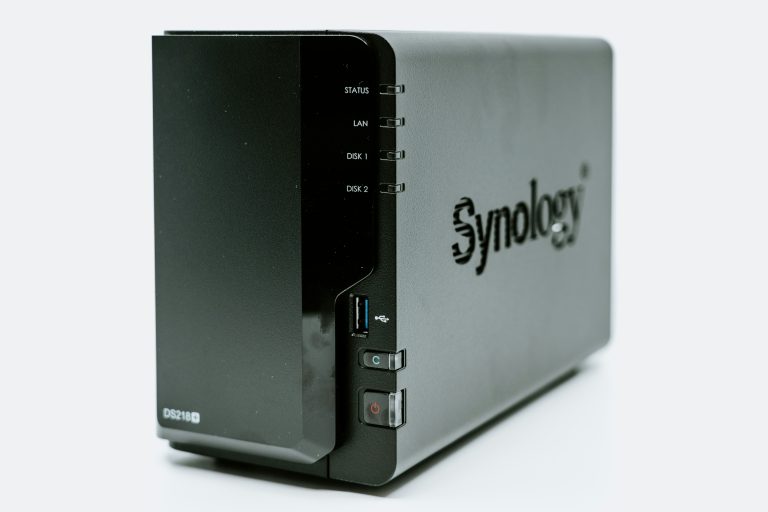
Synology DSM is the most polished NAS operating system available. Clean UI, excellent documentation, apps that work reliably, and an update cadence that keeps security patches current. Synology Photos, Drive, Surveillance Station, and Active Backup are genuinely competitive with commercial cloud alternatives. The learning curve is gentle — most users are productive within an hour.
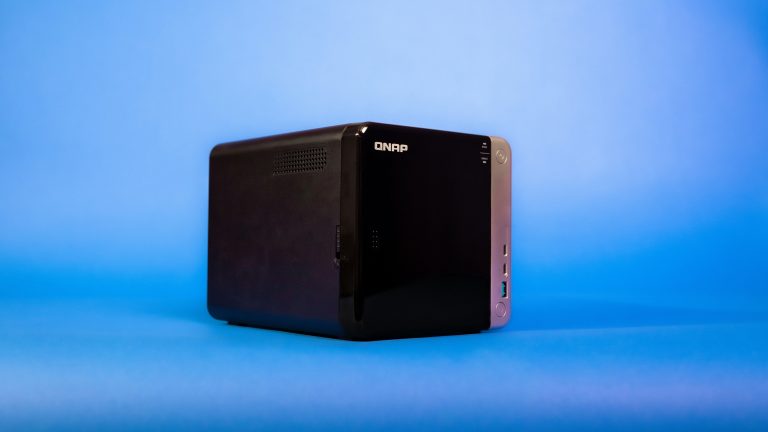
QNAP QTS is more powerful and more complex. Container Station (Docker + Kubernetes), VM Station (full virtual machines), and a more flexible network stack give advanced users capabilities DSM doesn’t expose. But the interface is denser, terminology is more technical, and there are more ways to misconfigure things. QTS rewards users who want to dig in.
Winner for most home users: Synology DSM. QNAP wins for home lab enthusiasts.
Hardware: Where QNAP Wins
At equivalent price points, QNAP consistently ships more hardware:
| Feature | Synology DS423+ | QNAP TS-464 |
|---|---|---|
| CPU | Intel J4125 | Intel N5105 |
| RAM | 2GB (exp. 6GB) | 8GB (exp. 16GB) |
| Network | 2x 1GbE | 2x 2.5GbE |
| M.2 NVMe slots | None | 2 (SSD cache) |
| PCIe slot | None | Yes (Gen 3) |
| Price | ~$500 | ~$550 |
QNAP gives you 8GB RAM, faster networking, NVMe cache slots, and PCIe expansion for $50 more. On paper it’s a better deal.
The catch: that hardware is only worth the premium if you use it. Most home users running Plex, photo backup, and file sync never stress a Synology DS423+. The extra QNAP hardware sits idle.
Ecosystem and Apps
Synology: Smaller app selection but every app is polished and well-maintained. Synology Photos is genuinely excellent. Active Backup for Business is one of the best free backup solutions available anywhere.
QNAP: Larger app selection including some unique offerings (QuMagie AI photo management, QVR Pro surveillance). Quality varies — some apps are excellent, some feel unfinished. The App Center has more options but requires more curation.
Third-party apps: Both run Plex, Jellyfin, Docker containers, and most popular self-hosted applications. Neither has a meaningful advantage here.
Reliability and Support
Both brands have good track records. Synology has a slight edge in firmware stability — DSM updates are thoroughly tested before release. QNAP ships features faster but has had more incidents of updates causing issues.
Community support: Both have active communities. Synology’s r/synology and official forums are larger. QNAP’s community is smaller but deeply technical.
Warranty: Both offer 2-year warranties standard. Synology’s RMA process is generally smoother.
Drive Compatibility
Synology has become increasingly restrictive — newer DSM versions display health warnings for drives not on their official compatibility list, and some features are locked to Synology-branded HAT drives. Third-party drives (Seagate IronWolf, WD Red Plus) still work but you’ll see nag screens.
QNAP is more open — most NAS-rated drives work without warnings or restrictions.
If you plan to use third-party drives (which is usually the right financial decision), QNAP is the less frustrating choice.
The Verdict by Use Case
Home user — photos, backup, Plex: Synology DS423+ or DS224+. DSM makes these tasks easy and reliable.
Home lab enthusiast — Docker, VMs, 10GbE: QNAP TS-464. The PCIe slot and extra RAM pay dividends.
Beginner first NAS: Synology DS224+. Lowest learning curve, excellent software.
Budget 4-bay: TerraMaster F4-424 deserves a mention — Intel i3-N305 at a lower price than either brand.
Long-term investment: Both brands support their hardware for 5+ years with firmware updates. Neither is a wrong choice.
Synology DS423+ on Amazon | QNAP TS-464 on Amazon
Prices checked February 2026. Affiliate links help support wiredhaus at no extra cost to you.
NAS Drive Selection: What to Buy for Synology vs QNAP
The NAS itself is only half the purchase decision. Drives represent most of the upfront cost and have the largest impact on long-term reliability.
For Synology: Seagate IronWolf (CMR, NAS-rated) and WD Red Plus (CMR) are the standard recommendations. Both appear on Synology’s compatibility list without restrictions. Synology’s own HAT5300/HAT5310 drives are fine but priced at a premium — you’re paying for the Synology label, not meaningfully better hardware. Avoid SMR drives in any RAID configuration on Synology; DSM handles CMR drives correctly but SMR’s write behavior causes RAID rebuild failures under load.
For QNAP: Same drive recommendations apply, but QNAP is less restrictive about compatibility list requirements. IronWolf Pro drives are worth considering if you’re running the TS-464 with the PCIe slot and heavy Docker workloads — the Pro series handles higher duty cycles without throttling.
Drive count and RAID decisions for the Synology vs QNAP comparison: A 2-bay NAS in RAID 1 gives you one drive’s worth of usable space with full redundancy — good for backup appliances. A 4-bay in RAID 5 gives you three drives’ usable space with single-drive fault tolerance — the standard home lab config. Don’t run a 2-bay NAS in JBOD or no-RAID for anything you care about. A single drive failure means data loss, and drives in 24/7 operation fail regularly enough to plan for it.
Budget for drives separately from the NAS enclosure — 4x 4TB IronWolf drives add ~$200–240 to your build cost. That’s where most of the real purchase decision happens for both Synology and QNAP users.
more from wiredhaus
- Best WiFi 7 Router 2026
- Best Mesh WiFi System 2026
- Best NAS for Home 2026
- Best Smart Home Hub 2026
- IoT VLAN Setup Home Network
Performance Benchmarks: Real-World Speeds You’ll Actually See
Raw specs don’t tell the whole story. In practice, the DS423+ pushes around 220 MB/s sequential read over a 10GbE link in a 4-drive RAID 5 config. The QNAP TS-464 hits closer to 250 MB/s in similar conditions — a difference that matters only if you’re doing large video transfers. For most home users running Plex, backups, and file sharing simultaneously, both platforms perform identically because you’ll be network-bound at 1GbE (around 110 MB/s) before the NAS breaks a sweat.
Transcoding performance is where QNAE actually pulls ahead: the TS-464’s N5095 quad-core Celeron handles 4K hardware transcoding in Plex without dropping frames. Synology’s J4125 struggles with simultaneous 4K streams. If Plex is your primary use case, this matters.
Software Ecosystem: DSM vs QTS
Synology’s DSM is the benchmark for NAS software. The interface is clean, updates are consistent, and Synology’s first-party apps (Surveillance Station, Synology Drive, Moments) are genuinely polished. QTS has caught up significantly but still feels busier — more options, more toggles, more ways to break things.
Where QNAP wins on software: Container Station runs Docker and LXC containers far better than Synology’s Container Manager. If you plan to run self-hosted services (Home Assistant, Nextcloud, Pi-hole, Jellyfin), QNAP gives you more room to work. Synology has tightened restrictions on unsupported packages in recent DSM updates, which has frustrated power users.
Hardware Expandability
The DS423+ has no PCIe slot. The TS-464 has one PCIe 2.0 x2 slot — enough for a 10GbE card or an M.2 SSD cache adapter if you didn’t get the base model with built-in M.2 slots. If you want to grow beyond the stock hardware, QNAP gives you that path. Synology requires you to buy a higher-tier model.
Both support Synology’s and QNAP’s respective expansion enclosures if you need more than 4 bays. These are expensive but functional if you’re building a serious home lab.
Which One Should You Buy?
- Buy Synology DS423+ if: You want a set-it-and-forget-it NAS for backups and file sharing. You value software polish over flexibility. You don’t plan to run containers or push hardware limits.
- Buy QNAP TS-464 if: You run Plex with 4K content. You want to self-host services via Docker. You want a PCIe slot for future expandability.
- Price check matters: These two trade blows on street price regularly. Check current pricing before deciding — a $30 difference can shift the recommendation.
Frequently Asked Questions
Can I use non-Synology drives in a DS423+?
Yes, but Synology has added storage compatibility warnings in DSM 7.2+ for drives not on their official list. The drives still work — you just get a nagging warning in the UI. Use WD Red Plus or Seagate IronWolf for zero complaints.
Is QNAP security worse than Synology?
QNAP has had more high-profile ransomware incidents (DeadBolt, QLocker). Most of these exploited exposed management interfaces. The fix: never expose your NAS admin port to the internet. Use a VPN or Tailscale instead. Both platforms are equally safe when configured correctly.
Does Synology still lock down third-party drives?
DSM 7.2 introduced warnings but not hard blocks. As of mid-2026, you can still use any drive — you’ll see a compatibility notice but functionality is unaffected.
Real-World Performance: What the Benchmarks Don’t Tell You
Synthetic benchmarks favor QNAP on almost every metric — more RAM, faster NVMe cache, faster networking. Real-world home use tells a different story.
For typical home workloads — backing up 2-3 computers overnight, streaming 2 Plex sessions simultaneously, syncing Synology Photos from 3 phones — the DS423+ never runs out of headroom. The J4125’s Intel QuickSync handles 4K transcoding efficiently. DSM’s background tasks are well-optimized and don’t compete with foreground operations the way QTS sometimes does.
Where QNAP’s hardware advantage becomes real:
- Running multiple VMs simultaneously — the extra RAM matters
- 10GbE workloads — the PCIe slot lets you add a 10GbE NIC
- Heavy Docker workloads — more containers need more RAM
- SSD caching on spinning drives — NVMe cache slots make a measurable difference for random I/O
If none of those apply to you, you’re paying for hardware you’ll never use.
Security Track Record
This is a real differentiator that most buyers ignore until it’s too late.
Synology has had a solid security track record. Major incidents have been rare, patches come quickly when vulnerabilities are discovered, and DSM’s default security posture is conservative — features like 2FA, auto-block, firewall, and HTTPS-only access are easy to enable and well-documented.
QNAP has a more troubled history. Multiple high-profile ransomware campaigns specifically targeted QNAP devices — QLocker (2021), DeadBolt (2022), and others. Most exploits targeted devices exposed directly to the internet, but the frequency and severity of QNAP vulnerabilities has been notably higher. QNAP has improved its patching cadence, but the track record matters.
The practical takeaway: Neither NAS should be directly exposed to the internet without a VPN. But if you’re less security-savvy or less likely to apply patches quickly, Synology’s historically cleaner track record is a meaningful advantage.
Frequently Asked Questions
Can I switch from QNAP to Synology later?
You can migrate data, but not your configuration or apps. Plan your ecosystem choice before you start building your setup — migrating is a fresh installation with manual data copying.
Does Synology work without internet?
Yes. DSM and all local apps (Photos, Drive, Surveillance Station, Plex) work entirely on your local network. QuickConnect and some cloud sync features need internet, but the core NAS functions are fully local.
Is QNAP’s extra RAM actually useful?
For home backup, Plex, and photo sync: no. For running VMs, multiple Docker containers, or heavy caching workloads: yes. Be realistic about what you’ll actually use the device for.
Which has better long-term support?
Synology explicitly commits to multi-year DSM updates for supported models. QNAP also updates QTS for several years. Both are safe bets for a 5-7 year device lifespan.
Can QNAP run Synology apps?
No. DSM apps (Synology Photos, Drive, Active Backup) are Synology-exclusive. QNAP has equivalent apps but they’re different products. You’re choosing an ecosystem, not just hardware.