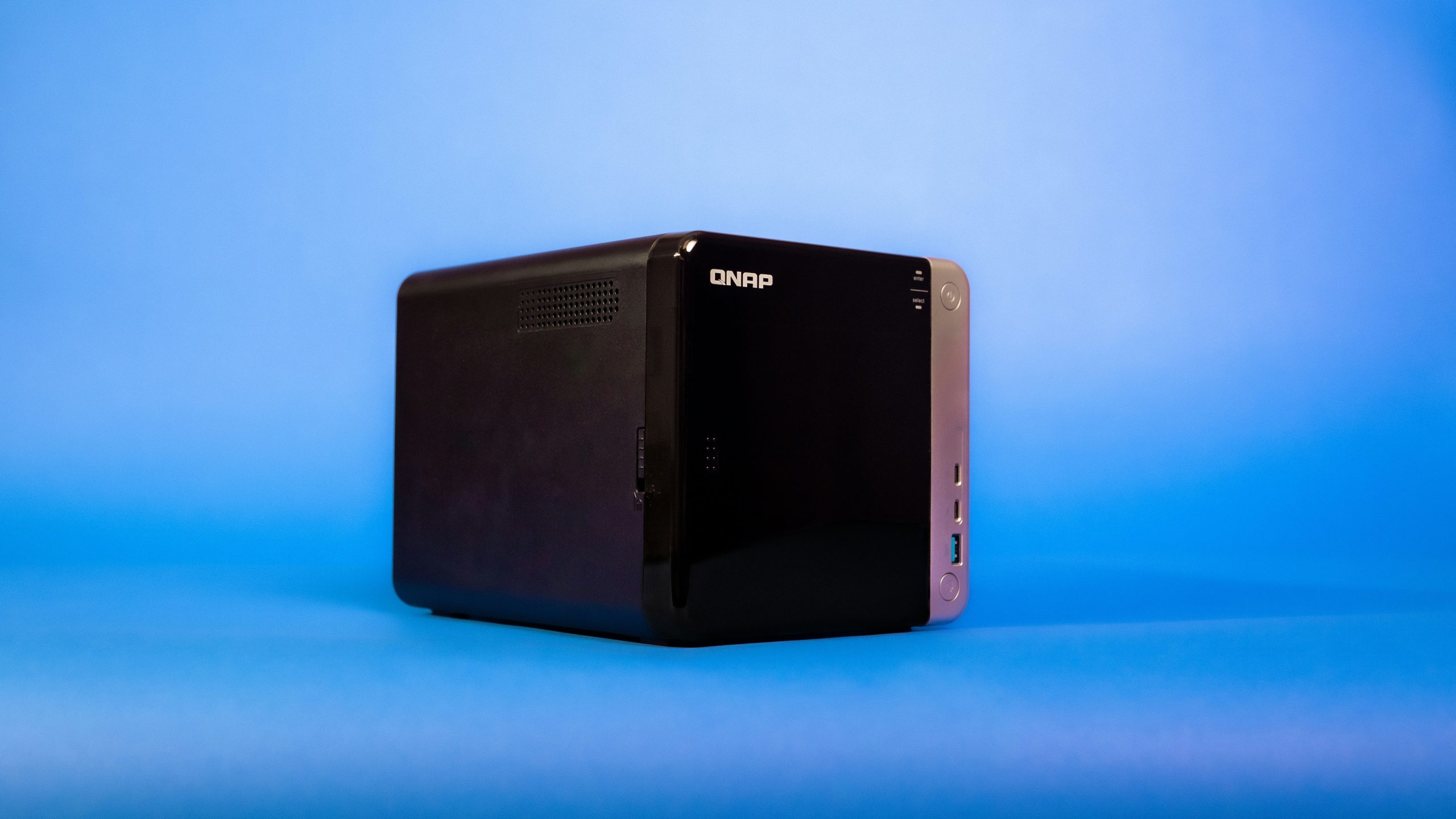
Synology DS423+ Review 2026: The Best Home NAS You Can Buy?
Synology DS423+ Review 2026: The Best Home NAS You Can Buy?
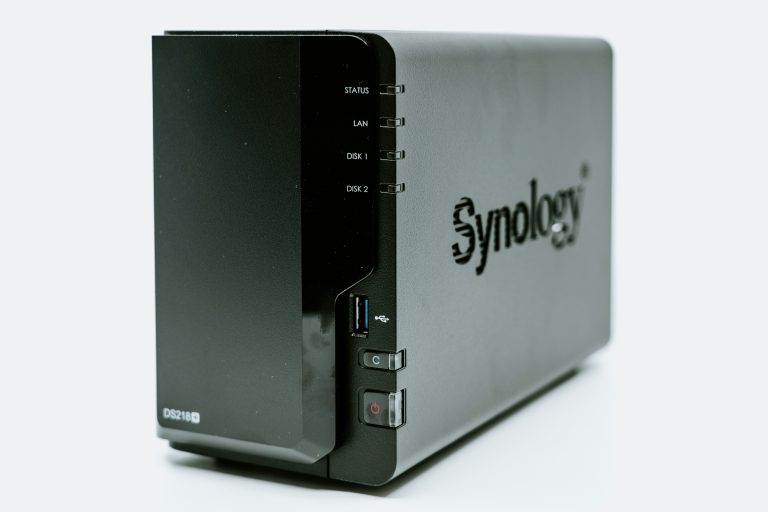
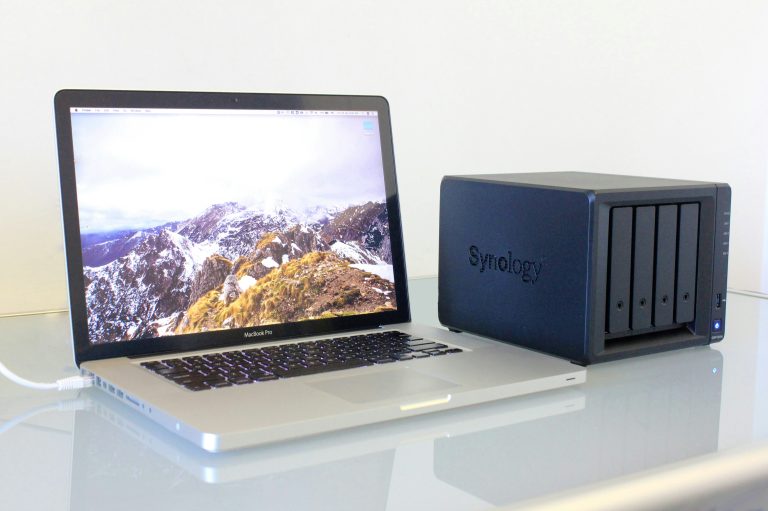
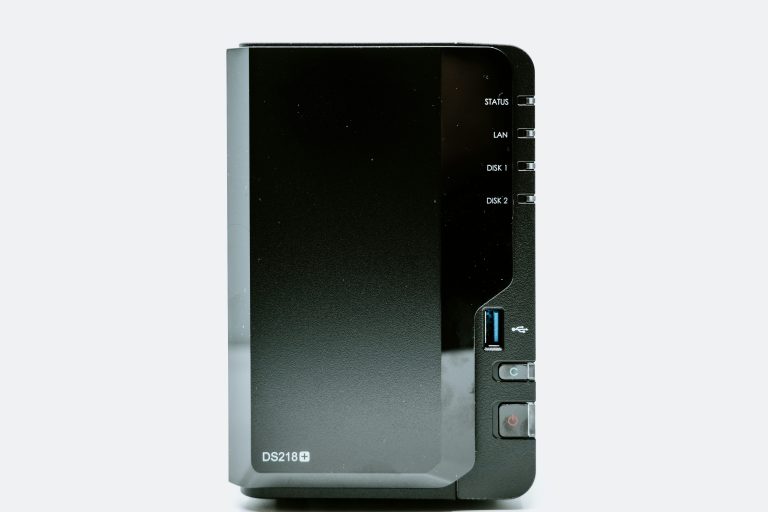
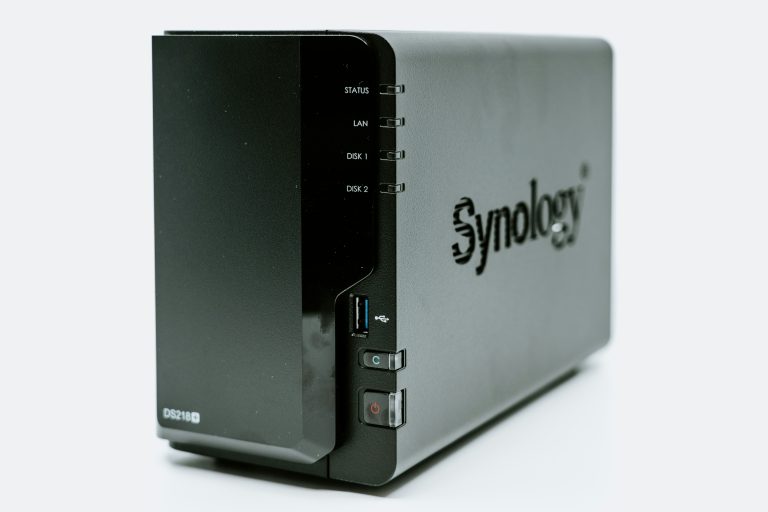
The Synology DS423+ review 2026 verdict upfront: if you want one NAS that does everything well — backup, media, private cloud, surveillance — this is it. Not the cheapest, not the most powerful on paper, but the most complete package available for home users.
Who This Is For
The DS423+ sits in the sweet spot between beginner and power-user. It’s not a starter NAS — the DS224+ fills that role. It’s not a home lab server — the QNAP TS-464 goes deeper there. The DS423+ is for the person who wants a serious, long-term home NAS that handles every common use case without compromise.
If you’re replacing cloud storage subscriptions, setting up Plex for your household, backing up multiple computers automatically, or running a few IP cameras — the DS423+ handles all of it simultaneously without breaking a sweat.
Hardware Specs
| Spec | Detail |
|---|---|
| CPU | Intel Celeron J4125 quad-core 2.0GHz (burst 2.7GHz) |
| RAM | 2GB DDR4 (expandable to 6GB) |
| Drive Bays | 4 x 3.5″/2.5″ SATA |
| Network | 2 x 1GbE (link aggregation supported) |
| USB | 2 x USB 3.2 Gen 1 |
| Max Raw Capacity | 72TB (4 x 18TB drives) |
| Power Consumption | ~18W operating, ~6W HDD hibernation |
The J4125 includes Intel QuickSync — hardware video transcoding that makes 4K Plex streams smooth without maxing out the CPU. This is the spec that matters most for media server use.
DSM: The Real Reason to Buy Synology
DSM (DiskStation Manager) is Synology’s operating system and it’s genuinely excellent. Updated regularly, well-documented, and backed by one of the most active NAS communities online. Here’s what it runs out of the box:
Synology Photos
Google Photos replacement. Mobile backup, facial recognition, shared albums, timeline view. Your photos stay on your hardware — no subscription, no storage limit beyond your drives. Works on iOS and Android. Genuinely good enough to replace Google Photos for most people.
Synology Drive
Dropbox/Google Drive replacement. Desktop sync clients for Windows and Mac, mobile apps, version history, shared folders. Works reliably across your household devices.
Active Backup for Business
Backs up Windows PCs, Macs, virtual machines, and even Microsoft 365 data to your NAS automatically. Free, no license fees. Set it up once and every computer in your house is covered.
Surveillance Station
Full NVR (network video recorder) for IP cameras. Free license covers 2 cameras. Additional cameras cost ~$50/license. Supports motion detection, alerts, timeline playback, and remote viewing.
Plex / Jellyfin / Emby
All three media servers run on the DS423+ via the Package Center. Hardware transcoding via QuickSync handles multiple simultaneous 4K streams. Plex Pass (~$5/month) unlocks hardware transcoding in Plex — Jellyfin enables it for free.
Virtual Machine Manager
Run Windows or Linux VMs directly on the NAS. Not a replacement for a dedicated server, but useful for running lightweight services without extra hardware.
Storage and RAID Options
The DS423+ supports:
- SHR (Synology Hybrid RAID) — Synology’s flexible RAID. Mix drive sizes, expand incrementally. Best for most home users.
- RAID 1 — Mirror. 2 drives, 50% efficiency, survives one drive failure.
- RAID 5 — 3+ drives, survives one failure, better efficiency than RAID 1.
- RAID 6 — 4 drives, survives two simultaneous failures. Overkill for home but available.
Recommended starting setup: 2 x 4TB Seagate IronWolf in SHR. Gives you 4TB usable, protected storage. Add drives later without rebuilding your array.
RAM Upgrade: Worth Doing
Stock 2GB RAM is functional but tight when running Photos, Drive, Surveillance Station, and Plex simultaneously. Upgrading to 6GB (add a 4GB SO-DIMM) costs around $20-25 and makes a noticeable difference in multitasking performance.
Compatible RAM: Crucial 4GB DDR4 2666 SO-DIMM. Check Synology’s compatibility list before buying — some modules don’t play nicely with DSM.
What We’d Improve
Network ports: Two 1GbE ports with link aggregation gets you 2Gbps throughput — adequate for most homes but frustrating if you have a 2.5GbE or 10GbE switch. A future revision with 2.5GbE would be welcome.
Drive compatibility pressure: Synology increasingly steers users toward their own HAT-series drives. Third-party drives work fine but generate health warnings in newer DSM versions. Not a dealbreaker, but worth knowing.
No NVMe slots: Unlike the QNAP TS-464, the DS423+ has no M.2 slots for SSD cache. For large media libraries with mixed access patterns, NVMe cache can meaningfully improve performance. The DS423+ manages without it for typical home workloads.
Performance
Real-world sequential read/write on the DS423+ with 4 IronWolf drives in RAID 5:
- Sequential read: ~450 MB/s (network limited at 1GbE to ~112 MB/s)
- Sequential write: ~350 MB/s
- 4K random read: solid for NAS workloads
- Plex 4K transcoding: handles 2-3 simultaneous streams via QuickSync
The 1GbE network is the real bottleneck — not the drives or CPU. For single-user 4K streaming and file access, it’s invisible. For simultaneous heavy multi-user workloads, you’ll feel the limit.
Pricing and Value
The DS423+ (diskless) runs ~$500. Add drives:
- 4 x 4TB Seagate IronWolf: ~$280
- 4 x 8TB Seagate IronWolf: ~$480
- 4 x 12TB Seagate IronWolf: ~$600
Total investment for a solid 4-bay setup: $780-$1,100 depending on capacity. Compare that to Google One 2TB at $100/year — the DS423+ pays for itself in 3-5 years with no ongoing fees and infinitely more functionality.
Verdict
The Synology DS423+ is the best home NAS for users who want a polished, capable, long-term solution. DSM is unmatched, the hardware is solid, and the ecosystem of apps covers every practical home use case.
If budget is the priority, step down to the DS224+. If you need PCIe expandability and more RAM, step up to the QNAP TS-464. For everyone else: the DS423+ is the answer.
Prices checked February 2026. Affiliate links help support wiredhaus at no extra cost to you.
more from wiredhaus
- Best WiFi 7 Router 2026
- Best Mesh WiFi System 2026
- Best NAS for Home 2026
- Best Smart Home Hub 2026
- IoT VLAN Setup Home Network
Real-World Performance: What to Expect
In a 4-drive RAID 5 configuration with WD Red Plus drives, the DS423+ delivers approximately 215-225 MB/s sequential read over a 1GbE link (which maxes out around 113 MB/s in practice) and 500+ MB/s over a 10GbE link via the optional E10G22-T1-Mini adapter. Sequential write over 10GbE lands around 190-200 MB/s. Random 4K read/write performance is adequate for NAS workloads but not impressive — don’t expect SSD-like IOPS.
The J4125 processor handles simultaneous Plex transcoding for 2 streams at 1080p without breaking a sweat. 4K transcoding (software) is functional but taxes the CPU noticeably. Use direct play whenever possible — format your library for the devices you use most.
DSM 7.2: What’s Changed and What Matters
DSM 7.2 introduced storage compatibility warnings for drives not on Synology’s official list. Non-listed drives still work — you’ll see a warning in Storage Manager that you can acknowledge and ignore. The drives themselves remain fully functional. This change frustrated power users but hasn’t broken any functionality in practice.
Immutable snapshots (Btrfs-only) are a significant feature for ransomware protection. If your data volume uses Btrfs (the recommended format), enable snapshot retention and set the immutable flag. This makes snapshots deletion-protected even if malware compromises your Synology account.
Active Backup for Business now covers more endpoints and improved its deduplication. If you’re backing up multiple PCs to the DS423+, this is genuinely useful and free.
The Software Ecosystem: Where DS423+ Shines
The Package Center has everything you need for a home NAS: Synology Drive (Dropbox replacement), Moments (photo library), Surveillance Station (camera NVR, 2 licenses included), Download Station, and Container Manager (Docker). The first-party apps are polished and receive regular updates.
For self-hosting, Container Manager works but has limitations compared to QNAP’s Container Station. Complex multi-container stacks work fine; advanced networking and resource management are more limited. For simple containers (Nextcloud, Jellyfin, Pi-hole), it’s fully capable.
Who Should NOT Buy the DS423+
If you’re primarily running Plex with 4K content requiring transcoding, look at the QNAP TS-464 instead — its N5095 CPU handles hardware transcoding significantly better. If you need PCIe expandability beyond the 10GbE adapter, the DS423+ doesn’t offer it. If you want to run complex Docker stacks or need more RAM than 2GB base (non-upgradeable without unofficial mods), look at a higher-tier model.
Setup Tips for New Owners
- Run DSM Quick Setup before doing anything else — it walks you through storage pool creation, update settings, and basic security configuration in one flow.
- Enable 2FA immediately. Use a hardware key or authenticator app, not SMS.
- Set up Hyper Backup to an external USB drive or a second cloud destination (Backblaze B2 is cheap) before trusting important data to the NAS.
- Change the default admin account or disable it and create a new non-default admin account. Brute force attacks on Synology devices target the “admin” username.
- Disable QuickConnect if you don’t need remote access, or set up Tailscale for secure remote access instead.
Frequently Asked Questions
Can I add more RAM to the DS423+?
Officially, no. The 2GB is soldered. Unofficial RAM upgrades via SO-DIMM slot have been reported as working by some users but are unsupported by Synology and risk voiding the warranty.
Is the DS423+ worth the price over the DS423?
Yes. The Plus model uses the J4125 quad-core vs the J4064 in the base DS423. The performance difference is significant for any transcoding or compute-heavy workload. The Plus is the minimum spec worth buying in the 4-bay lineup.
Setting Up the DS423+: First 48 Hours
Synology’s setup wizard handles most of the initial configuration, but a few steps outside the wizard make a big difference in long-term reliability.
Before anything else:
- Install drives and power on — DSM setup walks you through RAID configuration. Choose SHR (Synology Hybrid RAID) if you have mixed drive sizes, RAID 1 for 2 identical drives, RAID 5 or SHR for 3-4 drives where you want parity protection.
- Enable 2-factor authentication on your admin account immediately after setup.
- Disable the default “admin” account and create a new admin with a different username.
- Set up Auto Block (Control Panel → Security → Account) — automatically blocks IPs after failed login attempts.
- Configure the built-in firewall to allow only traffic from your local subnet unless you specifically need external access.
First apps to install:
- Hyper Backup — configure an external drive or cloud backup destination. The DS423+ should not be your only backup.
- Active Backup for Business — set up PC and Mac backup agents on every computer in the house.
- Synology Photos — install mobile apps on all phones, enable automatic backup.
DSM takes 15-30 minutes to fully initialize drives on first setup. The RAID build runs in the background — the NAS is usable during this process but performance is reduced until it completes.
DS423+ Limitations to Know
No device is perfect. The DS423+’s weaknesses are worth understanding before you buy:
- Only 1GbE networking. Two 1GbE ports with link aggregation gives you up to 2Gbps aggregate throughput — adequate for most homes, but a bottleneck if you need fast local transfers to a workstation. There’s no 2.5GbE or 10GbE option without adding a PCIe card — and the DS423+ has no PCIe slot.
- No NVMe cache. Unlike the QNAP TS-464, there are no M.2 slots for SSD caching. All I/O goes through spinning hard drives. This matters for random read/write workloads; it’s irrelevant for large sequential transfers.
- Limited RAM expansion. Maxes out at 6GB (2GB built-in + one 4GB SO-DIMM). Enough for Plex, Photos, Drive, and Surveillance Station simultaneously, but tight if you add Docker containers or multiple Plex libraries with large metadata.
- Synology-proprietary drives preferred. Synology sells its own HAT-series drives and subtly steers users toward them via “compatibility warnings” for third-party drives. Third-party drives work fine — Seagate IronWolf and WD Red Plus are confirmed compatible.
These are real trade-offs, not deal-breakers. The DS423+ is still the best home NAS for most users — knowing its limits helps you decide if you need to step up to QNAP’s hardware instead.