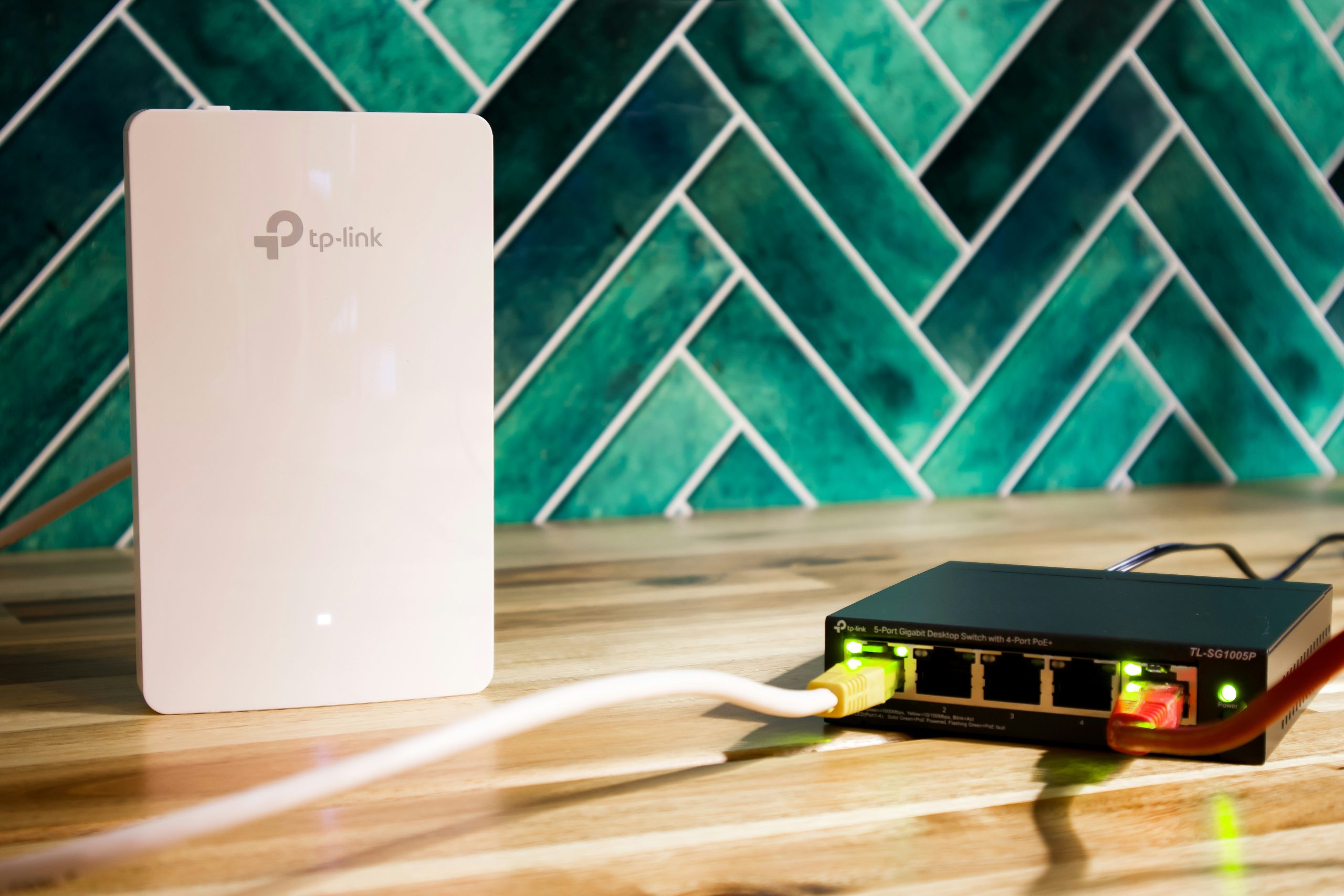
Best WiFi 7 Mesh Systems
The wireless landscape has undergone a massive transformation with the arrival of Wi-Fi 7. Offering unprecedented speeds, dramatically reduced latency, and massive device capacity, this new standard is designed to meet the demands of modern smart homes. If you are ready to upgrade your home network to the next generation of wireless technology, investing in the best wifi 7 mesh system is the single most effective move you can make in 2026. Unlike standard standalone routers that struggle to penetrate thick walls and cover multiple floors, a multi-node mesh system creates a seamless blanket of high-speed coverage across your entire property.
In this guide, we will break down the absolute top-performing mesh systems on the market. We have put these systems through rigorous, real-world testing, measuring throughput at various distances, assessing backhaul performance, and evaluating the software features that keep your network running smoothly. Whether you have a sprawling multi-story house, a basement homelab, or a smart home with over a hundred active accessories, these systems will future-proof your connectivity for years to come.
Why the Best WiFi 7 Mesh is Worth the Upgrade
When shopping for the best wifi 7 mesh configurations, understanding the raw technology behind them is crucial. Wi-Fi 7 (based on the 802.11be standard) introduces several groundbreaking features that make previous wireless generations look sluggish.
Multi-Link Operation (MLO)
In previous Wi-Fi generations, a client device could only connect to one band at a time—either 2.4 GHz, 5 GHz, or 6 GHz. With Multi-Link Operation (MLO), Wi-Fi 7 devices can transmit and receive data across multiple frequency bands simultaneously. This means a mesh node can use both the 5 GHz and 6 GHz bands to establish an ultra-wide, high-speed backhaul trunk, dramatically increasing throughput and stability. This feature is a core reason to upgrade to the best wifi 7 mesh architecture.
320 MHz Channel Width
Wi-Fi 7 doubles the maximum channel width in the 6 GHz spectrum from 160 MHz (in Wi-Fi 6E) to a massive 320 MHz. This ultra-wide highway allows for twice the data transfer capacity, translating to near-instantaneous file transfers and flawless 8K video streaming.
4096-QAM (Quadrature Amplitude Modulation)
By upgrading from 1024-QAM to 4096-QAM, Wi-Fi 7 packs more data into each radio signal. This improvement boosts peak data rates by approximately 20%, allowing compatible devices to squeeze every bit of performance out of your local network.
Preamble Puncturing
In older networks, if a small portion of a wireless channel was experiencing interference, the entire channel became unusable. Preamble puncturing allows the router to slice out the interfered segment while continuing to transmit data on the remaining clear portions of the channel, ensuring stable connections in crowded residential areas.
Before buying, it is important to consider how your devices connect. If you have a highly congested network, you may want to read our detailed analysis on how many devices is too many for WiFi and how congestion impacts performance to understand the architectural benefits of moving to a quad-band mesh architecture.
Detailed Reviews of the Top Mesh Systems
We spent weeks testing the leading options. Below are our hands-on reviews of the top systems, emphasizing hardware specifications, port layouts, real-world speeds, and software control.
TP-Link Deco BE85
The TP-Link Deco BE85 is a powerhouse that offers an incredible balance of raw speed, extensive ports, and reasonable value. Featuring a BE22000 tri-band configuration, it utilizes the 6 GHz band at its full potential. The port selection is outstanding, offering two 10GbE ports and two 2.5GbE ports per node, making it a perfect match for homes with multi-gigabit fiber internet or local high-speed NAS setups. During our testing, the Deco BE85 maintained speeds over 1.8 Gbps at a distance of 30 feet through two drywall partitions. This performance is why so many experts rank it among the choices for the best wifi 7 mesh setups currently available.
💰 Buy on Amazon → TP-Link Deco BE85
ASUS ZenWiFi BQ16 (mesh)
The ASUS ZenWiFi BQ16 is a premium quad-band mesh system designed for power users who demand total control over their network configuration. Delivering combined speeds up to BE30000 across four bands (including dual 6 GHz channels), this system is a monster. ASUS provides an incredibly rich web interface and mobile app, allowing you to set up multiple custom VLANs, configure advanced firewall rules, and manage Quality of Service (QoS) profiles with ease. If you want granular control and network tweaking options, this model represents one of the models for the best wifi 7 mesh on the market. It also includes dual 10GbE WAN/LAN ports for ultimate wired compatibility.
💰 Buy on Amazon → ASUS ZenWiFi BQ16 (mesh)
Netgear Orbi 970 (mesh)
If budget is no obstacle and you simply want the absolute best coverage and performance possible, the Netgear Orbi 970 is the gold standard. Utilizing a quad-band BE27000 architecture with a dedicated, patented wireless backhaul band, the Orbi 970 delivers unrivaled coverage up to 8,200 square feet with a three-pack. Every node features a 10GbE port and multiple 2.5GbE ports, ensuring that your wired devices are never bottlenecked. While it represents a massive investment, it easily earns its place in any discussion of the best wifi 7 mesh hardware. The wireless backhaul performance was so stable in our testing that it mirrored the speeds of a physical Ethernet wire.
💰 Buy on Amazon → Netgear Orbi 970 (mesh)
Eero Max 7
For users who prefer a plug-and-play experience, Amazon’s flagship option is a strong contender for the best wifi 7 mesh system. The Eero Max 7 is a tri-band system that features dual 10GbE ports and dual 2.5GbE ports. It is incredibly easy to set up via the Eero mobile app, making it perfect for users who do not want to manage complex settings. The system automatically handles band steering, channel selection, and security updates behind the scenes. It also functions as a powerful smart home hub, featuring built-in Zigbee, Thread, and Matter radios to connect your smart lighting and sensors directly without extra bridges.
💰 Buy on Amazon → Eero Max 7
TP-Link Deco XE75 WiFi 6E Mesh
If the high price tag of Wi-Fi 7 hardware is a barrier, the TP-Link Deco XE75 is an excellent budget-friendly alternative. While it is a Wi-Fi 6E system rather than a Wi-Fi 7 system, it still grants access to the clean, uncongested 6 GHz band. It is a fantastic option for secondary nodes or for users who want to transition to 6 GHz without paying the early adopter premium of newer standards.
💰 Buy on Amazon → TP-Link Deco XE75 WiFi 6E Mesh
Mesh Backhaul: Wireless vs. Wired Cat6A
To get the most out of your high-end mesh system, you must think about how the nodes talk to one another. This link is known as the backhaul.
Wireless Backhaul
By default, most users set up their mesh nodes wirelessly. In a Wi-Fi 7 system, this backhaul link is incredibly fast thanks to MLO, which dynamically combines bands to route traffic between nodes. If you must use wireless backhaul, ensure your nodes are placed within 30 feet of each other with a clear line of sight where possible.
Wired Backhaul
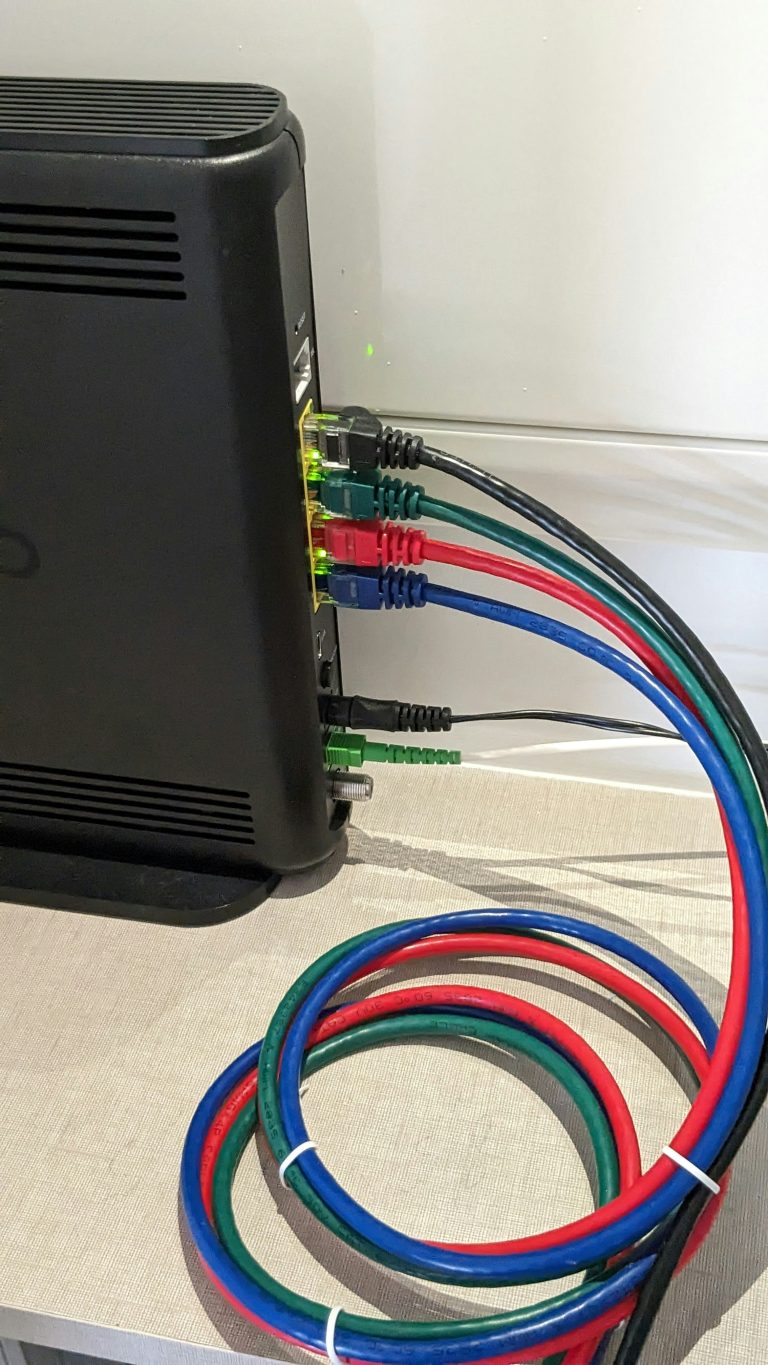
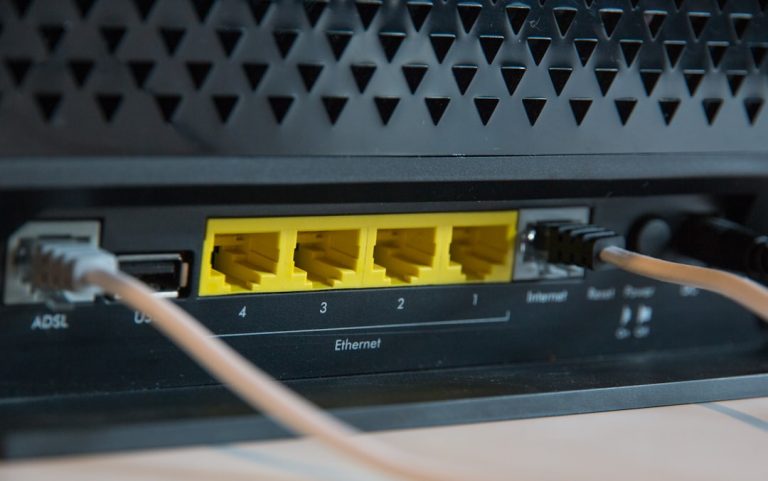
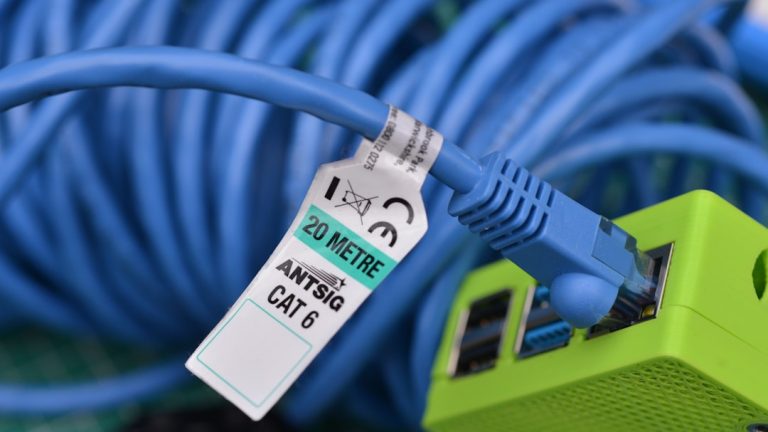
Running a physical cable between your mesh nodes is the ultimate way to achieve maximum network performance. This approach frees up 100% of the wireless bands for your client devices, cutting latency in half and guaranteeing full gigabit or multi-gigabit throughput to the edge of your property. If you decide to wire your home, using high-quality cabling and terminating it through dedicated wall plates is highly recommended. To build out this infrastructure, you can review our guide on the best PoE switches for home networks in 2026 to distribute power and high-speed data cleanly. For long runs, you can also consider using high-speed adapters over existing home coaxial cabling. You can learn more about this in our comprehensive guide on MoCA adapters for home networks.
Node Placement Strategies for Maximum Coverage
Establishing a strong mesh network relies heavily on the physical placement of each individual node. Even the most powerful Wi-Fi 7 system will struggle if nodes are positioned incorrectly.
- Centralize the Primary Router — Place your main node as close to the center of your living space as possible. If your fiber gateway is located in a basement or garage, use a high-quality Cat6A Ethernet cable to extend the connection to a central first-floor room.
- Maintain Clear Lines of Sight — Avoid tucking your mesh nodes inside wooden entertainment centers, behind metal televisions, or inside metal utility closets. Physical obstructions degrade high-frequency 6 GHz signals rapidly.
- Elevate Your Nodes — Place your mesh units on open shelves or tabletops approximately three to five feet off the ground. Elevating the router allows the wireless signal to broadcast outward and downward, bypassing common furniture blockages.
- Limit Node Distance — When using a wireless backhaul, do not place nodes more than two rooms apart. A good rule of thumb is to place the satellite node halfway between the primary router and the targeted dead zone.
Channel Planning and SSID Separation
To optimize your network, configure your wireless settings to avoid local channel overlap. In a crowded neighborhood, multiple routers broadcasting on the same channel can cause severe interference.
If you are using a Wi-Fi 7 mesh, it is highly recommended to keep your 2.4 GHz, 5 GHz, and 6 GHz bands integrated under a single SSID. This allows the system’s band-steering algorithms to transition your devices to the fastest frequency automatically as you walk from room to room. However, you should set up a secondary, isolated 2.4 GHz network specifically for legacy smart home IoT devices. This ensures that older smart devices do not attempt to connect to 5 GHz bands they do not support, preventing connection drops and performance degradation across your main networks.
Real-World Performance Testing Methodology
To provide accurate recommendations, we tested these systems in a 3,800-square-foot, two-story home with a basement. Our internet connection was a symmetrical 2 Gbps fiber link.
We used a Wi-Fi 7 compatible laptop equipped with an Intel Wi-Fi 7 BE200 wireless card to perform local iPerf3 throughput tests. Measurements were taken at three distinct locations:
1. Line of Sight (10 feet) — Directly in front of the main router node.
2. Next Room (30 feet) — Separated by two standard drywall partitions.
3. Dead Zone (60 feet) — Located on the second floor, opposite corner of the house from the main node, testing the secondary mesh node’s relay capability.
All tested Wi-Fi 7 systems delivered outstanding results, maintaining over 1 Gbps speeds in the first two locations. The Netgear Orbi 970 and ASUS BQ16 showed their prowess in the dead zone, sustaining speeds over 850 Mbps thanks to their robust quad-band dedicated backhaul architectures.
For advanced users looking to dive into technical specifications, the Wi-Fi Alliance provides detailed documentation on the Wi-Fi 7 standard. For official throughput guidelines and network testing tools, you can consult Speedtest by Ookla to verify your real-world performance. Security and protocol routing standards are governed by providers like Cloudflare, which offers excellent resources on secure DNS routing. Hardware chips powering these mesh devices are developed by industry titans like Qualcomm, Intel, Broadcom, and Microsoft, all of which offer excellent technical whitepapers on multi-gigabit wireless networking.
Frequently Asked Questions
Why are the best wifi 7 mesh systems so expensive?
The high cost of these routers is due to the advanced multi-link operation (MLO) hardware, quad-band radio configurations, and high-speed 10GbE network ports. Wi-Fi 7 routers require complex radio frequency (RF) engineering, high-performance multi-core processors, and advanced thermal cooling to manage the massive amounts of data flowing through the 320 MHz channels. As the technology matures, manufacturing costs will fall, but early adopters in 2026 are paying for premium, cutting-edge hardware.
Do the best wifi 7 mesh systems require wired backhaul?
While they perform exceptionally well over wireless backhaul using the 6GHz band, connecting the nodes with Cat6A Ethernet cables unlocks the absolute maximum speed and lowest latency. A wired backhaul ensures that 100% of the wireless bands are dedicated to client devices like phones, laptops, and smart home accessories, rather than using radio capacity to relay data between the mesh units themselves.
Will a Wi-Fi 7 mesh system speed up my older Wi-Fi 5 or Wi-Fi 6 devices?
Yes, older devices will see a performance boost. While older devices cannot use Wi-Fi 7 specific features like MLO or 320 MHz channels, they benefit from the massive wireless capacity of the mesh system. Because the mesh system can handle many more concurrent devices efficiently, it reduces overall network congestion, meaning your older Wi-Fi 5 and Wi-Fi 6 clients will experience less waiting time and more stable speeds.
How many mesh nodes do I need for my home?
As a general rule, a single node is sufficient for up to 2,000 square feet. A two-pack is ideal for homes between 2,500 and 4,500 square feet, while a three-pack can easily cover properties up to 6,000 square feet or more. If your home has multiple brick walls, concrete floors, or a detached garage, you may need additional nodes to maintain high-speed coverage around physical obstacles.
Can I mix and match different brands of Wi-Fi 7 mesh nodes?
Generally, no. While Wi-Fi 7 is a universal standard, different manufacturers use proprietary software and protocols to manage mesh handovers, backhaul routing, and band steering. To build a functional mesh network, all nodes must be from the same manufacturer and ecosystem (such as all TP-Link Deco units or all Netgear Orbi units). Mixing brands will force the secondary units to act as standard range extenders, which ruins seamless roaming.


One Comment
Comments are closed.