MoCA vs Powerline vs Ethernet
If you’re reading this, you already know WiFi isn’t cutting it. Maybe your living room can’t stream 4K without buffering, or your PC gaming session gets wrecked by packet loss every time someone turns on the microwave. You need wired internet, but running Ethernet cables through your walls sounds like a weekend project from hell.
That’s where MoCA and powerline adapters come in — they promise wired-like speeds without the drywall surgery. But do they actually deliver? After testing all three options across multiple home configurations, here’s the breakdown of MoCA vs powerline vs ethernet that Reddit threads and spec sheets won’t give you.
What Each Technology Actually Does
Before we compare speeds, let’s clear up what each technology is — because there’s a lot of confusion out there, especially on forums where people conflate powerline with power-over-Ethernet.
Ethernet
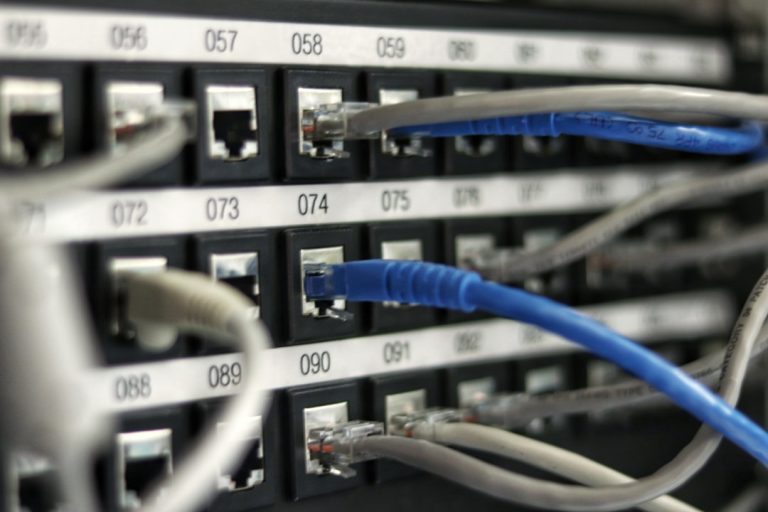
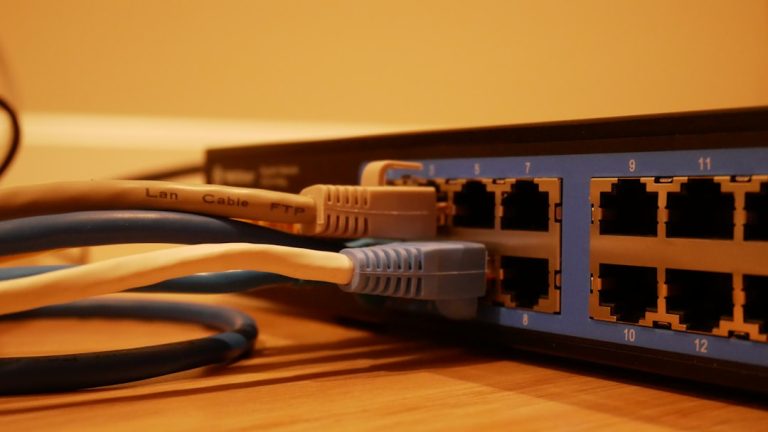
Ethernet is the gold standard. It’s a dedicated copper cable (Cat5e, Cat6, or Cat6A) running from your router or switch directly to your device. No sharing the line with anything else, no interference from household wiring, no compromises. If you want to understand the full picture of cabling options, check out our Cat6 vs Cat6A vs Cat8 comparison.
Ethernet gives you the full rated speed of whatever equipment you’re using — 1Gbps on Cat5e and Cat6, 2.5Gbps or 10Gbps with the right gear. Latency is essentially zero within your LAN. It’s boring because it just works.
MoCA (Multimedia over Coax Alliance)
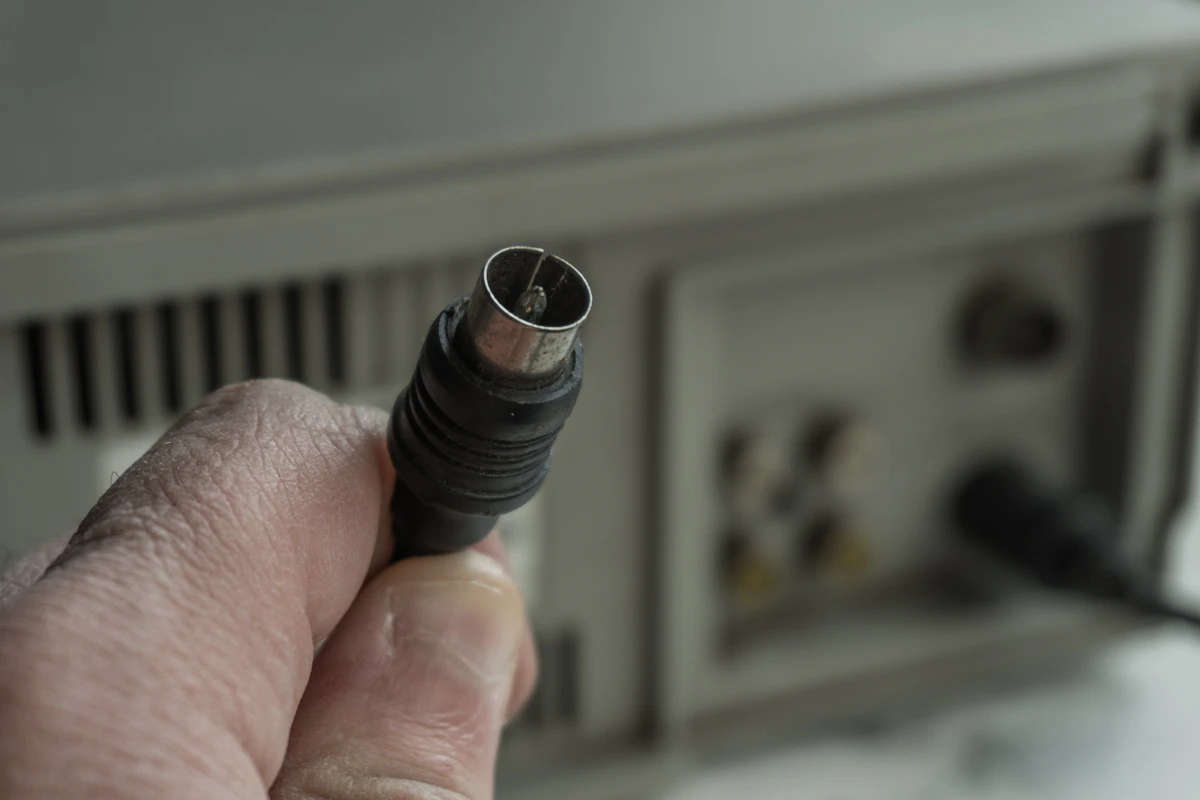
MoCA uses the existing coaxial cable already running through your walls — the same RG6 cable that carries your cable TV or internet signal. MoCA adapters create a wired network over coax by using frequencies that don’t interfere with cable TV or DOCSIS internet signals.
The current standard, MoCA 2.5, supports up to 2.5Gbps theoretical throughput. Real-world speeds typically land between 400Mbps and 900Mbps depending on your coax wiring quality and the number of splitters in the line. The MoCA Alliance publishes certification specs, but your actual mileage depends heavily on your home’s coax infrastructure.
Top MoCA adapter picks:
- 💰 Best Overall: Motorola MM1000 MoCA 2.0 Adapter Kit — 600-800 Mbps real-world, reliable and widely recommended
- 💰 Best MoCA 2.5: ScreenBeam ECB7250 MoCA 2.5 Adapter Kit — up to 1.5 Gbps for multi-gig homes
- 💰 Budget Pick: GoCoax WF-803M MoCA Adapter — solid performance at a lower price point
- 💰 Legacy Support: Actiontec ECB6250 MoCA 2.0 — great for older coax setups
Powerline
Powerline networking sends data through your home’s existing electrical wiring. You plug one adapter into an outlet near your router and connect them with a short Ethernet cable, then plug a second adapter near your destination device. The data travels through your electrical lines.
Top powerline adapter picks:
- 💰 Best Powerline Kit: TP-Link TL-PA9020P AV2000 — pass-through outlet, up to 2000 Mbps rated
- 💰 Budget Powerline: Netgear Powerline 2000 — simple plug-and-play setup
Modern powerline adapters claim up to 2000Mbps. But real-world performance is highly variable. According to SmallNetBuilder’s extensive testing, most homes see 50-200Mbps with powerline, and that drops further if adapters are on different electrical circuits or across different breaker panels. PCWorld’s head-to-head comparison found that powerline can sometimes match MoCA speeds in ideal conditions, but MoCA is far more consistent across different home environments.
The fundamental problem: your home’s electrical wiring was designed to carry 120V/240V AC power, not data signals. Every appliance, dimmer switch, and cheap power strip introduces noise and interference. As Wirecutter notes, powerline adapters can be a useful last-resort option, but their performance depends heavily on your specific home’s wiring quality.
Speed Comparison: What You Actually Get
Here’s what realistic throughput looks like across the three options, based on testing and aggregated user reports:
- Ethernet (Cat5e/Cat6): 940-950 Mbps on gigabit connections. Essentially line rate. Zero variability.
- MoCA 2.5: 400-900 Mbps. Consistent within a run, but varies by coax quality and splitter count.
- Powerline (AV2000): 50-200 Mbps. Wildly inconsistent. Different circuits can drop below 30 Mbps.
Latency tells an even starker story. Ethernet gives you sub-1ms latency. MoCA typically sits at 3-8ms. Powerline? Anywhere from 5ms to 50ms, and it spikes unpredictably when heavy appliances cycle on and off.
MoCA vs Powerline vs Ethernet: Why It Isn’t Even Close
If you have coax running where you need it, MoCA is the clear winner over powerline by a massive margin. Coax cable is shielded twisted pair — it was designed to carry high-frequency signals with minimal interference. Your electrical wiring is not. TechReviewer’s 2026 comparison confirms that MoCA consistently outperforms powerline in real-world home environments, especially in homes with older electrical wiring.
The only scenario where powerline beats MoCA is when you have no coax at the destination — like a detached garage or a room that was wired after the house was built without any TV outlets.
When Each Option Makes Sense
Choose Ethernet If:
- You’re running new cables anyway (new construction, open walls, or basement with exposed joists)
- You need consistent gigabit+ speeds for NAS access, server hosting, or professional work
- Latency matters — competitive gaming, video editing over network, VoIP
- You’re building a proper network closet. See our home network wiring guide for the full approach
Choose MoCA If:
- You have coax outlets where you need connectivity (most pre-2000s homes do)
- You want 400-900 Mbps without opening walls
- Your ISP delivers internet through coax (cable internet) — MoCA can coexist with your modem signal
- You want a plug-and-play solution that actually performs close to wired
Choose Powerline If:
- You have absolutely no coax where you need it AND can’t run ethernet
- Your needs are basic — web browsing, 1080p streaming, light gaming
- Both outlets are on the same electrical circuit
- You’re willing to accept inconsistent performance as a tradeoff for zero installation effort
MoCA Setup: What You Need to Know
Setting up MoCA is simple, but there are a few gotchas that trip people up on r/HomeNetworking:
Splitters matter. Every coax splitter in your line attenuates the MoCA signal. If your cable enters the house, hits a 4-way splitter, and your intended room is on one leg — you might lose 30-40% of your potential speed. MoCA-rated splitters (labeled 5-1675MHz) help, but they don’t eliminate the loss entirely. Ideally, both MoCA adapters should be on the same coax run with minimal splitting.
POE filters are required. You need a Point of Entry filter installed where coax enters your house. Without it, MoCA signals can leak to your neighbors if you share a coax infrastructure (apartments, some neighborhoods), which is both a performance and security issue. Most MoCA adapter kits include one.
Not all coax is equal. RG6 performs significantly better than older RG59 cable. If your house was wired in the 1980s or earlier, you might be dealing with RG59, which has higher signal loss and can cap your MoCA speeds well below the adapter’s rated maximum.
Powerline Setup: Managing Expectations
Powerline is dead simple — plug and play. But understanding its limitations saves you from buying a $120 kit that performs like a $30 WiFi extender.
The single biggest factor is whether both adapters are on the same electrical circuit. If they’re on different breakers, expect half the speed or less. If they’re on different panels (common in homes with subpanels for additions), it may barely work at all.
Avoid plugging powerline adapters into power strips, surge protectors, or UPS units. These introduce noise and can filter out the high-frequency signals powerline uses. Direct wall outlets only.
If you’re dealing with a large home where neither coax nor ethernet is practical, you might be better off looking at mesh WiFi instead. Check our best mesh WiFi systems guide for WiFi alternatives that can handle whole-home coverage.
Cost Comparison
- Ethernet: $30-80 for materials (cable, wall plates, keystone jacks) if you DIY. $150-300+ for professional installation. The cheapest per-foot option, but labor-intensive.
- MoCA: $80-120 for a pair of MoCA 2.5 adapters. Additional $15-25 for MoCA-rated splitters if needed. One-time cost, no subscription.
- Powerline: $40-100 for a pair of adapters. The cheapest upfront option, but also the weakest performance.
The Verdict
The hierarchy is clear: Ethernet > MoCA > Powerline. The real question is whether your home and budget make Ethernet feasible. When comparing MoCA vs powerline vs ethernet, each technology has its strengths depending on your specific home infrastructure and performance needs.
For most homeowners who can’t or won’t run ethernet, MoCA is the answer. It delivers genuinely usable speeds (400-900 Mbps) over existing coax with minimal effort. It’s not gigabit, but it’s close enough for 4K streaming, gaming, and most work-from-home scenarios. This makes MoCA an excellent alternative when considering MoCA vs powerline vs ethernet options for modern home networking.
Powerline is a last resort. It works for basic needs, but the inconsistency makes it unreliable for anything latency-sensitive. If powerline is your only option, test it in your specific home before committing — buy from somewhere with a good return policy. Powerline might be acceptable in limited MoCA vs powerline vs ethernet scenarios where performance requirements are minimal.
Ethernet remains the only option that gives you guaranteed, consistent, full-speed performance. If you’re building or renovating, run Cat6A everywhere. It’s cheap insurance against future bandwidth needs. For the complete picture on upgrading your home network speed, see our step-by-step guide to improving home network speed.
One final consideration: all three technologies are improving. MoCA 3.0 promises multi-gigabit speeds over coax. WiFi 7 and mesh systems are narrowing the gap for casual use. But physics doesn’t change — a dedicated copper cable between two points will always outperform technologies that share infrastructure designed for other purposes.
Frequently Asked Questions
Does MoCA work with fiber internet for MoCA vs powerline vs ethernet setups?
MoCA doesn’t care about your internet delivery method — it only uses the coax wiring inside your house. If you have fiber internet that terminates at a fiber-to-coax ONT (common with AT&T Fiber and some others), MoCA coexists fine. If you have pure fiber with no coax at all, MoCA obviously won’t work unless you run coax or use a different solution.
Can I use MoCA and powerline together in a MoCA vs powerline vs ethernet network?
Technically yes, but there’s no good reason to. They’re solving the same problem (wired connectivity without running new cables), and mixing them adds complexity without benefit. Pick the one that works better in your home and stick with it.
Is MoCA safe from neighbors intercepting my data in MoCA vs powerline vs ethernet networks?
MoCA signals are encrypted between paired adapters, and the POE filter prevents signals from leaving your home’s coax infrastructure. As long as the filter is installed correctly, your MoCA network is secure. Without the filter, there’s a theoretical risk in shared-coax environments like apartment buildings.
Will powerline work across different floors in MoCA vs powerline vs ethernet comparisons?
It depends on your electrical layout. If both outlets are on the same circuit, cross-floor performance can be decent (100-150 Mbps). If different circuits feed different floors, expect much lower speeds. The only way to know is to try it in your specific home.
Does MoCA interfere with cable TV or internet in MoCA vs powerline vs ethernet setups?
No. MoCA operates in the 1125-1675 MHz frequency range, which is above the frequencies used by cable TV (54-1002 MHz) and DOCSIS internet. A properly installed POE filter ensures complete separation. You can watch cable TV and run MoCA simultaneously with no degradation to either.
—
*If you’re into networking gear jokes and geeky merch, check out [Witty Design Finds](https://wittydesignfinds.etsy.com) on Etsy — some fun stuff for the home lab crowd.*