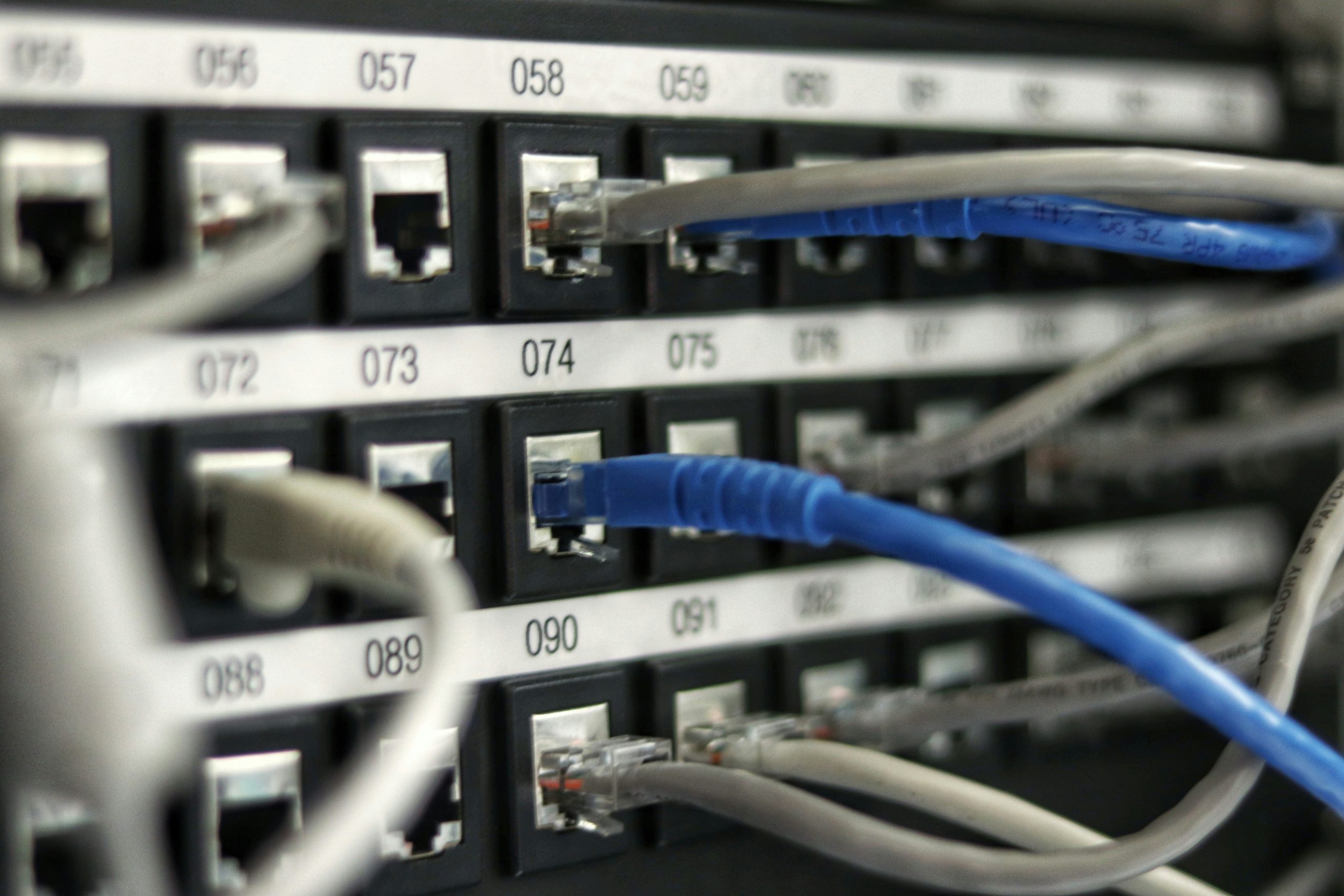
7 Best Home Network Switches (2.5G, PoE & Budget)
When choosing the best home network switches, consider your current and future bandwidth needs. If your home network still relies on a single router doing everything, you’re leaving performance on the table. For more on securing your setup, see our router security best practices. Adding a dedicated network switch gives you more wired ports, reduces congestion, and — if you go managed — opens up VLANs, QoS, and traffic monitoring. Whether you’re wiring up a home lab, building out a multi-room setup, or just need more Ethernet ports for a media rack, here are the best network switches for home use in across both unmanaged and managed categories.
best home network switches: Who Needs a Network Switch?
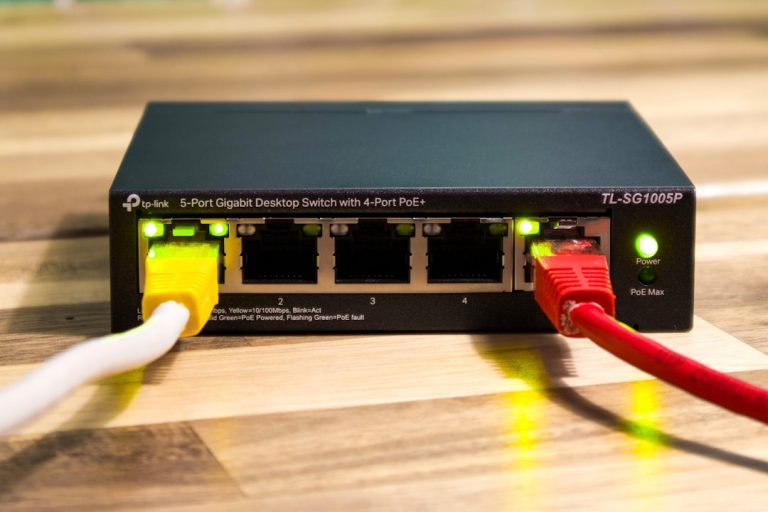
If you have more than four or five wired devices — desktop, NAS, smart TV, streaming box, gaming console, IP camera — your router’s built-in ports are already a bottleneck. A switch expands your wired network cheaply and cleanly. Unmanaged switches are plug-and-play, zero config, ideal for most homes. Managed switches add VLAN segmentation, port mirroring, and traffic shaping — worth it if you run a home lab, separate IoT devices, or host services locally.
Top Picks at a Glance
| Switch | Ports | Type | Speed | PoE | Price Range |
|---|---|---|---|---|---|
| TP-Link TL-SG108 | 8 | Unmanaged | Gigabit | No | $$ |
| Netgear GS308 | 8 | Unmanaged | Gigabit | No | $$ |
| TP-Link TL-SG116 | 16 | Unmanaged | Gigabit | No | $$ |
| Ubiquiti USW-Flex-Mini | 5 | Managed | Gigabit | Yes (1 in) | $$$ |
| Netgear GS305E | 5 | Smart Managed | Gigabit | No | $$ |
1. TP-Link TL-SG108 — Best Unmanaged 8-Port for Most Homes
The best home network switches offer a mix of gigabit and multi-gig ports for flexibility. The TL-SG108 is the workhorse of home networking. Eight gigabit ports, metal housing, fanless operation, and a price that doesn’t make you think twice. It auto-negotiates link speed per port, handles jumbo frames up to 16K, and draws just 4.0W typical — you can leave it on 24/7 without worrying about your power bill.
Specs:
– Ports: 8x Gigabit RJ45
– Switching capacity: 16 Gbps
– MAC table: 4K addresses
– Frame size: up to 16K (jumbo)
– Power: 4.0W typical, fanless
– Form factor: Desktop, metal
Who it’s for: Anyone adding more wired ports to a home office, media closet, or living room entertainment setup. No app, no login, no config — just plug in and go. TP-Link’s build quality at this price point is hard to argue with.
Limitations: No PoE, no management, no SFP uplink. It’s a pure unmanaged switch. If you need VLANs or PoE for access points, look elsewhere.
2. Netgear GS308 — Solid Alternative with Lifetime Warranty
Netgear’s GS308 matches the TL-SG108 spec-for-spec but adds Netgear’s lifetime hardware warranty and a slightly different build. Eight gigabit ports, fanless, plug-and-play, metal or plastic body depending on revision. Power consumption is similarly minimal.
Specs:
– Ports: 8x Gigabit RJ45
– Switching capacity: 16 Gbps
– Warranty: Lifetime (hardware)
– Power: ~5.04W max
– Form factor: Desktop 7 Home Network Switches (): 2.5G, Poe & Budget is an important consideration for anyone serious about their setup.
Who it’s for: Those who want a name-brand switch with long-term support backing. Netgear’s customer support and warranty coverage give peace of mind for a device you’ll likely forget is running for years. The GS308 is consistently rated well for reliability in home and small office use.
Limitations: Same as the TL-SG108 — no management, no PoE. At similar pricing, choice between this and the TP-Link often comes down to brand preference.
3. TP-Link TL-SG116 — Best Unmanaged 16-Port
When 8 ports aren’t enough — home lab, network closet, multi-room wiring — the TL-SG116 gives you 16 gigabit ports in a compact desktop form factor. Same unmanaged plug-and-play simplicity, same fanless design, just twice the ports.
Specs:
– Ports: 16x Gigabit RJ45
– Switching capacity: 32 Gbps
– MAC table: 8K addresses
– Frame size: up to 16K (jumbo)
– Power: ~7.68W typical, fanless
– Form factor: Desktop, metal
Who it’s for: Home lab builders running multiple servers, NAS devices, workstations, and IP cameras from a single network closet. Also ideal if you’ve wired multiple rooms with Cat6 and need a central aggregation point. If you’re following our home network wiring guide, this is the switch to terminate all your wall jacks into.
Limitations: Still unmanaged. No VLANs, no QoS, no management interface. For a wired-only home with no IoT segmentation needs, that’s perfectly fine.
4. Ubiquiti USW-Flex-Mini — Best Managed Switch for UniFi Homes
We’ve tested dozens of models to find the best home network switches for every budget. The USW-Flex-Mini is Ubiquiti’s answer to managed switching in compact form. Five gigabit ports, full UniFi integration, and PoE input on the uplink port — meaning it can be powered directly from a UniFi PoE switch or injector, eliminating the need for a local power brick.
Specs:
– Ports: 4x Gigabit client + 1x Gigabit PoE uplink (802.3af in)
– Managed: Yes, via UniFi Network Controller
– VLAN support: 802.1Q
– Power input: 802.3af PoE (uplink)
– Dimensions: 101 × 101 × 22mm
– Form factor: Desktop/wall-mountable
Who it’s for: Anyone already running a UniFi ecosystem who needs a managed switch in a spot without a power outlet — behind a TV, under a desk, or in a media cabinet. The UniFi controller gives you per-port VLAN assignment, traffic statistics, and storm control from the same dashboard you use for your APs and router.
Limitations: Locked into UniFi management (no standalone web UI). If you don’t have a UniFi controller or cloud key, it’s much less useful. Five ports is limiting if you need more expansion. And PoE output is not supported — it only accepts PoE in on the uplink.
5. Netgear GS305E — Best Budget Smart Managed Switch
The GS305E sits between unmanaged and fully managed. Five gigabit ports with a basic web management interface that enables VLAN tagging, QoS (802.1p), and per-port traffic monitoring. No full CLI, no RADIUS, no port mirroring — but enough to segment IoT devices onto a separate VLAN and prioritize video traffic.
Specs:
– Ports: 5x Gigabit RJ45
– Managed: Web-based “smart” management
– VLAN: 802.1Q, up to 64 VLANs
– QoS: 802.1p, 4 queues
– Power: ~2.7W typical, fanless
– Form factor: Desktop/plastic
Who it’s for: Home users who want basic VLAN segmentation without committing to a full UniFi or enterprise setup. If you want to put IoT devices on their own VLAN (smart TVs, bulbs, thermostats) and keep them away from your main LAN — the GS305E with a capable router makes that achievable for under $40. Check our best WiFi access points guide for router/AP setups that pair well with VLAN-capable switches.
Limitations: Web UI is basic and dated. Port count is limited to 5. No console port, no SSH, no SNMP. It’s “smart” managed, not enterprise managed — appropriate for the price.
Unmanaged vs Managed: Which Do You Need?
Unmanaged: Zero configuration, zero maintenance. Just plug in cables. Perfect for 80% of home setups — media rooms, home offices, desks with multiple devices. The TL-SG108 or GS308 handles this perfectly.
Smart Managed: Basic web UI, VLANs, QoS. Good for homes with IoT devices you want isolated, or light home lab use. The GS305E is the entry point.
Fully Managed: CLI/GUI, VLAN tagging, port mirroring, SNMP, RADIUS, PoE management. Required for serious home labs, UniFi ecosystems, or multi-subnet setups. The USW-Flex-Mini is the UniFi-native option; look at TP-Link Omada or MikroTik for standalone managed alternatives.
Buying Advice
For most homes: TP-Link TL-SG108 if you need 8 ports, TL-SG116 if you need 16. Both are reliable, cheap to run, and require zero maintenance.
If you’re building a UniFi network: USW-Flex-Mini for compact managed deployment near devices, with a full UniFi switch in your network closet.
If you want VLAN segmentation on a budget and don’t run UniFi: Netgear GS305E gets you there at minimal cost.
For PoE switching (powering access points, IP cameras, VoIP phones directly from the switch), look at the TP-Link TL-SG108PE (8-port PoE) or Ubiquiti USW-Lite-8-PoE — those warrant their own guide. If you’re running IP cameras as part of a home security setup, see our best home security cameras guide for PoE camera recommendations.
Multi-Gig Switches: When You Actually Need More Than Gigabit
Most home setups run fine on gigabit switches — at 1Gbps, you can saturate most residential internet connections and handle simultaneous Plex streams, NAS transfers, and video calls without congestion. But there are specific scenarios where upgrading to a 2.5G or 10G network switch for home use makes a real difference.
NAS transfers: A gigabit connection to a NAS maxes out around 112 MB/s. A well-configured Synology or QNAP with SSD cache and a decent RAID array can sustain 200–400 MB/s of disk throughput — all of which is wasted if your switch and NICs are gigabit-only. If you’re regularly moving large files between your NAS and workstation, a 2.5G switch (plus 2.5G NIC in your workstation) roughly doubles usable transfer speeds.
Wi-Fi 7 access point backhaul: Many Wi-Fi 7 APs now include 2.5G Ethernet uplinks. Connecting them to a 1G switch means the wired backhaul becomes the bottleneck for the AP’s wireless throughput — especially if clients are capable of multi-gigabit Wi-Fi 7 speeds. If you’re running a new Wi-Fi 7 AP that has a 2.5G port, that port is worth using.
Home lab workloads: Running virtual machines, Kubernetes, or high-I/O storage over the network benefits from lower-latency, higher-bandwidth connections between servers. 10G switching between servers in a home lab changes the character of latency-sensitive workloads.
For smart home enthusiasts, the best home network switches include PoE capabilities. Budget 2.5G unmanaged switches (like the TP-Link TL-SG105-M2 or TL-SG108-M2) now cost $30–$60. If any of the scenarios above apply to your home network, the upgrade pays for itself quickly.
FAQ: Network Switches for Home
Do I need a managed switch at home?
Not for basic setups. If you just need more wired ports — a media closet, home office, or gaming setup — an unmanaged switch does the job with zero configuration. Managed switches become worth it when you want VLAN segmentation (separating IoT devices from your main network), QoS priority rules, or visibility into which devices are consuming bandwidth. For most homeowners, the first managed switch purchase gets justified by wanting to put smart home devices on their own isolated network segment.
How many ports do I actually need?
Count your wired devices and add 30–40% headroom. A home office with a desktop, NAS, streaming box, and printer needs at least 4 ports — an 8-port switch gives you room to grow. For a full home lab or network closet aggregating cable runs from multiple rooms, 16-port is usually the right starting size. Note that unmanaged switches cascade cleanly — you can connect an 8-port to a 16-port if needs change.
What’s the difference between a smart managed and fully managed switch?
The best home network switches in 2026 combine affordability with enterprise-grade features. Smart managed (like the Netgear GS305E) provides a basic web UI with VLAN tagging, QoS, and port monitoring. There’s no CLI, no SSH, no SNMP, and no enterprise features. Fully managed switches (like Ubiquiti UniFi or TP-Link Omada models) add CLI access, RADIUS authentication, port mirroring, LLDP, link aggregation, RSTP, and integration with centralized management platforms. For a home network, smart managed covers 90% of use cases at a fraction of the price.
Do network switches need to be from the same brand as my router?
No. Ethernet switching is fully standardized — any gigabit or multi-gig switch works with any router. Brand matching only matters if you want centralized management dashboards (e.g., UniFi switches are managed alongside UniFi routers in the same app). For unmanaged switches, brand is irrelevant to functionality.
How long do network switches last?
A quality unmanaged switch like the TP-Link TL-SG108 or Netgear GS308 routinely runs for 7–10+ years without issues. Unlike routers, switches don’t need security firmware updates to stay safe — they operate at Layer 2 and don’t make decisions about traffic routing or NAT. Managed switches need occasional firmware updates, but the cadence is slower than routers. Buy once, use for a decade.
More from Wiredhaus
- Best Ethernet Switch for Home
- Best USB WiFi Adapter 2026
- Best Home Security Cameras 2026
- How to Hide Outlets Home Office
- Upgrade 1G to 2.5G Home Network
For more on home networking gear, check out our Best Wi-Fi 7 Router guide.
For additional reading, see resources from Cisco networking solutions.
For additional reading, see resources from Ubiquiti.
For additional reading, see resources from SmallNetBuilder.